Getting Started with WordPress

Getting Started with WordPress

Views: 2

WordPress AI Plugins: A Beginner’s Guide to What They Do With Your Data

AI plugins can transform your WordPress site – but do you know where your content goes when you click ‘Generate’? This beginner’s guide explains API keys, who pays for AI processing, how to read a plugin’s privacy policy, 5 questions to ask before installing, and how to set spending limits on OpenAI and Anthropic.

Read More

Getting Started with WordPressMarketing & SEO

Views: 6

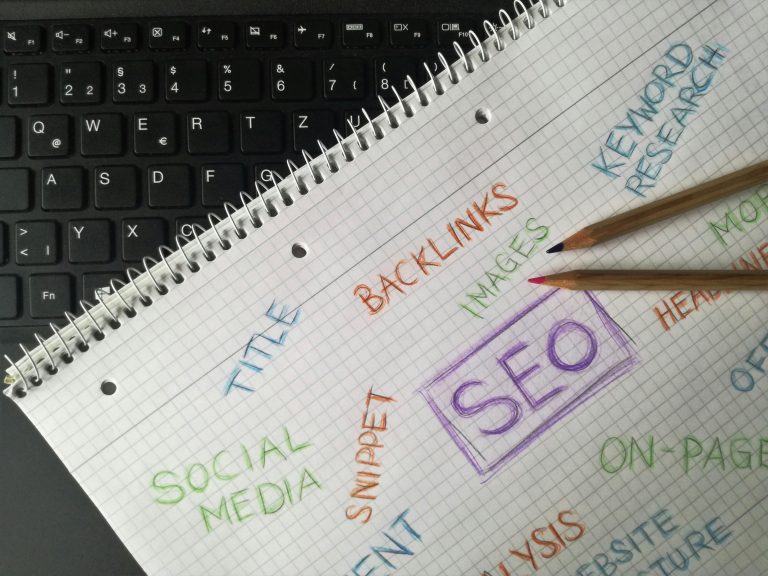
WordPress SEO Basics for Beginners: A 2026 Setup Guide

Learn how to set up WordPress SEO the right way in 2026. This beginner guide covers permalinks, Rank Math, Google Search Console, sitemaps, and writing content that ranks on Google.

Read More

Beginner’s GuideGetting Started with WordPress

Views: 7

WordPress for E-commerce: Step-by-Step Guide for Non-Developers

Learn how to build a WordPress online store with WooCommerce – no coding required. Covers setup, products, payments, shipping, and taxes with step-by-step instructions for beginners.

Read More

Beginner’s GuideGetting Started with WordPress

Views: 7

How to Create Beautiful Pages Using Block Patterns in WordPress

Block patterns let you build professional WordPress pages in minutes. Learn how to find, insert, customize, and create your own patterns — no code or page builder needed.

Read More

Beginner’s GuideGetting Started with WordPress

Views: 6

10 Most Common WordPress Errors and How to Fix Them (With Screenshots)

Every common WordPress error has a simple fix. This guide covers the 10 most frequent errors with step-by-step solutions, from the White Screen of Death to syntax errors.

Read More

Beginner’s GuideGetting Started with WordPress

Views: 59

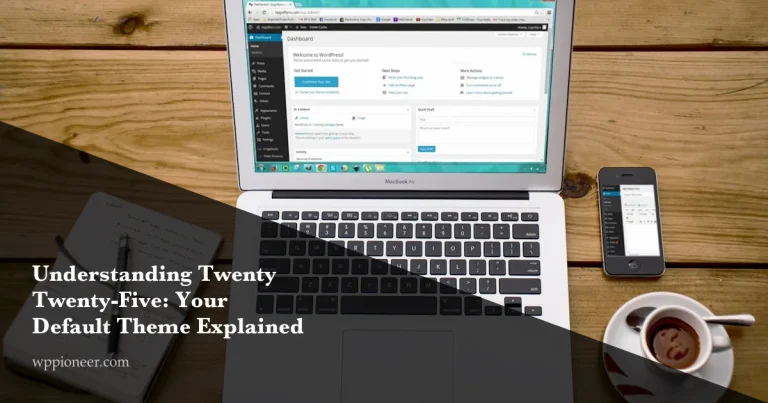
Understanding Twenty Twenty-Five: Your Default Theme Explained

A complete beginner guide to Twenty Twenty-Five: style variations, Global Styles, template hierarchy, built-in patterns, and how to customize your WordPress site.

Read More

Beginner’s GuideGetting Started with WordPress

Views: 6

The Ultimate Guide to Essential WordPress Pages Every Website Needs

Learn which essential WordPress pages every website needs — Home, About, Contact, Privacy Policy, Terms, and a custom 404 — and get step-by-step instructions to create each one correctly.

Read More

Beginner’s GuideGetting Started with WordPress

Views: 12

Getting Started with WordPress 6.9: Your First Site in 30 Minutes

Learn how to build your first WordPress 6.9 website in just 30 minutes. This step-by-step beginner guide covers hosting, themes, Site Editor, creating pages, and publishing your first blog post.

Read More

Getting Started with WordPressGutenberg Blocks

Views: 23

The New Accordion Block in WordPress 6.9 (No Plugin Needed)

WordPress 6.9 ships with a native accordion block that handles expandable content without any plugin. Learn how to create FAQ sections, toggle content, and style collapsible areas using the built-in Details block.

Read More

Beginner’s GuideGetting Started with WordPress

Views: 15

How to Set Up a Contact Form in WordPress Without Paying for Plugins

Learn how to add a free contact form to your WordPress site using WPForms Lite or Contact Form 7. Step-by-step setup, spam protection with reCAPTCHA, and email delivery fixes included.

Read More
Close