The Complete Guide to Modern WordPress Development: Bedrock, Sage, and Composer
Build professional WordPress sites with Bedrock, Sage, Composer, and Blade. A complete guide to wordpress bedrock sage composer for developers and agencies.
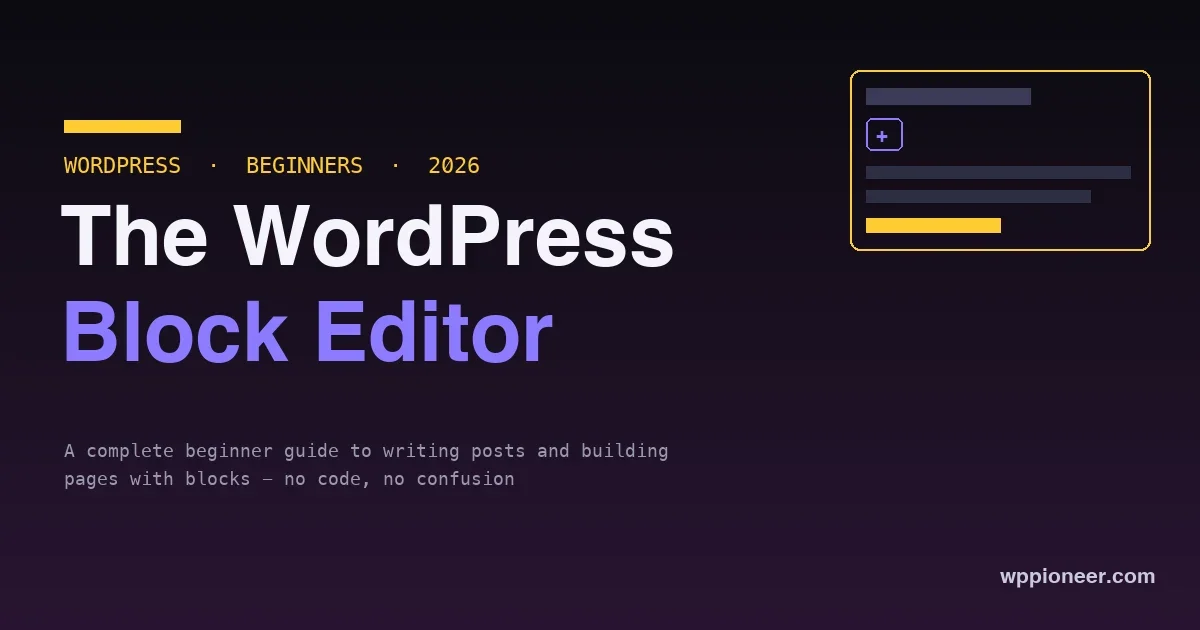
The WordPress block editor looks unfamiliar for five minutes, then becomes a pleasant, no-code way to create content. A complete beginner's guide: what blocks are, how to add and arrange them, the blocks you will use most, and how to publish.
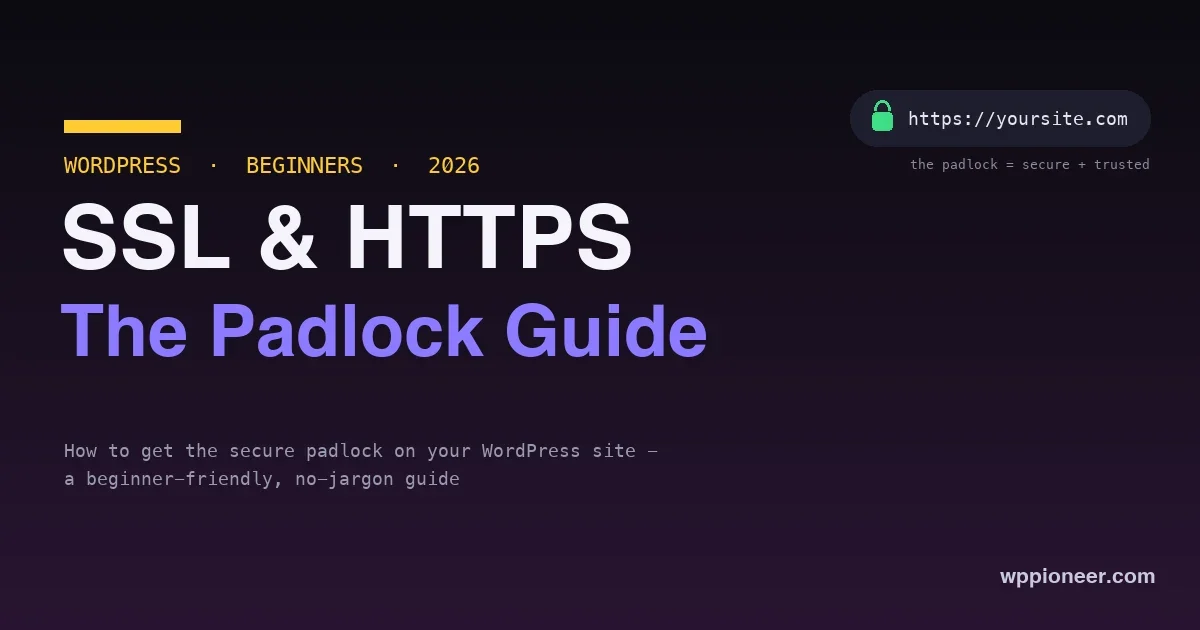
The padlock in the browser affects trust, security, and SEO - and getting it on your WordPress site is usually free and just a few clicks. A no-jargon beginner's guide to SSL and HTTPS: what they are, why they matter, and how to set them up.
A good WordPress site runs on a small, deliberate set of plugins, not a big pile. The handful of plugin types every beginner genuinely needs - SEO, caching, backup, security, forms, anti-spam - the leaders in each, and what to skip.
Starting a WordPress blog is far simpler than it looks. A complete, no-code beginner's guide - from picking a topic to publishing your first post - covering hosting, WordPress install, themes, plugins, and the basics that matter, all in an afternoon.
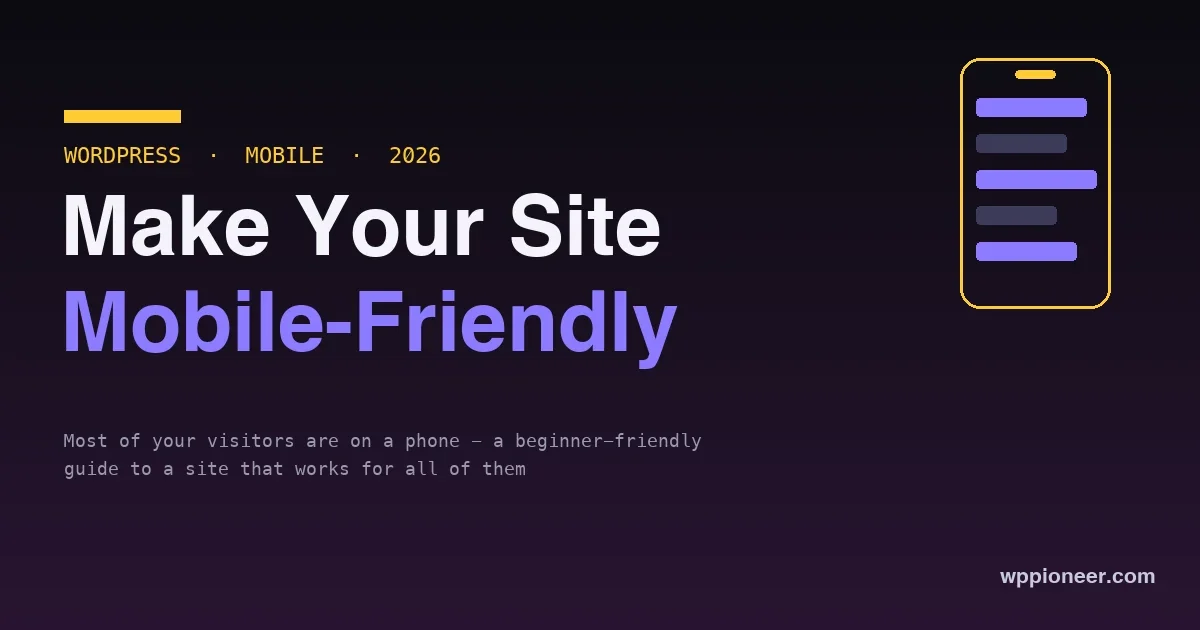
Most of your visitors are on a phone, and Google ranks your site by its mobile version. A beginner-friendly, no-code guide to making your WordPress site work well on mobile - themes, text, tap targets, speed, layout, and forms.
Writing more isolated blog posts keeps you invisible. Topic clusters - one pillar page, several deep cluster posts, all tied together with internal links - are the structure that signals authority to Google and lifts your whole site. How to build one on WordPress.
The padlock in the browser affects trust, security, and SEO - and getting it on your WordPress site is usually free and just a few clicks. A no-jargon beginner's guide to SSL and HTTPS: what they are, why they matter, and how to set them up.
Writing more isolated blog posts keeps you invisible. Topic clusters - one pillar page, several deep cluster posts, all tied together with internal links - are the structure that signals authority to Google and lifts your whole site. How to build one on WordPress.
Learn how to auto-post WordPress content to social media using Jetpack Social, Revive Old Posts, and Nelio Content. Covers plugin comparison, account setup, evergreen scheduling, per-network formatting, and analytics to find which posts drive real social clicks.