Performance Optimization

Beginner’s GuidePerformance OptimizationSite Maintenance Basics

Views: 0

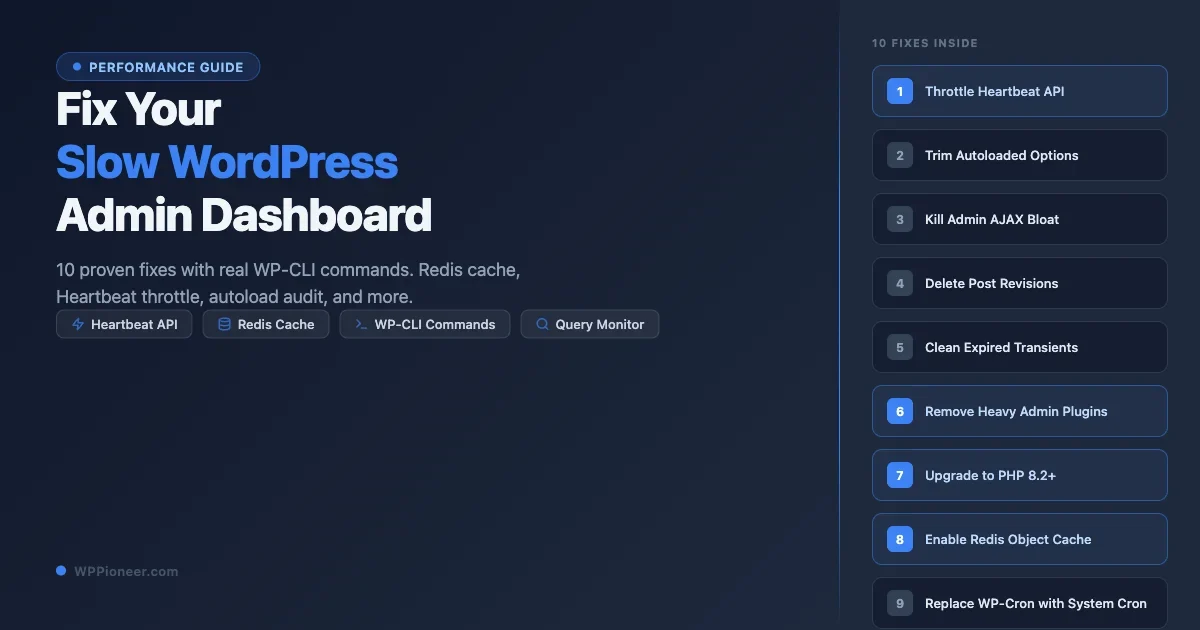
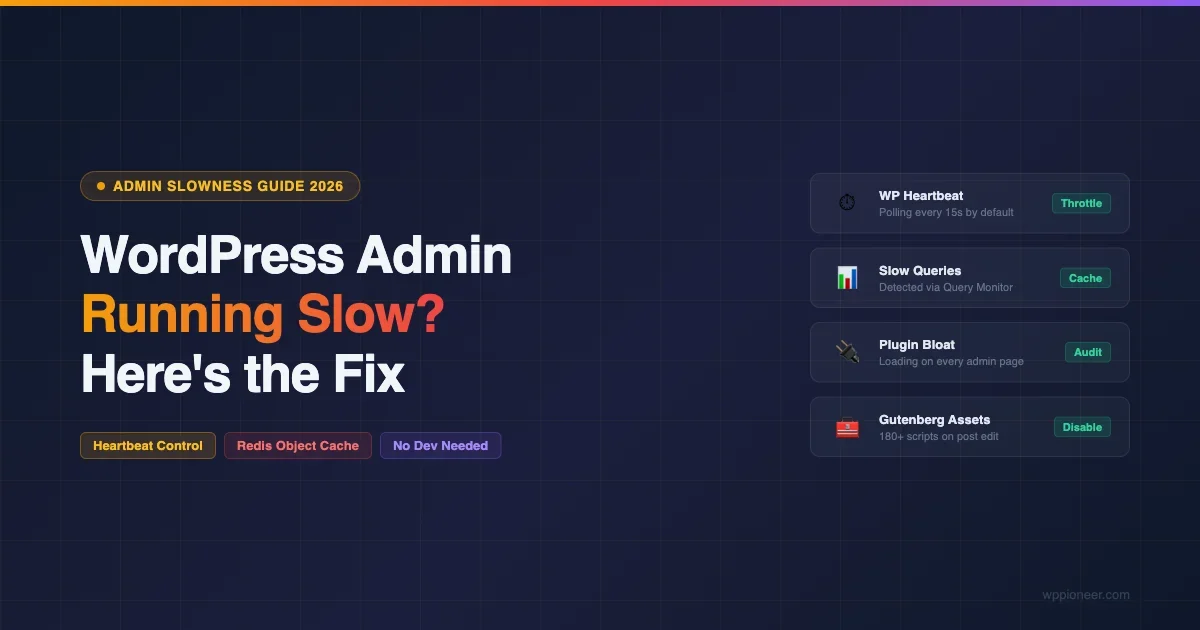
Why Is WordPress Admin So Slow (And How to Make It Fast Again in 2026)

Diagnose and fix a slow WordPress admin panel. Learn how to control the Heartbeat API, add Redis object cache, find plugin offenders, fix Gutenberg slowness, and optimize server resources.

Read More

Beginner’s GuidePerformance OptimizationPerformance Plugins

Views: 2

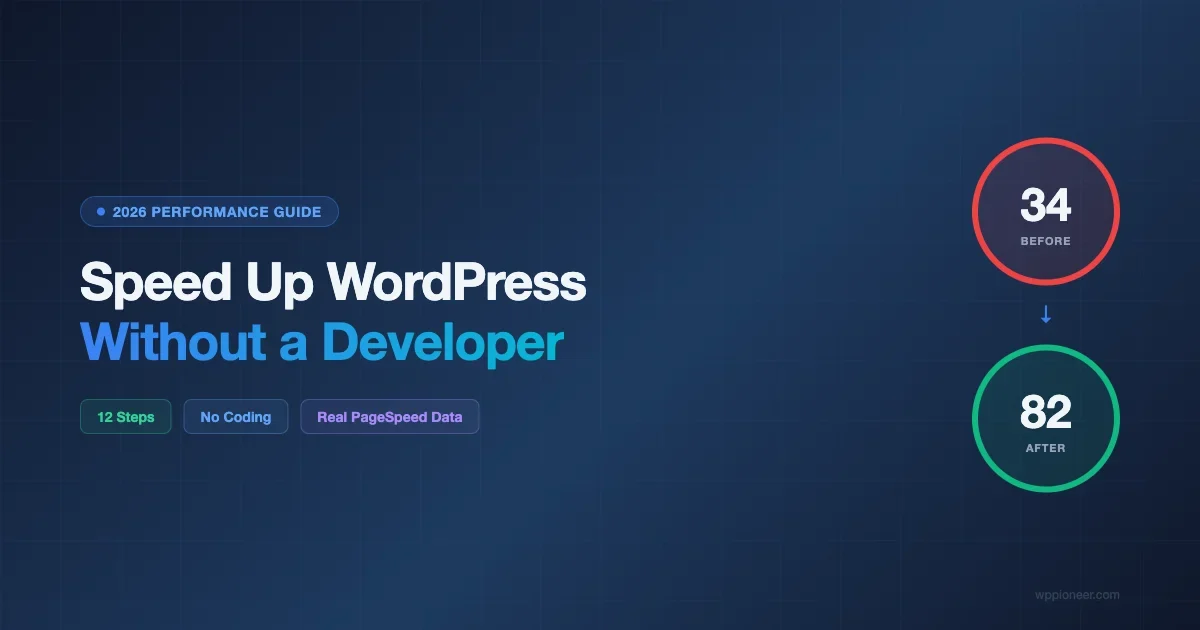
How to Speed Up Your WordPress Site Without Hiring a Developer (2026 Guide)

Learn 12 proven steps to speed up your WordPress site on your own. From image optimization to CDN setup, this guide shows real before/after PageSpeed scores with no developer needed.

Read More

Performance Optimization

Views: 1

WordPress Transients API: Cache Database Queries for Better Performance

A developer deep dive on the WordPress Transients API, set_transient, get_transient, expiration semantics, how transients fall back from object cache to wp_options, site transients, autoload bloat, and when to skip transients for the Object Cache API.

Read More

For DevelopersPerformance Optimization

Views: 2

Stop WordPress Database Bloat: Proven wp_options Cleanup Guide

Your wp_options table is loading megabytes of stale plugin data on every page request. Learn how to audit autoload bloat, clean expired transients, remove orphaned metadata, limit post revisions, and run a full database optimization using SQL, PHP, and WP-CLI commands — with a repeatable maintenance schedule to keep it clean.

Read More

For DevelopersPerformance Optimization

Views: 22

WordPress Performance Optimization in 2026: The Complete Guide

A comprehensive 2026 guide to WordPress performance optimization — covering Core Web Vitals, hosting, page caching, image optimization, database cleanup, CDN, and the Performance Lab plugin features that are worth enabling right now.

Read More

Performance OptimizationTroubleshooting Common Issues

Views: 3

Is It Normal for WordPress to Load This Slowly? A Complete Troubleshooting Guide

A slow WordPress site can have many causes – hosting, too many plugins, unoptimized images, or missing caching. This troubleshooting guide walks through diagnosing the actual cause and fixing it systematically.

Read More

For DevelopersPerformance Optimization

Views: 64

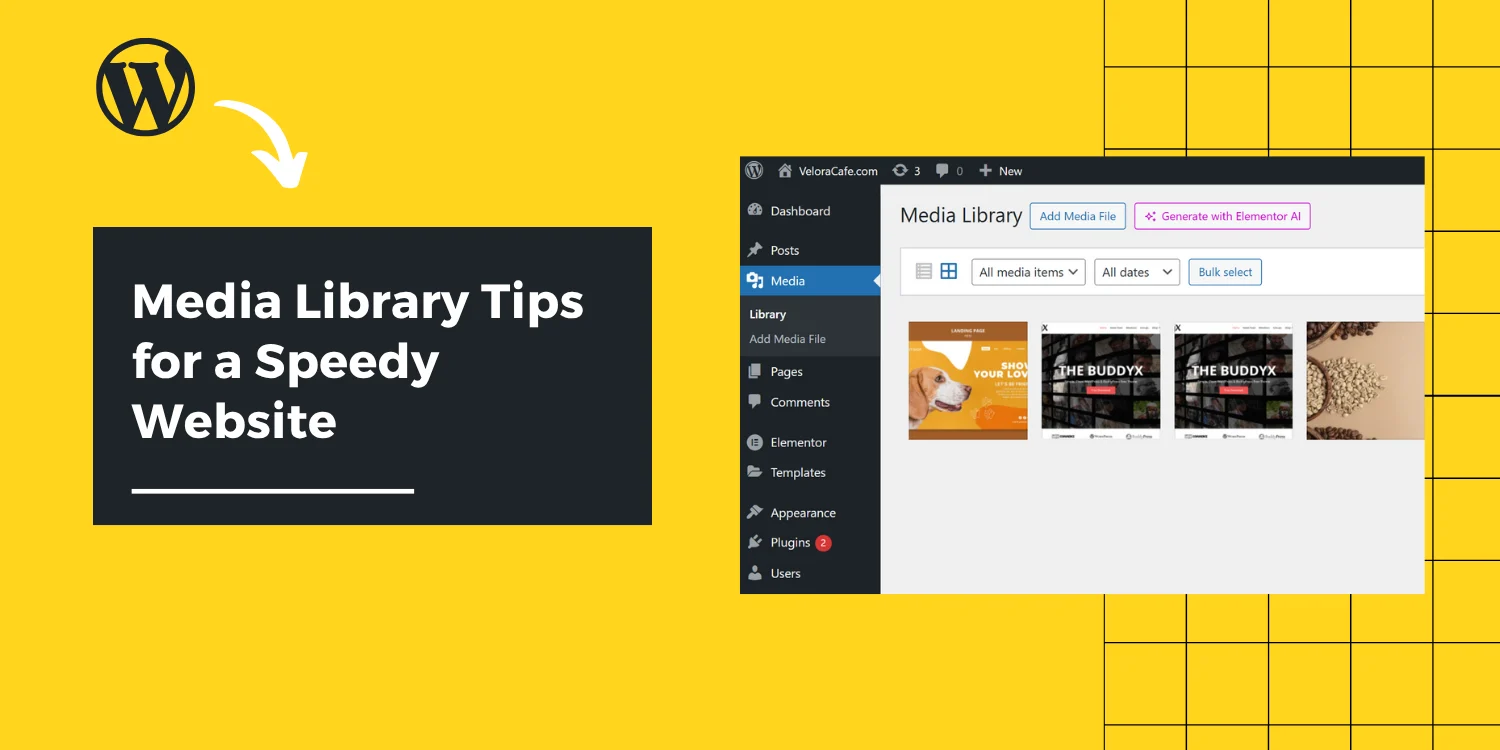
How to Use the Media Library Without Slowing Down Your Site

So, you’re building your WordPress website, happily uploading beautiful images, banners, videos, and your digital art gallery. But...

Read More

Performance Optimization

Views: 14

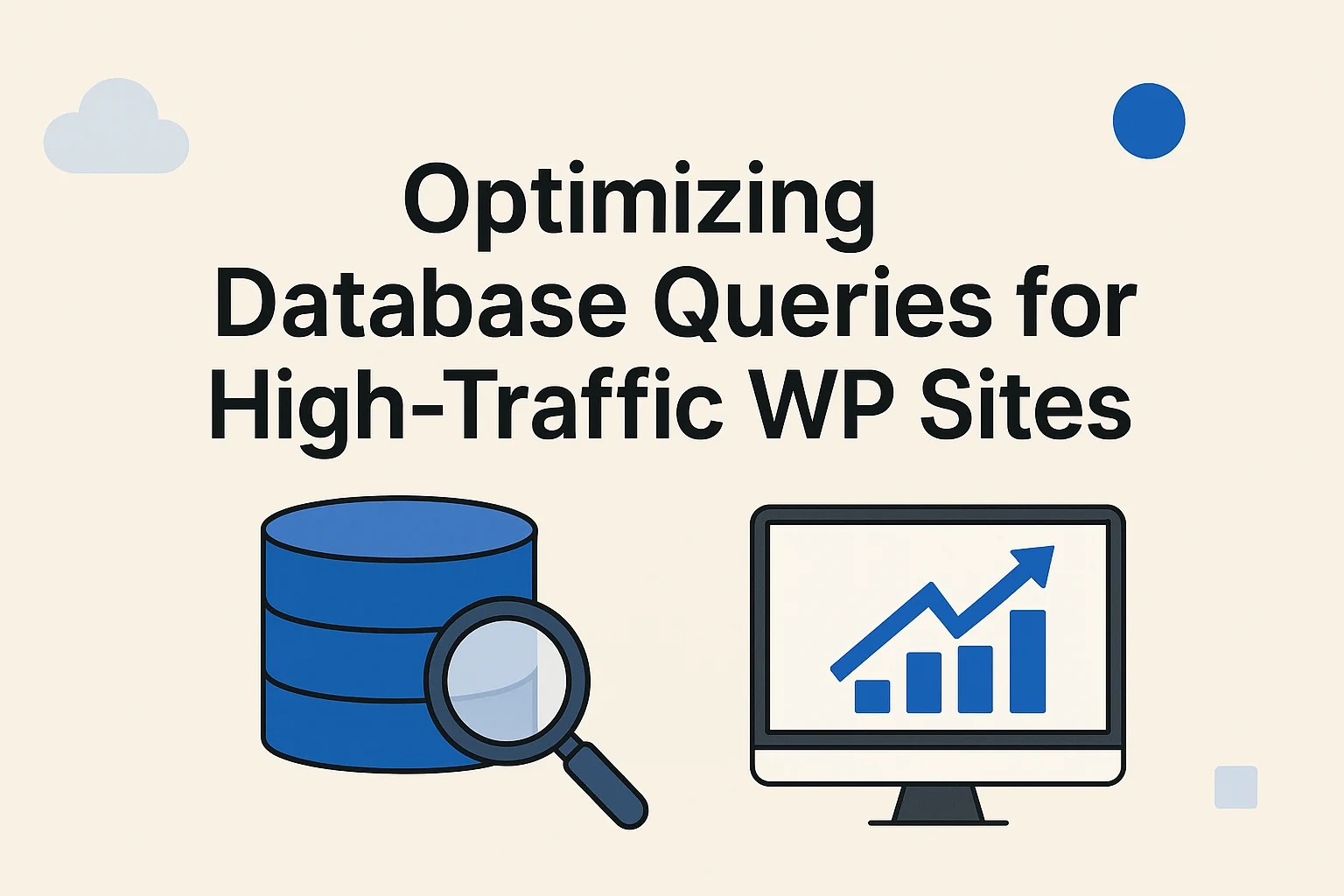
Optimizing Database Queries for High-Traffic WP Sites

High-traffic WordPress websites can serve thousands—or even millions—of visitors per month. As the traffic scales, so do the demands on...

Read More

Performance Optimization

Views: 23

Debugging WordPress Like a Pro: Tools and Techniques

Debugging WordPress is not just a skill—it’s a necessity. Whether you’re an individual developer, a freelancer, or part of an agency...

Read More
Close