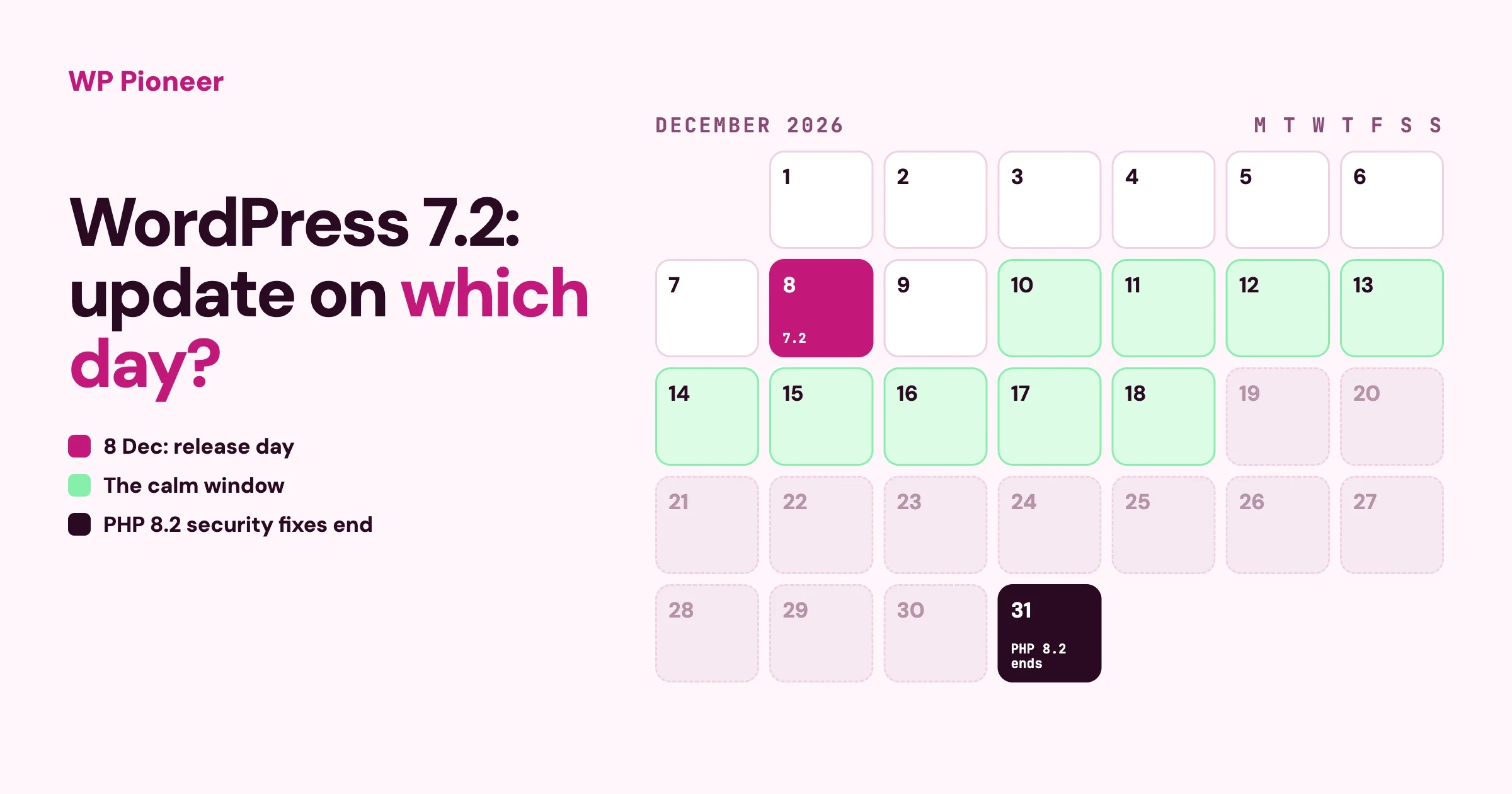
WordPress 7.2 Arrives 8 December: Should You Update?
WordPress 7.2 is due on 8 December 2026. Who should update on day one, who should wait a week, and how to handle a PHP change from your host in the same month.
WordPress 7.2 is due on 8 December 2026. Who should update on day one, who should wait a week, and how to handle a PHP change from your host in the same month.
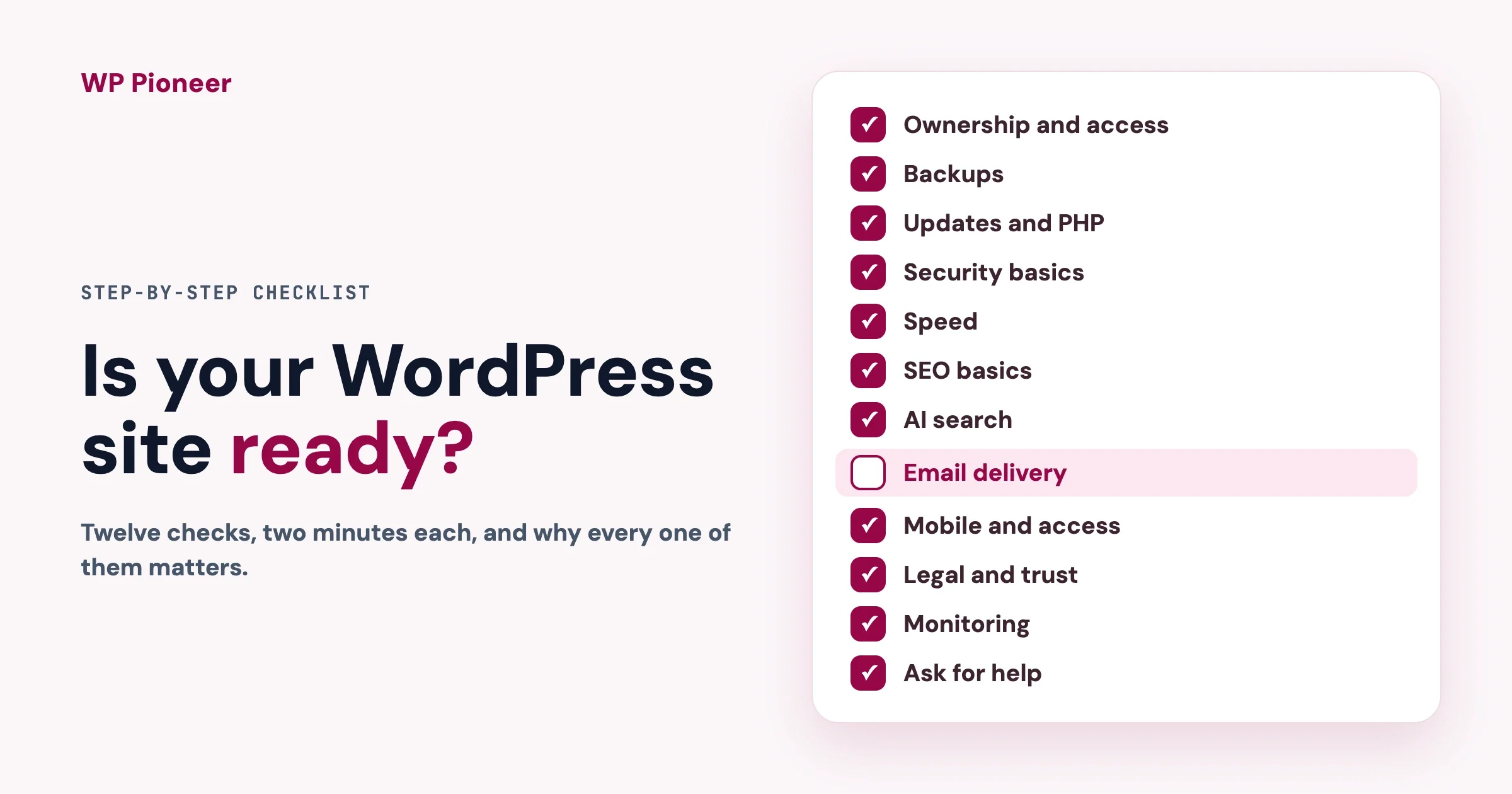
A twelve-step checklist for any WordPress site: ownership, backups, updates and PHP, security, speed, SEO, AI search, email, mobile, legal, monitoring and when to ask for help. Each step says why it matters, how to check in two minutes and what to do if it fails.
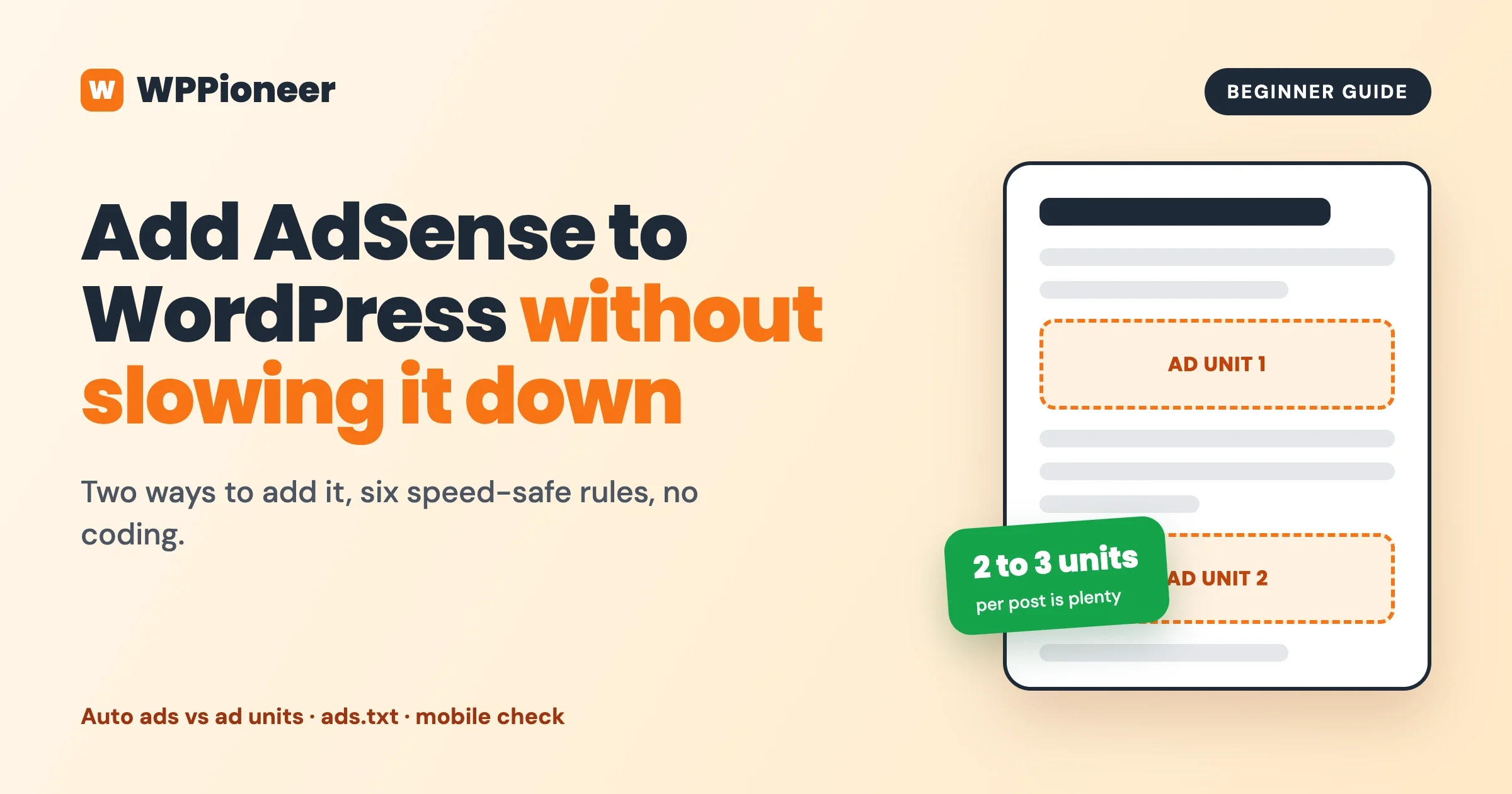
Two ways to add AdSense to WordPress, six speed-safe rules in plain words, and how to place ads with WB Ad Manager, including what is Free and what is Pro.
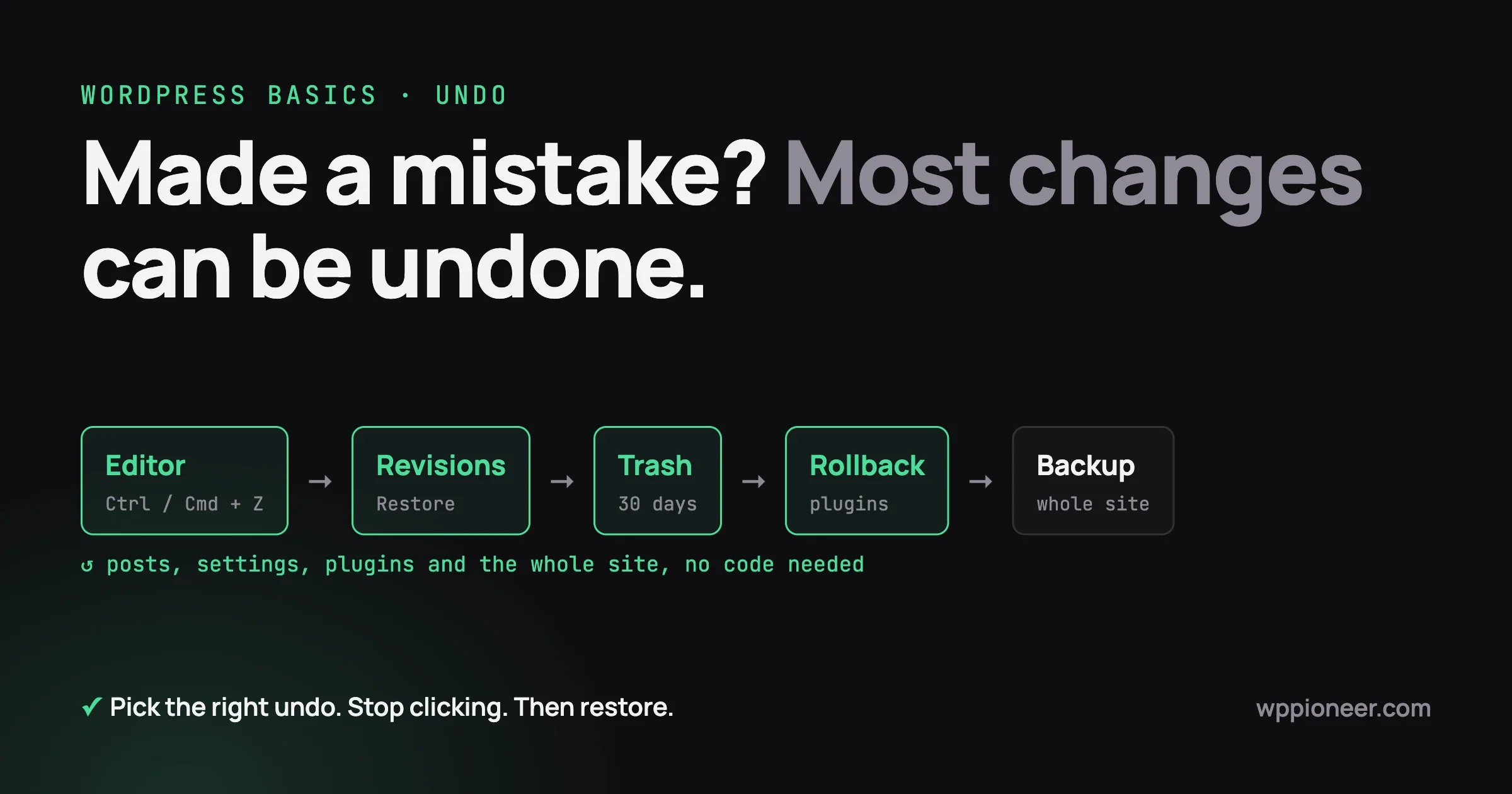
Undo almost any WordPress mistake without code: editor undo, post revisions, the trash, theme and Site Editor changes, plugin rollbacks and full-site backups, plus what cannot be undone and a 10-minute habit for next time.
If a member asked for everything you hold about them, could you produce it? What an ordinary WordPress site accumulates, the two tools already in your admin, and an afternoon that fixes most of it.
AI assistants read the same description of your site that a screen reader reads. The five things that now pay off twice, what WordPress fixes for you on 19 August, and an hour of checks that need no code.
You switched on a few AI features and nothing broke. That is the problem. The six ways AI quietly makes a mess of a site, where it genuinely helps, and an hour-long check that tells you where you stand.
Notification volume is highest for exactly the members you can least afford to annoy. The three settings that stop anyone reaching for the master switch, sensible defaults, why broadcasts need their own opt-out, and a twenty minute audit you can run today.
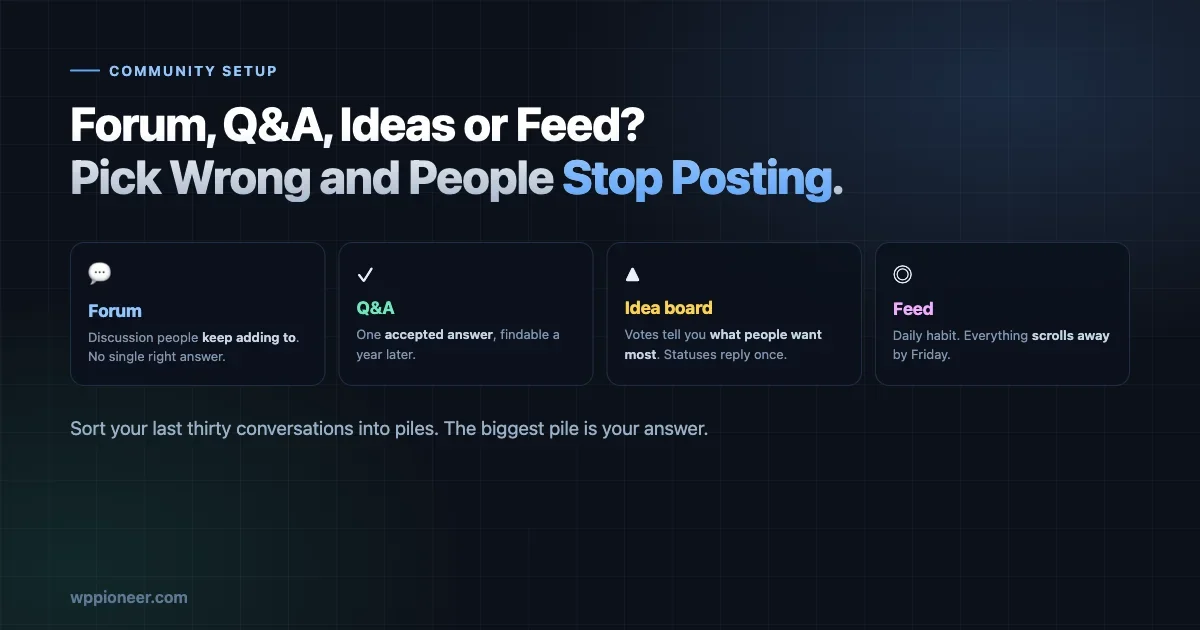
Forum, Q&A, idea board or activity feed? The format decides whether your community survives. How to sort your last thirty conversations into piles and let the biggest pile choose for you.
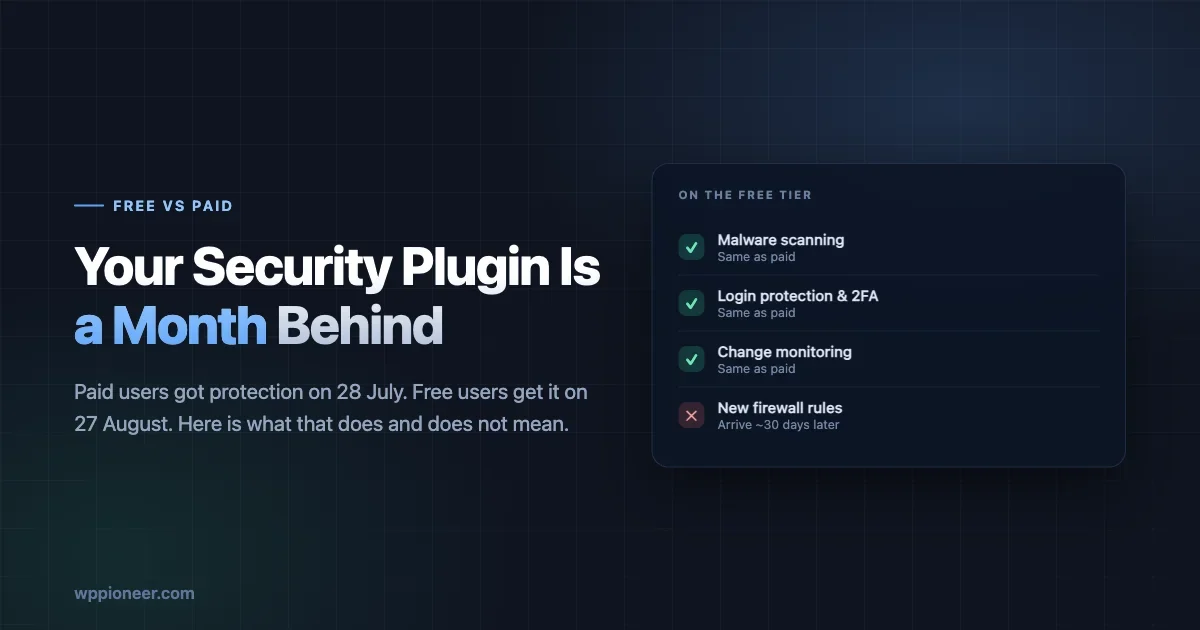
Free security plugin tiers get new firewall rules about a month after paying customers. What that means in plain English, how to check where you stand, and the three things that protect you more than the tier does.
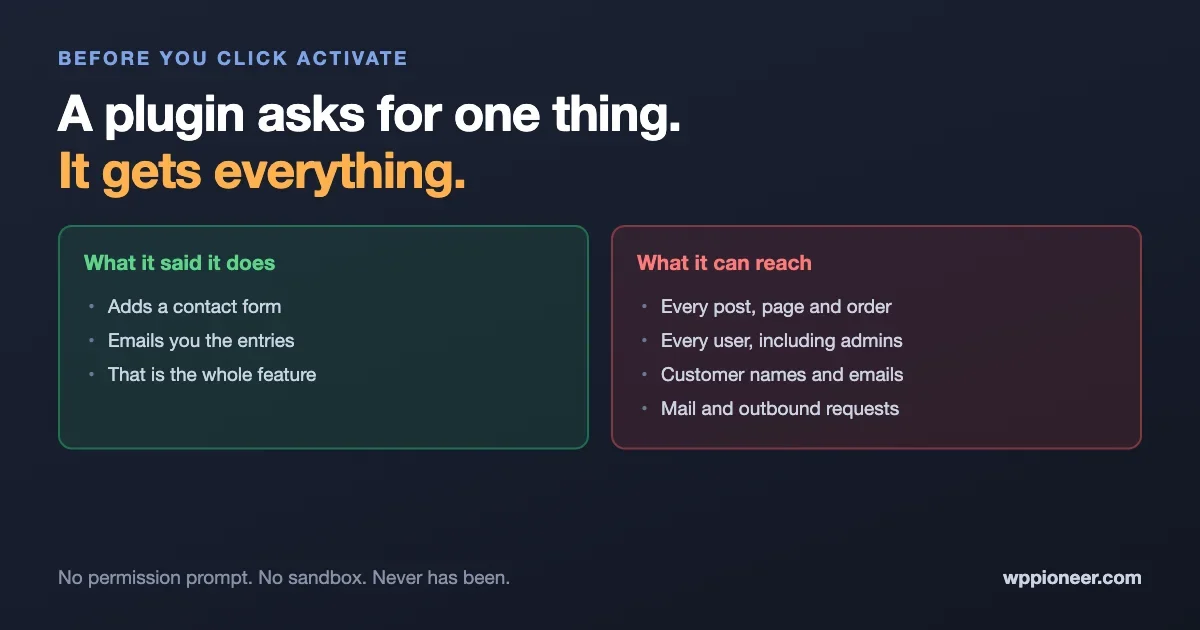
Installing a plugin is a bigger decision than it looks. An active plugin runs with the same access as WordPress itself, with no permission prompt and no sandbox. What that really means, why the number of plugins matters more than which ones, and five questions worth asking before you install anything.
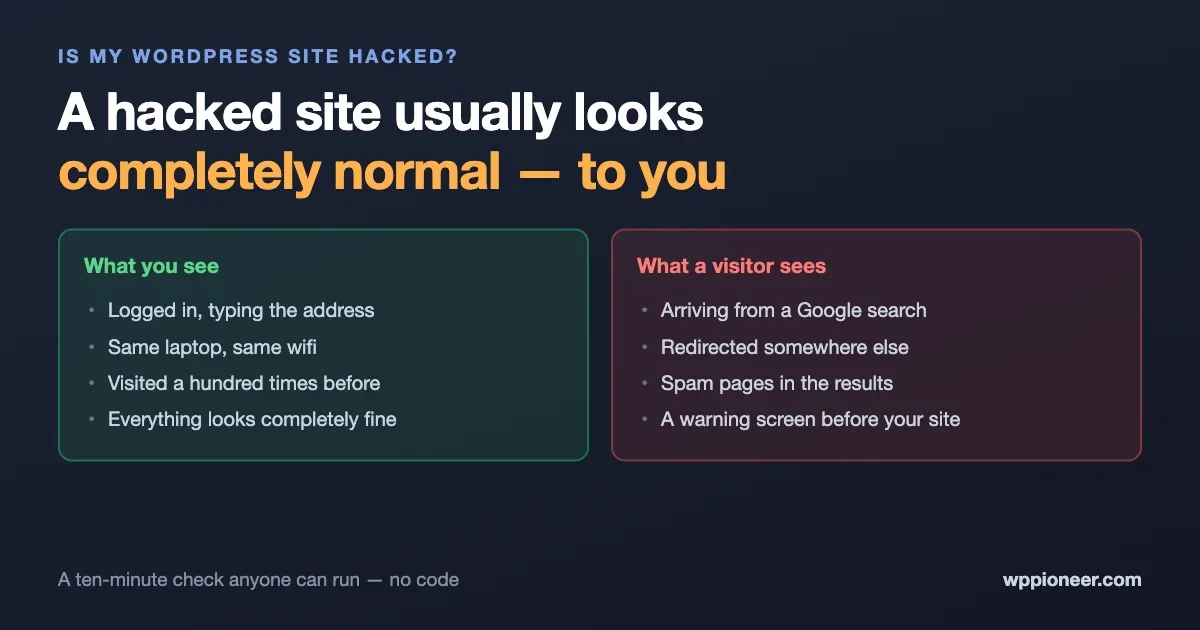
Attackers are actively exploiting WordPress sites that updated late. The plain-English signs that your site has been compromised, the checks anyone can run in ten minutes without touching code, what to do in the first hour, and the mistakes that make things worse.
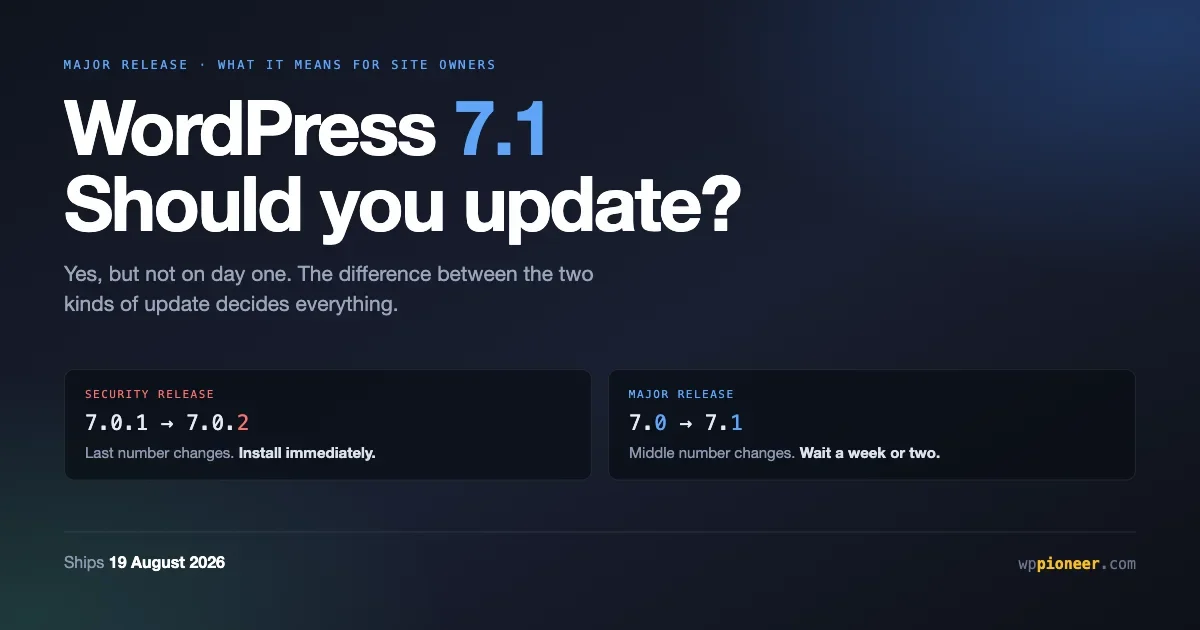
WordPress 7.1 ships on 19 August. What is actually in it for site owners, why a major release deserves a wait when a security release does not, and a thirty minute preparation routine that prevents most update problems.
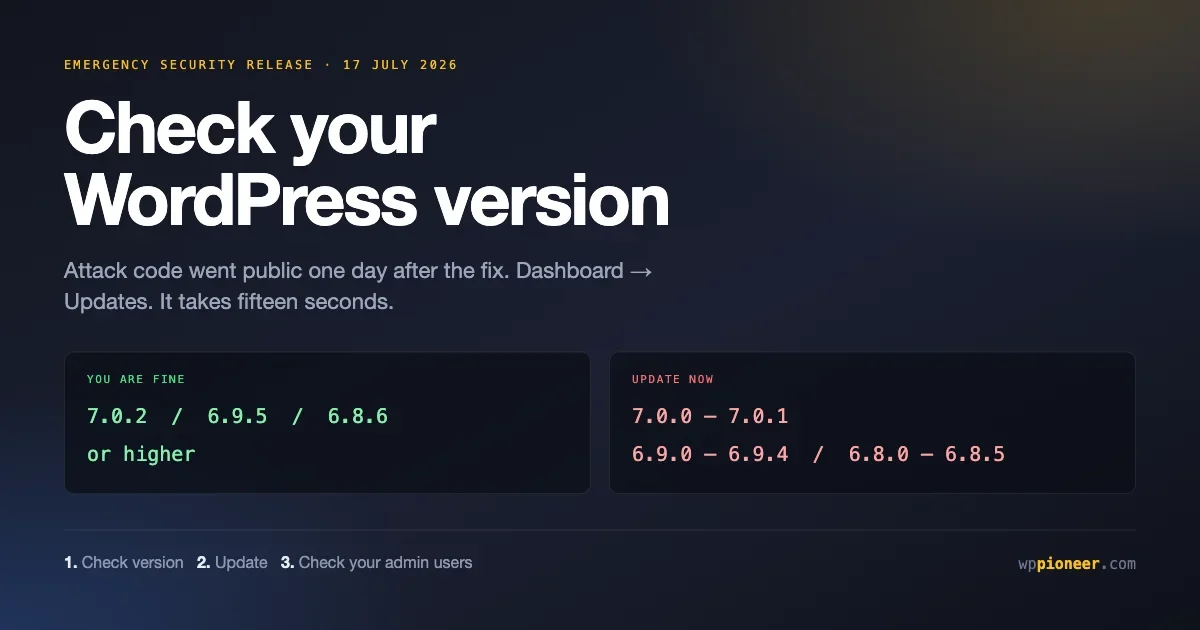
WordPress shipped an emergency security release and attack code went public a day later. How to check your version, update in two minutes, and tell whether anything happened before you got there. No command line needed.
The 15 most common WordPress problems beginners hit - white screen, login loops, 500 errors, the database connection error and more - each with the symptom, the cause, and the exact fix. No code experience needed.
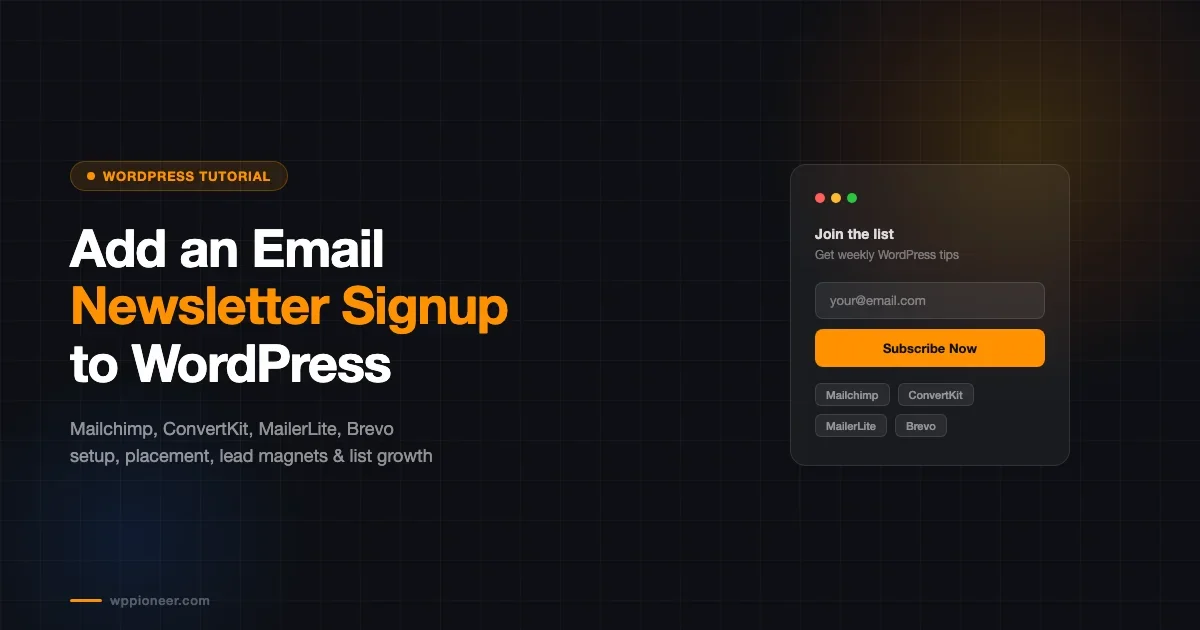
A complete guide to adding email newsletter signups to WordPress. Covers Mailchimp, ConvertKit, and MailerLite integration, form placement strategies, GDPR consent, lead magnets, and growing from 0 to 1,000 subscribers.
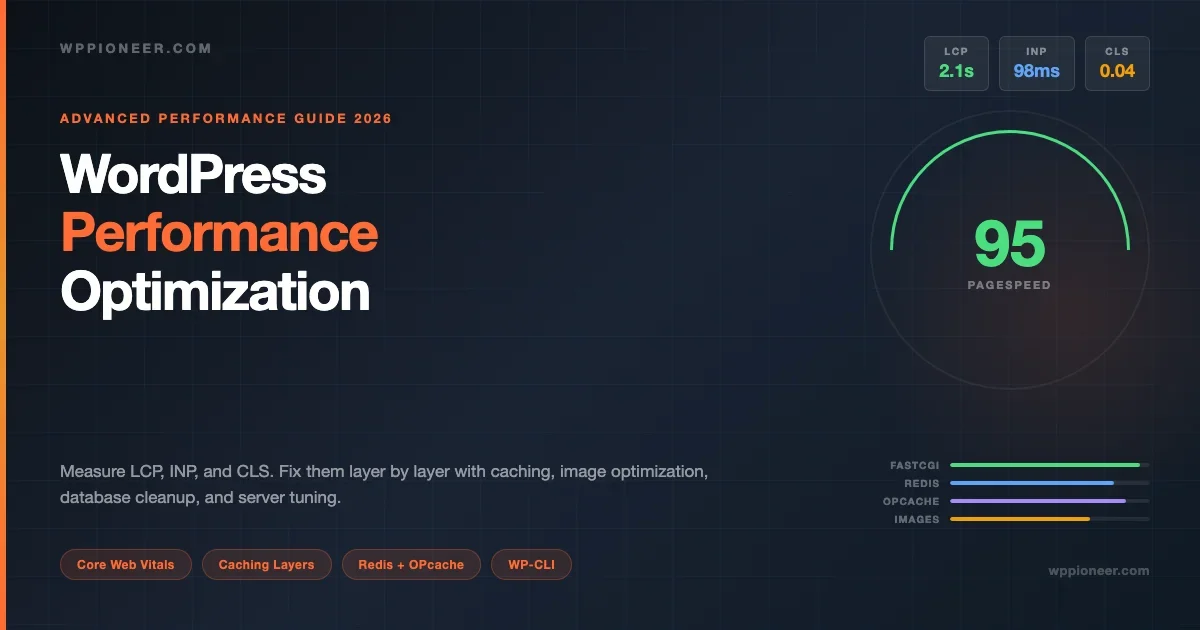
A hands-on guide to measuring LCP, INP, and CLS on WordPress sites, then fixing them layer by layer: page cache, object cache, OPcache, image optimization, asset deferral, database cleanup, and server configuration. Includes working code for Nginx FastCGI cache, Redis setup, autoload audit queries, WP-CLI cleanup, and critical CSS loading.
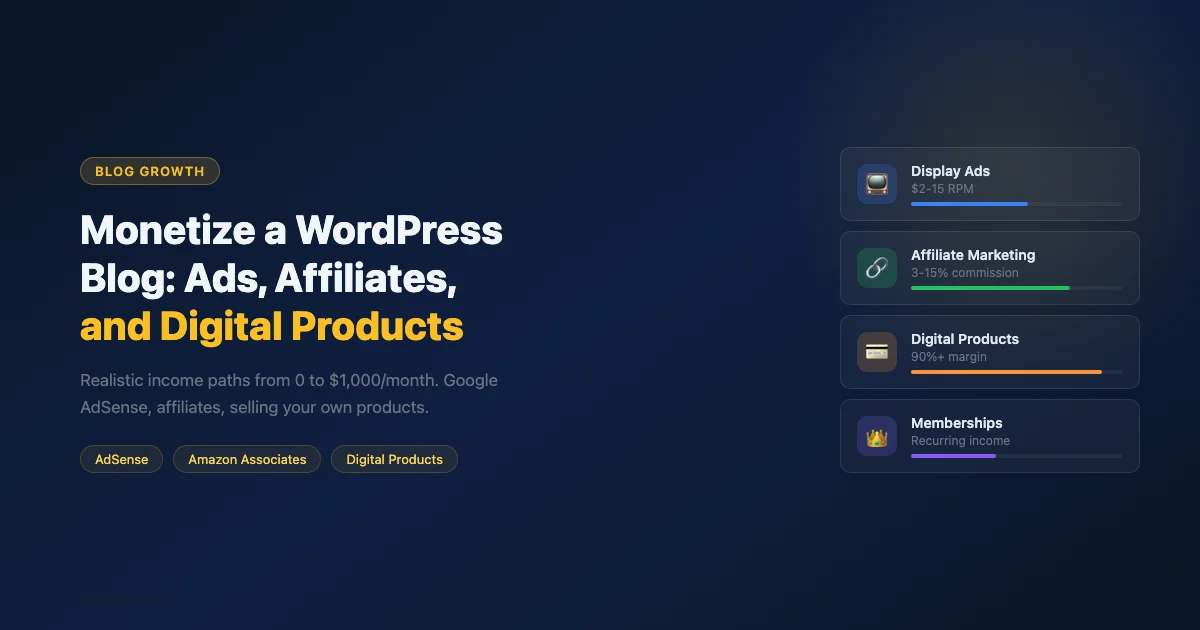
Practical guide to monetizing a WordPress blog. Covers Google AdSense, premium ad networks, Amazon Associates, direct affiliate partnerships, selling digital products with EDD or WooCommerce, and memberships.
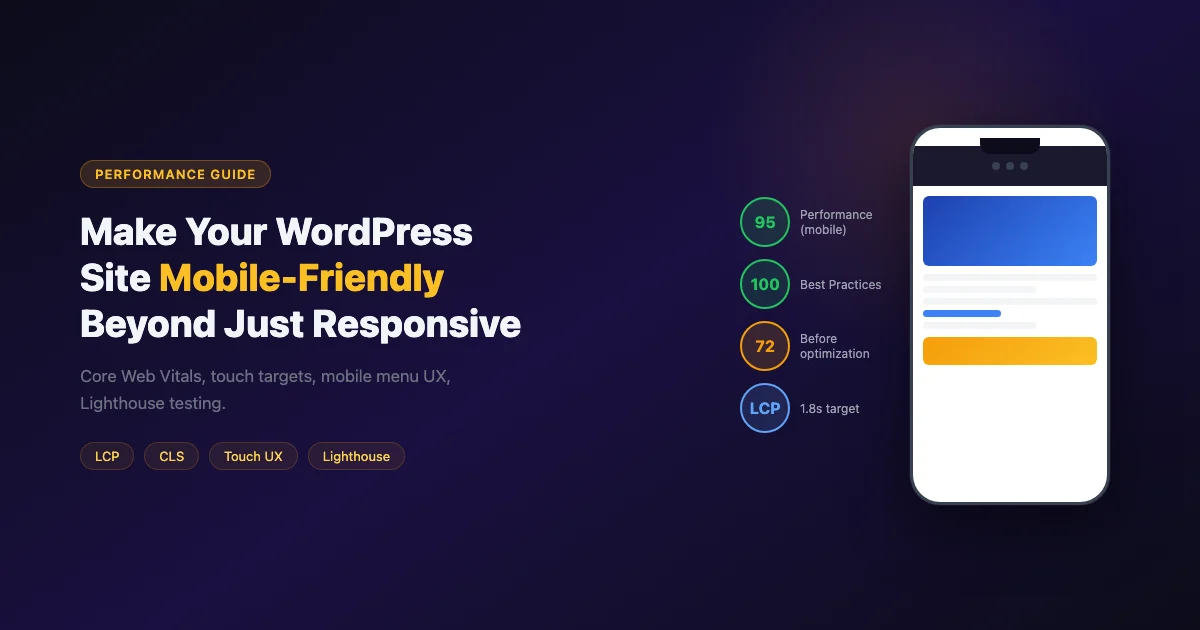
Make your WordPress site truly mobile-friendly, beyond just responsive layouts. Covers Core Web Vitals for mobile, touch targets, LCP image optimization, CLS prevention, mobile menu UX, and Lighthouse testing.