
You turned on a few AI features. Maybe your SEO plugin offered to write meta descriptions. Maybe a chatbot widget promised to answer questions while you sleep. Maybe you let a writing tool draft a few posts, because there are never enough hours.
Nothing broke. No error appeared. Your site looks the same as it did last month.
That is the part worth paying attention to. The trouble AI causes on a website is quiet. It does not throw a white screen or a 500 error. It fills your site with things that look right, sit there for months, and cost you a little trust with every visitor who reads them closely.
This is not an argument against using AI on your site. Parts of it save real time, and this article says which parts. It is an argument for knowing what the mess looks like, because you will not get an alert when it starts.
Why AI problems do not look like problems
Think about how you normally find out something is wrong with your site. A page will not load. A form stops sending. A plugin update turns a layout sideways. Something visibly fails, you notice, you fix it.
AI output does not fail that way. It produces something every single time. When it is right, you get a useful sentence. When it is wrong, you also get a sentence, in the same confident tone, the same length, with the same tidy grammar. There is no visual difference between the two.
So the normal way you protect your site does not help here. You are not watching for a break. You are watching for content that is subtly, quietly incorrect, and there may now be several hundred pieces of it.
A broken plugin announces itself. A wrong sentence waits.
The six messes, in the order they usually happen
These are the patterns that show up again and again on sites that switched a few things on and moved along.
1. You publish more than you can stand behind
The first thing AI changes is speed. A post that took a day now takes twenty minutes. That feels like a win, so the schedule expands. One post a week becomes four. Four becomes daily.
Here is the problem. Your reputation is an average, not a total. A visitor who lands on a thin, generic page does not think “that is one weak page out of ninety.” They think “this site is thin.” Ten strong articles beat ninety average ones, because nobody reads ninety.
Search engines take a similar view. They have spent years getting better at telling the difference between a page that answers a question and a page that is arranged around a question. Volume alone stopped working a long time ago.
The test is simple and slightly uncomfortable. Pick any post you published in the last month. Would you send it to a customer who asked you that exact question? If the honest answer is no, it should not be on your site either.
2. Alt text and meta descriptions that are confidently wrong
This one spreads faster than anything else, because it is usually a bulk action. A plugin offers to generate alt text for every image in your media library, or a meta description for every post. You click the button. Six hundred items get written in a few minutes.
Some will be fine. Some will describe the wrong thing entirely, because the tool guessed from a filename or from a low resolution thumbnail. A photo of your team at a trade show becomes “a group of people in a room.” A product shot becomes “a white object on a table.”
Two groups of people pay for this. Someone using a screen reader gets a description that tells them nothing, which is worse than a missing one, because a missing description at least signals that something is there. And search engines now hold a description of your page that you never read.
Bulk generation is not the enemy. Bulk generation with nobody spot checking the output is. Twenty minutes with a random sample of thirty items will tell you whether the batch was good.
3. The chatbot that invents your refund policy
A support chatbot is the most tempting AI feature on offer, and the one with the sharpest edge. It talks to customers directly, in your name, without you present.
Two things go wrong. The first is stale information. The bot learned your site as it was when it was set up. You changed your shipping times in March and your prices in June. The bot is still confidently quoting February.
The second is invention. Asked a question your site does not answer, a chatbot will often produce a reasonable sounding answer rather than admitting it does not know. It will offer a returns window you never promised. The customer has no way to tell the difference, and reasonably believes the widget on your website speaks for you.
If you run one, read the transcripts. Not a summary of them, the actual conversations, a couple of dozen of them, once a month. It is the only way to find out what your site has been telling people.
4. The permission mess
Every AI feature you add arrives as a plugin, and a plugin is not a limited guest. An active WordPress plugin runs with the same access as WordPress itself. It can read your posts, your drafts, your users, your orders. There is no permission prompt and no sandbox, which is the same problem that applies to any plugin you install, not something AI invented.
What AI plugins add is a second destination. Many of them send content somewhere else to be processed, because the model does not run on your hosting. That is not automatically wrong, and it is how most of these tools work. It does mean a question worth asking before you install: what leaves my site, where does it go, and how long is it kept?
The answer matters more if your site holds anything you would not publish. Customer orders. Membership details. Form submissions with phone numbers in them. A tool that reads posts is a different risk from a tool that reads your customer list.
5. Nobody can tell later what a person decided
This one costs the most and gets noticed the last.
Six months from now, you will read a sentence on your own site and need to know where it came from. Maybe it states a price. Maybe it makes a promise about delivery. The question is simple: did a person decide that, or did a tool produce it and nobody checked?
On most sites there is no way to answer. The revision history shows an edit by your admin account, which is true and useless, because that is the account the plugin used too. The decision and the guess look identical afterwards.
This is fixable, and cheaply. Keep a note of what you generated in bulk and when. A line in a document is enough: “March 12, generated alt text for the whole media library” or “June 2, drafted these eight posts with a tool, edited by hand.” When a question comes up later, you can answer it in a minute instead of reading everything.
6. Facts with no source behind them
The hardest one to catch. AI writing tools produce specific, confident details: a statistic, a percentage, a study, a version number, a date. Specific details are what make writing feel authoritative, so the tool supplies them.
Some of them are simply not true. Not distorted, not out of date, just made up. The number sits in your article looking exactly like a real one.
Your readers cannot check what you did not source, so they either believe it or they do not believe you. Both outcomes are yours to own, because it is published under your name.
The rule that solves this is short. If a sentence contains a number, a date, a name or a claim about someone else, it needs a source you personally opened. If you cannot find the source, delete the sentence. The article is nearly always fine without it.
Where AI genuinely earns its place
A one sided article would be easy to write and not much use. Some of this work is a real improvement, and the pattern is consistent: AI is good at first drafts and rough passes, and poor at final answers.
- Getting past the blank page. An outline or a rough draft you then rewrite is faster than starting cold, and the rewriting is where your voice arrives.
- Shortening your own writing. Turning a post you wrote into a summary or an excerpt works well, because the facts are already yours.
- A starting point for alt text. Generated in small batches, reviewed before saving, this beats the blank field that most images have today.
- Finding inconsistencies. Asking a tool where two of your pages contradict each other is a genuinely good use, because you check the answer against your own pages.
- Draft translations. Useful as a base for a human speaker to correct. Not useful as a finished page in a language nobody on your team reads.
Notice what these share. In each one, a person sees the output before a visitor does. The failures earlier in this article all happen where that step was removed.
The reverse list is just as short, and it is the one to keep in mind. AI is weakest at anything where being wrong is expensive and being confident is easy.
- Anything about your own business. Prices, policies, opening hours, what is in stock. The tool has no access to the truth here, so it will produce something plausible instead.
- Anything with a number in it. Statistics, percentages, dates, version numbers. Easy to generate, slow to verify, and the part readers remember.
- Anything a customer will act on. If someone can make a decision or a purchase based on the sentence, it needs a person behind it.
- Anything you cannot check. A translation into a language nobody on your team reads is not content you published. It is content you hoped about.
Sorting your AI usage into those two lists takes about ten minutes and prevents most of what this article describes.
How to check whether it already happened
If you have had AI features running for a while, this takes about an hour and tells you where you stand.
- Look at your publishing dates. Sort your posts by date. If there is a cluster where five went out in two days, read those five. That is where the volume mess lives.
- Sample thirty images. Open your media library, pick thirty at random, read the alt text against the picture. If more than a couple are wrong, the batch needs redoing.
- Read your own meta descriptions. Search for your site on Google and read what shows under each result. That is the text doing the selling.
- Read chatbot transcripts. Two dozen real conversations. Look for any answer stating a policy, a price or a date.
- Search your site for numbers. Use your site search or Google with your domain, looking for percentages and years. Check that each one has a source.
- List your AI plugins. Write down every plugin doing something with AI and what each one touches. Deactivate the ones you are not actually using.
Keep the list you make. It becomes the note from mess number five that you wish you had started earlier.
A calmer way to switch things on
If you are adding AI features rather than auditing them, four habits prevent most of what is described above.
One feature at a time. Turn on a single thing, live with it for two weeks, and see what it produces. Three at once means you cannot tell which one caused the odd result.
A person between the tool and the public. Anything a visitor will read gets looked at by a human first. This is the whole game. Almost every failure here is what happens when that step is skipped for speed.
Small batches instead of whole libraries. Fifty images, checked, then the next fifty. When a batch goes wrong you have fifty problems, not six hundred.
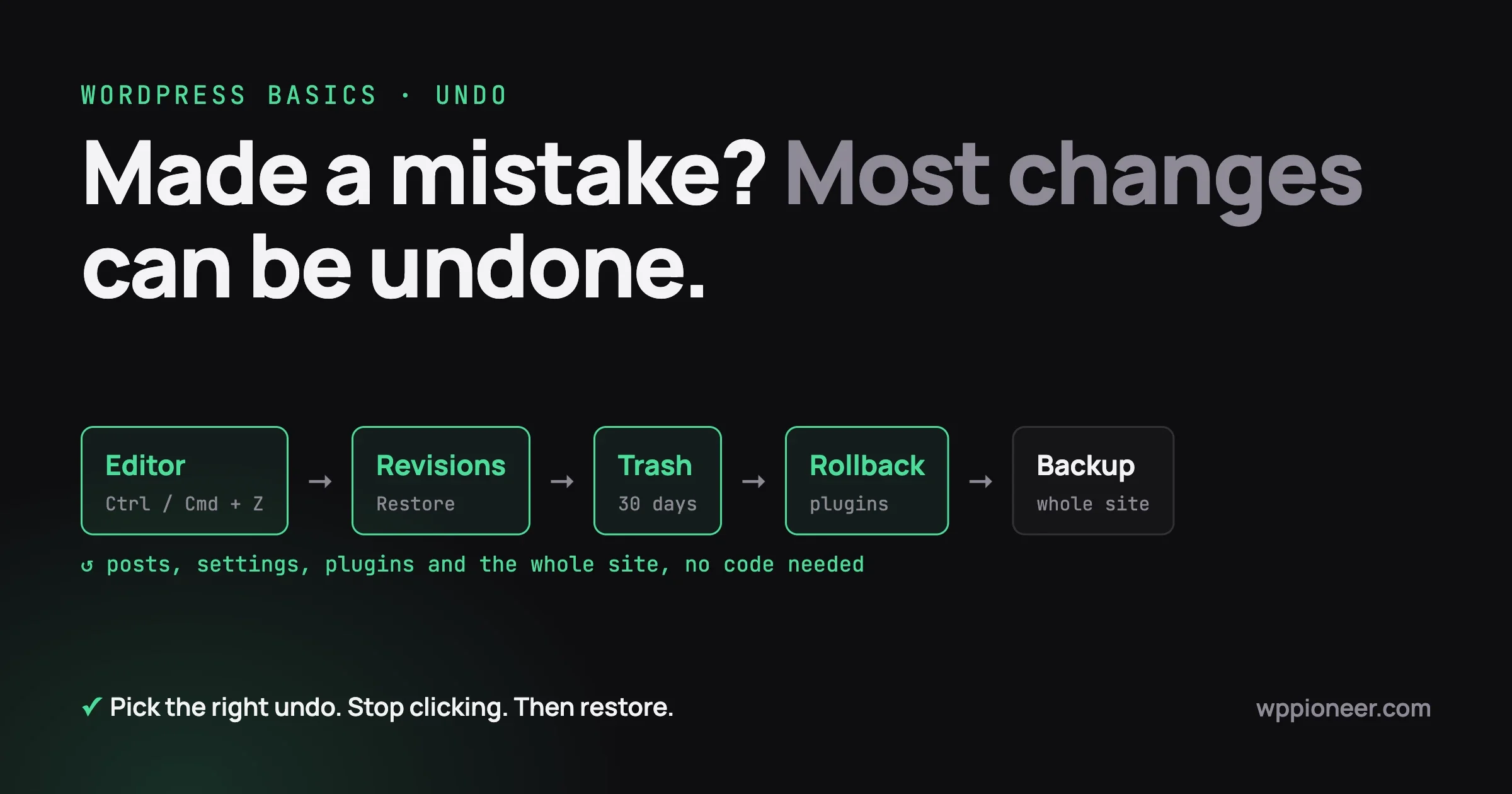
Know how to undo it. Before a bulk action, take a backup. Ask the plain question: if this writes six hundred bad descriptions, how do I put it back? A tool with no answer to that is a tool to use in small batches only.
If the mess is already there
Do not try to fix everything at once. Work in order of who gets hurt.
Fix first | Why it is urgent |
|---|---|
Anything stating a policy, price or promise | A customer can act on it today, and you may have to honour it |
Chatbot answers about refunds, shipping or eligibility | Same reason, and it is happening while you sleep |
Unsourced numbers in published posts | Cheap to remove, and they are the claims people quote back to you |
Wrong alt text | Affects real readers, but nobody is misled about your business |
Thin posts | Slow damage. Improve or unpublish, a few each week |
For thin posts, resist deleting in bulk. Pick the ones on subjects you know well, rewrite them properly, and unpublish the rest quietly. A smaller site you can stand behind is worth more than a large one you cannot.
What this looks like on three kinds of site
The same six problems land differently depending on what your site does. It helps to know which ones apply to you.
A blog or content site
Your exposure is volume and unsourced facts. Nobody is going to lose money because of a wrong sentence, but your reputation is the product, and it erodes one thin post at a time.
The failure mode is slow and hard to see from inside. Traffic does not drop off a cliff. It stops growing, then drifts, and because you published more than ever that month, the natural conclusion is that you need to publish more still. That reading is usually backwards.
Watch the pages people spend time on, not the number of pages. If the posts holding attention are all ones you wrote carefully, that is your answer about where the effort belongs.
A shop
Your exposure is anything stating a fact about a product or an order. Generated product descriptions are the common one. A tool given a product name and a category will happily produce a paragraph describing materials, dimensions or compatibility it has no way of knowing.
That is not just embarrassing. In many places a product description is part of what you sold, so a description claiming something the product does not do is a returns problem and possibly a legal one.
The rule for shops is narrow and firm. Generated copy can describe the feeling and the use. Specifications, compatibility, sizes and materials come from your supplier data, typed by a person, every time.
A membership or community site
Your exposure is the permission question, because your site holds things members expect to stay private. Profile fields, private posts, direct messages, payment records.
An AI tool that summarises member activity or drafts replies has to read that material to work. Members did not agree to that when they joined, and they are the group most likely to mind.
Before adding one, check what it reads rather than what it writes, and say plainly in your privacy policy what happens to member content. The trust in a community is the whole asset, and it does not survive being surprised.
Five questions to ask before you install an AI plugin
None of these need a technical background. They need a plugin page, five minutes, and a willingness to move on if the answers are not there.
- What does it read? Posts only, or users, orders and form entries as well? Anything reading customer data deserves a much harder look than something reading published posts.
- Where does the content go? Almost all of these send text to an outside service. That is normal. It should be stated somewhere on the plugin page, and if it is not stated at all, that silence is the answer.
- Does it publish without asking? A tool that writes drafts is a different creature from one that writes and publishes. Find the setting before you find out by reading your own live site.
- Can I undo a bulk action? Does it keep the old values, or overwrite them? Overwriting six hundred descriptions with no way back is a fine feature until the day it is not.
- Who maintains it? Check the last update date and whether support questions get answered. AI plugins appeared quickly and some will disappear the same way, leaving code on your site that nobody is patching.
A plugin that answers all five well is not automatically safe, but a plugin that cannot answer any of them is telling you something useful before you install it.
The one rule underneath all of this
Your site is a set of promises. Some are explicit, like a price or a delivery window. Some are implied, like a claim in an article that a reader takes as researched.
AI is very good at producing things shaped like promises. It cannot keep any of them. You keep them, which means you are the one who has to have read them.
That is worth more now than it was two years ago, because assistants are increasingly reading sites and repeating what they find to people who never visit. Being accurate is becoming the thing that determines what gets repeated about you, which is a shift worth understanding on its own terms if AI search is already answering your customers.
Use the tools. They are useful and they are not going away. Just keep a person between the tool and the promise, and check on the things you switched on. An hour of reading your own site is the cheapest insurance available.
No comments yet