
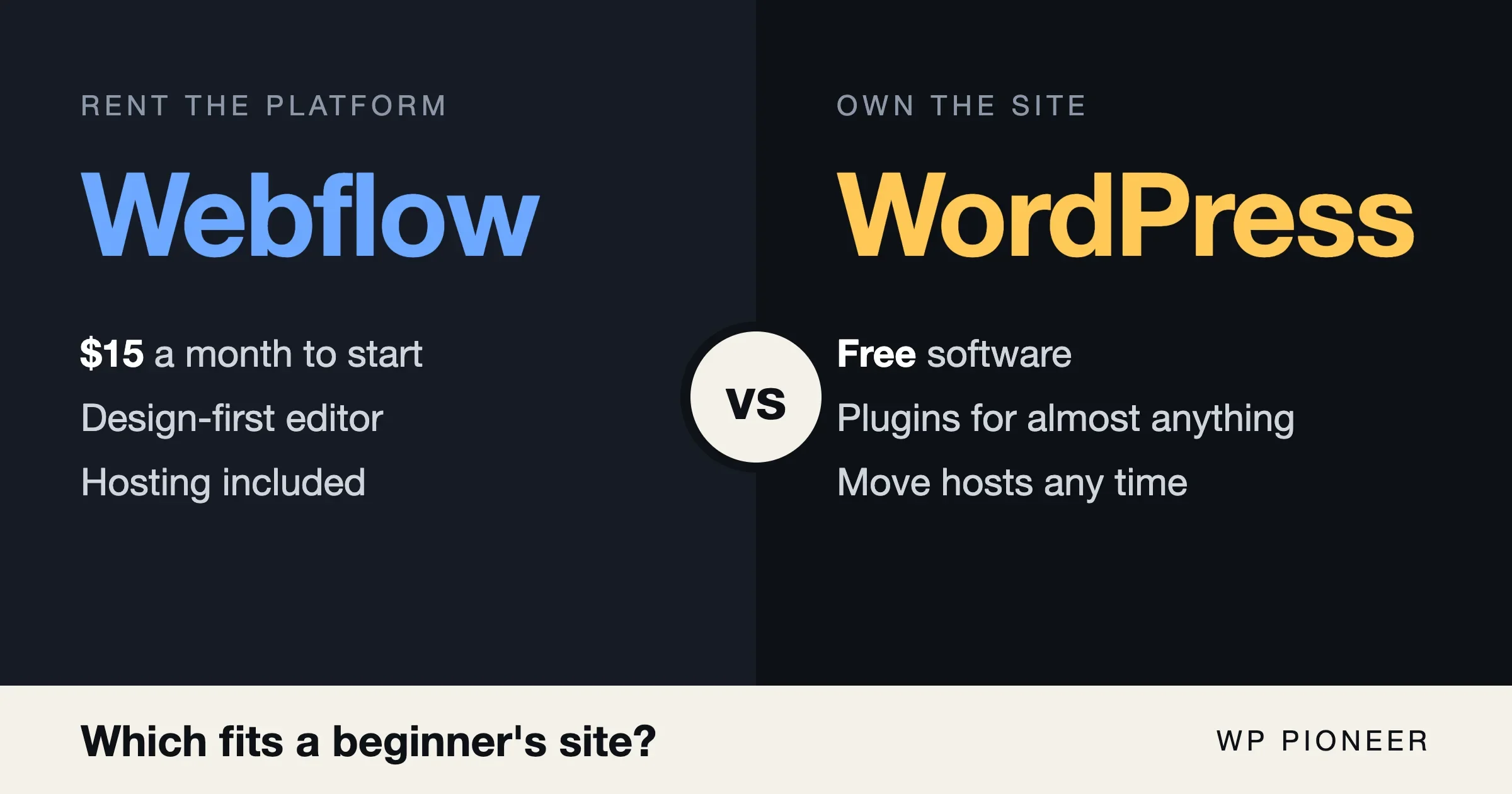
For most beginners, WordPress is the safer pick, and Webflow is the better pick if you want a hand-designed site and do not plan to run a blog, a shop or a lot of plugins. In the Webflow vs WordPress choice, the real question is what you want to own. With WordPress you rent hosting and own the site. With Webflow you rent the whole platform, hosting included.
That one difference drives almost everything else: the cost, how fast you learn it, what you can add later and how hard it is to leave. This guide goes through each one in plain words, with prices taken from the official Webflow pricing page and from WordPress.org and a hosting company’s own page, all checked on 11 November 2026. Prices change, so check the pages again before you pay.
The short answer: Webflow vs WordPress for a beginner
Pick WordPress if you want to start cheap, add features with plugins, run a blog that grows to hundreds of posts, or keep the option to change hosts without rebuilding. Pick Webflow if you care most about precise visual design, you are happy to pay a monthly platform fee, and your site is mostly a handful of pages.
Here is the whole comparison in one table. The sections below explain each row.
Question | WordPress (self-hosted) | Webflow |
|---|---|---|
What you pay for | Hosting and a domain. The software is free. | A Webflow site plan, plus a domain. |
Lowest cost to go live on your own domain | A few dollars a month on promotional hosting, higher on renewal. | $15 a month on the Basic plan billed yearly, or $25 billed monthly. |
A blog or other content | Built in from the first day. | Needs the CMS, which starts on the Premium plan at $25 a month billed yearly. |
Learning curve | Gentle to start, wider to master. | Steeper at the start, because you design with CSS ideas such as boxes and spacing. |
Adding features | Plugins. The directory lists 74,651 of them. | Built-in tools, apps and your own custom code. |
Who looks after updates and security | You or your host. | Webflow. |
Moving away later | Export your content and move to any host. | Code export covers design files. CMS items cannot be exported that way. |
Now the detail.
What Webflow and WordPress actually are
The two are not the same kind of product, and that confuses a lot of first-time site owners.
WordPress is free, open software. You download it or, more often, your host installs it for you. You then pay a hosting company to keep the site online. The software is the same whether you pay a few dollars a month or hundreds. WordPress.org lists what a host needs to run it: PHP 8.3 or newer, MariaDB 10.11 or newer or MySQL 8.0 or newer, and HTTPS support.
Webflow is a company’s service. You design and publish your site inside Webflow’s editor and Webflow hosts it. You do not install anything, and you cannot move the running site to another web host the way you can with WordPress.
There is a third thing that adds to the confusion: WordPress.com, which is a hosted service run by a company, not the free software. If you are weighing that route too, our guide to hosting vs WordPress.com vs self-hosted sorts out the three. This article means self-hosted WordPress, the one from WordPress.org, unless it says otherwise.
How much does each one cost?
Cost is where beginners most often get surprised, so look at what happens in year one and in year two.
Webflow site plans
These are the prices shown on webflow.com/pricing on 11 November 2026, in US dollars, before tax.
- Starter: free. You get a webflow.io address, a limited CMS, 2 static pages, 1 GB of bandwidth and 50 form submissions. You cannot use your own domain.
- Basic: $15 a month billed yearly, or $25 a month billed monthly. You get a custom domain, 300 static pages, 10 GB of bandwidth, unlimited form submissions and password protection. The page describes it as for simple sites that do not need a CMS.
- Premium: $25 a month billed yearly, or $39 a month billed monthly. You get everything in Basic plus the Webflow CMS, higher bandwidth options, site search and file upload on forms.
- Team: $2,500 a month on an annual contract, aimed at growing organizations. Enterprise: priced on request.
Two things matter here for a beginner. First, a free Webflow site is a way to try the tool, not a way to run a real site, because it has no custom domain and only 2 static pages. Second, a blog needs the CMS. Basic is described as a plan for sites without one, so a beginner who wants a blog should plan for Premium, which is $25 a month billed yearly or $39 billed monthly.
Webflow also sells a separate Workspace plan, which is about how you work and not about publishing the site. Every account has a free Starter Workspace. The paid ones listed on the same page are Core at $19 a month billed yearly and Growth at $49 a month billed yearly. Core is the first one that includes code export, which matters if you ever want your design files (more on that below).
Online shops are priced separately. The Webflow ecommerce plans start at Standard, $29 a month billed yearly, with 500 ecommerce items and a 2% transaction fee on top of your payment provider’s fees. A beginner who plans to sell products should add that up before choosing.
WordPress costs
WordPress itself costs nothing. You pay for three things: hosting, a domain name, and any paid add-ons you choose. The domain is the same cost on either platform, so leave it out of the comparison.
Hosting prices vary a lot, and the headline price is often a promotion that ends. Here is one real example from a host that WordPress.org lists on its hosting page. On 11 November 2026, Hostinger’s managed WordPress page showed a Black Friday offer on its Premium plan: $1.99 a month on a 48-month term, with a total of $95.52 due up front. The same page said the plan renews at $10.99 a month for the same term. Its Business plan showed $2.79 a month, renewing at $16.99 a month.
That gap between the first term and the renewal is the thing to check with any host. A site can cost very little in the first term and several times more afterwards. Treat the renewal price as the real price, and read the length of the term, since the low price may need a long commitment paid up front.
I could not confirm current prices from other hosts for this article, because some host pages block automated reading. For a wider look at what suits your traffic and budget, our guide to choosing WordPress hosting goes through the hosting types.
So which is cheaper?
For a small first site, WordPress is usually cheaper, because promotional hosting plans can cost less per month than Webflow’s lowest paid plan, and a blog is included from the start. Webflow’s lowest paid site plan with a custom domain is $15 a month billed yearly, and its CMS plan is $25. After the first term, though, a WordPress host’s renewal price can be higher than the headline, as the Hostinger example shows. If you compare on the renewal price, the gap is smaller than the ads suggest, and it can close.
Where WordPress gets expensive is paid plugins and themes, and where Webflow gets expensive is bandwidth and plan upgrades as the site grows. Neither one is free once the site does real work.
How hard is each one to learn?
Both can be learned by a patient beginner. They are hard in different places.
Learning WordPress
You can start with a theme, which is a ready-made design, and fill in pages and posts. The editor works in blocks, so you add a paragraph block, an image block and a button block and arrange them. Most beginners publish a first page on the first day. Our first WordPress blog post guide walks through that first post.
The harder part comes later. You have to choose a theme, choose plugins, keep them updated, and learn a few words such as plugin, theme, permalink and backup. A plugin that conflicts with another one can break a page. There is more to look after, and that is the price of the freedom.
Learning Webflow
Webflow gives you far more control over how a page looks, and it asks you to think like a web designer. You work with boxes that hold other boxes, and you set spacing, sizes and how things behave on a phone. If you have used design tools, it feels familiar. If you have not, the first week can feel slow, because you are learning layout ideas, not just typing words into a page.
The benefit is that the result looks exactly the way you designed it, and there is no theme to fight. The cost is that you design everything yourself, or you start from a template and change it.
In short, WordPress is easier to start and wider to master. Webflow is harder to start and narrower to master, because there are fewer moving parts.
Who owns the site and the content?
This is the point beginners tend to skip and then regret.
With self-hosted WordPress you own the files and the database. The software is free and open, and your hosting account is yours. If your host raises prices or treats you badly, you can move the site to another host. You can also take your whole site with you in a way that no company can switch off.
With Webflow your site lives on Webflow’s platform. Your content and design are yours, but the running site depends on your Webflow plan. If you stop paying or Webflow changes its plans, you have to adjust to what Webflow offers. That is a normal part of renting a platform, and for many people the trade is fine, because Webflow handles hosting and keeps the platform running.
Both options give you ownership of your words and images. The difference is how easily the running site moves.
Plugins, themes and extra features
WordPress has the bigger ecosystem. The WordPress.org plugin directory listed 74,651 plugins and its theme directory 8,865 themes when I checked its public listing on 11 November 2026. Quality varies, but the number shows the range: for many features there is a plugin, whether that is a contact form, a shop, a members area, an events calendar, a booking tool or an SEO helper.
More choice means more decisions, and it means you have to judge quality. Check when a plugin was last updated, how many sites use it and what other users say. Our guide to WordPress page builders shows what that kind of choice looks like.
Webflow handles extras differently. Its plans include built-in features such as forms, password protection, site search and a CMS. Beyond that you can add your own code or connect outside services. I could not confirm a current count of Webflow apps from Webflow’s own pages, so I will not give a number. The practical point is that Webflow’s feature set is smaller and more controlled. That helps if you want fewer decisions, and it limits you if you want a feature Webflow does not offer.
Blogs, shops and other growth
A blog. WordPress started as blogging software, and posts, categories, tags, comments and feeds are part of it from the start. On Webflow, a blog is built using the CMS, which needs the Premium plan at $25 a month billed yearly. Both work. WordPress is the easier route if you expect to publish often.
An online shop. WordPress shops are usually built with a plugin such as WooCommerce, and its add-ons can have their own costs. Webflow’s ecommerce plans start at $29 a month billed yearly, with a 2% transaction fee on the Standard plan. Compare the total, including payment fees, before you decide.
Memberships, courses and communities. These are well covered by WordPress plugins. Webflow’s own pages list forms, a CMS and password protection, not memberships or courses, so expect to rely on outside tools for those.
A simple brochure site of five to ten pages is where Webflow shines. If your site will mostly stay the same, with a home page, an about page, services and a contact page, Webflow’s design control and managed hosting are real advantages.
Who looks after security and updates?
On Webflow, the company runs the platform. You do not install updates or worry about a plugin with a flaw, because there are no plugins in the WordPress sense. That removes a whole list of chores.
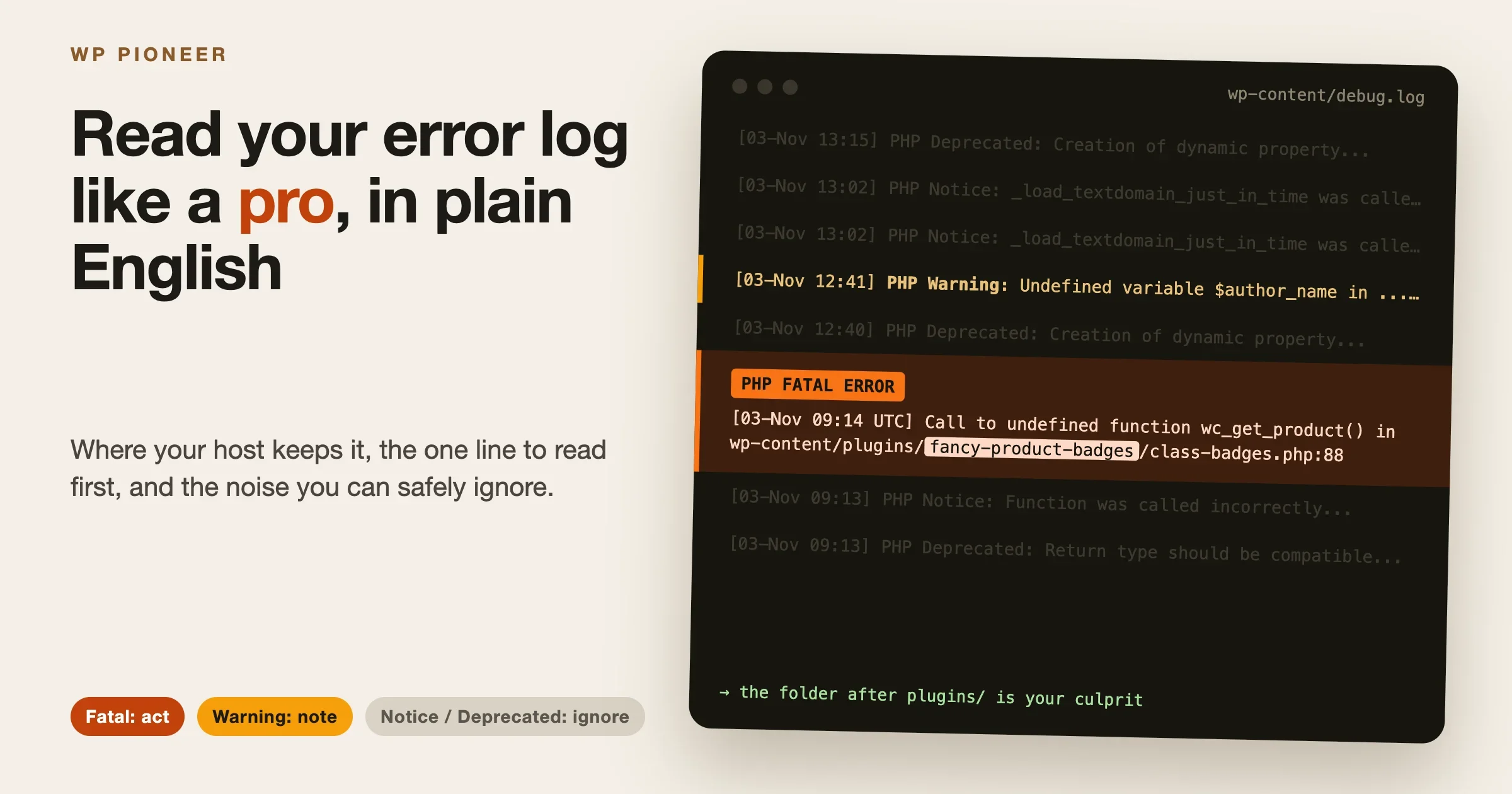
On self-hosted WordPress, updates are your job or your host’s. WordPress, your theme and every plugin need updates, and an old plugin is the most common way a WordPress site gets into trouble. Some hosts offer automatic updates and backups, and some do not, so ask. A habit of updating weekly and keeping backups prevents most problems.
This is a fair point in Webflow’s favor. If you do not want to maintain anything, a managed platform lowers the load. If you are willing to spend a few minutes a week, WordPress is perfectly safe, and our checklist on whether your WordPress site is ready shows what to cover.
Can you move later from Webflow or WordPress?
Many people start on one platform and later change their mind, so it is worth knowing how hard leaving is before you start.
Leaving WordPress
WordPress has a built-in export tool under Tools, then Export. It saves your posts, pages, comments, custom fields, categories, tags, menus and other content in a file called WXR, short for WordPress eXtended RSS. You can import that file into another WordPress site. You still have to move your images and your theme settings, and you may need to rebuild the design on a new platform, but your words travel.
Leaving Webflow
Webflow’s pricing page lists code export as a feature of its paid Workspace plans, starting with Core. It describes the result as clean, semantic HTML and CSS files for a developer. It also says that dynamic content, meaning CMS items and CMS pages, cannot be exported that way. For a site with a blog, that is the part that matters: your design files can leave, but your posts need a different route.
I could not confirm from Webflow’s own help pages, which block automated reading, what other options exist for moving CMS content. If a blog is the center of your site, look at that before you commit, and check Webflow’s own help pages for the current answer.
The practical rule
Before you build, ask a plain question: “If I wanted to leave in two years, what would I take with me?” With WordPress the answer is your content and your whole site. With Webflow the answer is your design files, and your CMS content needs extra work. For a five-page site that does not matter much. For a site with 200 posts it matters a great deal.
Speed, design and SEO
Both platforms can produce fast sites, and both can rank in search. Webflow’s pricing page says its sites are SEO-friendly and mentions its hosting, standards-based code and free SSL as reasons. WordPress sites can rank too. The difference is that on WordPress, speed depends on your host, your theme and your plugins, so a careless setup can be slow. On Webflow, the platform sets the baseline.
On design, Webflow offers finer control and WordPress offers more starting points. A WordPress theme gives you a finished look in minutes, and a block theme lets you change it without code. Webflow gives you a blank canvas that can look unique, if you can design.
A simple way to decide between Webflow vs WordPress
Answer these five questions honestly.
- Will you publish a blog or add new content every week? If yes, choose WordPress.
- Is your site mostly five to ten pages that rarely change? If yes, Webflow is a strong option.
- Do you want to avoid any maintenance work? If yes, lean toward Webflow, or choose managed WordPress hosting that handles updates.
- Might you sell, take bookings, run courses or build a community later? If yes, choose WordPress, because plugins cover those needs.
- Do you want the option to move hosts without rebuilding? If yes, choose WordPress.
If you answered WordPress to three or more, go with WordPress. If you are torn, start with WordPress, because it is the cheaper one to try and the one that is easier to move away from.
Common mistakes beginners make
- Comparing the free Webflow plan to paid WordPress hosting. A free Webflow site has no custom domain and only 2 static pages, so it is a trial, not a site.
- Ignoring the renewal price on hosting. Read the renewal line on the host’s page, and the length of the term.
- Choosing Basic when you need a blog. The Basic plan is described as for sites without a CMS.
- Installing too many plugins. Start with a few you really need. Each one is something to update.
- Not planning for the exit. Know what you could take with you before you build 100 pages.
Questions people ask
Is Webflow easier than WordPress?
Not for most beginners. Webflow gives you more design control, and that asks you to learn layout ideas first. WordPress lets you pick a theme and start writing the same day, though it has more to look after later.
Is Webflow cheaper than WordPress?
Usually not at the start. Webflow’s lowest paid site plan with your own domain is $15 a month billed yearly, and its CMS plan is $25. WordPress hosting can cost less per month on a promotional plan, but check the renewal price, which can be higher.
Can I use Webflow for free?
Yes, but only to try it. The free Starter site uses a webflow.io address and is limited to 2 static pages, 1 GB of bandwidth and 50 form submissions.
Can I move a Webflow site to WordPress?
You can rebuild it. Code export gives you design files on paid Workspace plans, but Webflow says CMS items cannot be exported that way. Plan to move your posts by another route and rebuild the design in a WordPress theme.
Is WordPress really free?
The software is free. You pay for hosting and a domain, and possibly for paid themes or plugins.
Which is better for a small business site?
Either can work. Webflow suits a small, mostly fixed site with a strong visual design. WordPress suits a business that wants a blog, bookings or a shop. If you are still comparing site builders more widely, see our look at WordPress vs Wix vs Squarespace.
What to do next after weighing Webflow vs WordPress
Write down what your site must do in its first year: how many pages, whether you will blog, whether you will sell anything. Then use the five questions above. If the answer points to WordPress, pick a host from the list on WordPress.org’s hosting page, read the renewal price, and install WordPress with your host’s one-click tool. If the answer points to Webflow, start on the free plan to learn the editor before you pay for Basic or Premium.
Whichever you choose, you can change your mind. The earlier you do, the less it costs, so give the choice a week, not a year.
Sources and dates. Webflow plan names, prices and features: webflow.com/pricing, checked 11 November 2026. WordPress requirements and export tool: WordPress.org documentation, checked 11 November 2026. Plugin and theme counts: the public WordPress.org directory listing, checked 11 November 2026. Hostinger plan prices: Hostinger’s managed WordPress hosting page, checked 11 November 2026, showing a Black Friday offer. Prices exclude tax and can change.
No comments yet