Gutenberg Blocks
Custom Gutenberg Blocks: The Essential React Guide 2026
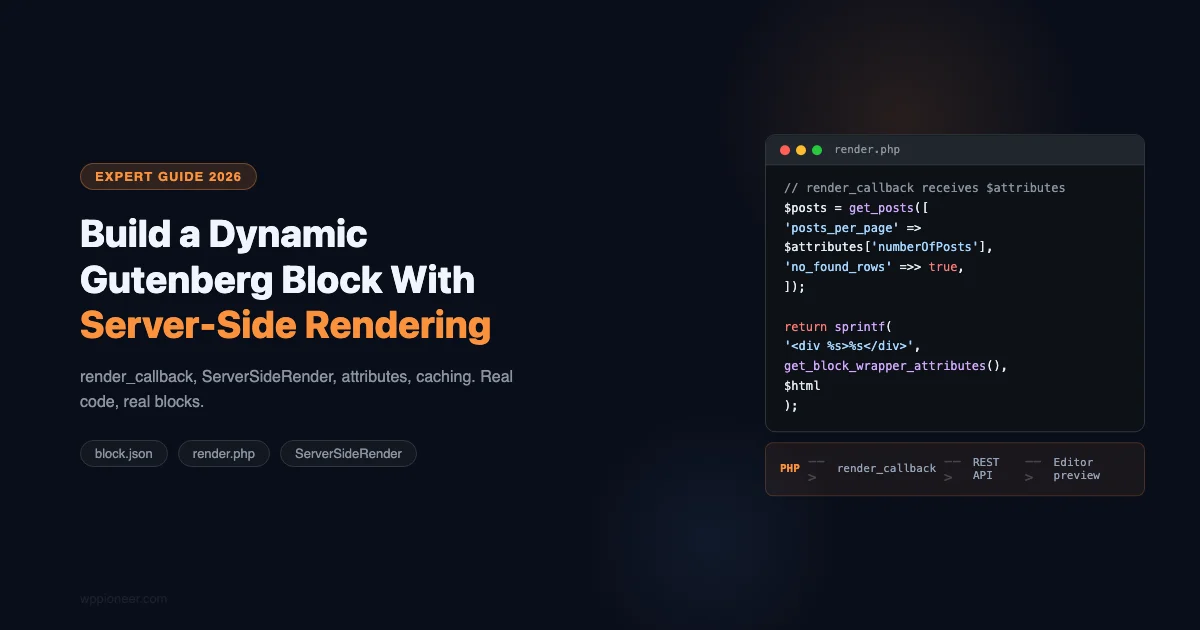
Build Powerful Dynamic Gutenberg Blocks: A Complete Server-Side Rendering Guide
Build a dynamic Gutenberg block with server-side rendering in 2026. Covers block.json, PHP render callbacks, React edit component with ServerSideRender, block registration, caching, and real-world examples.
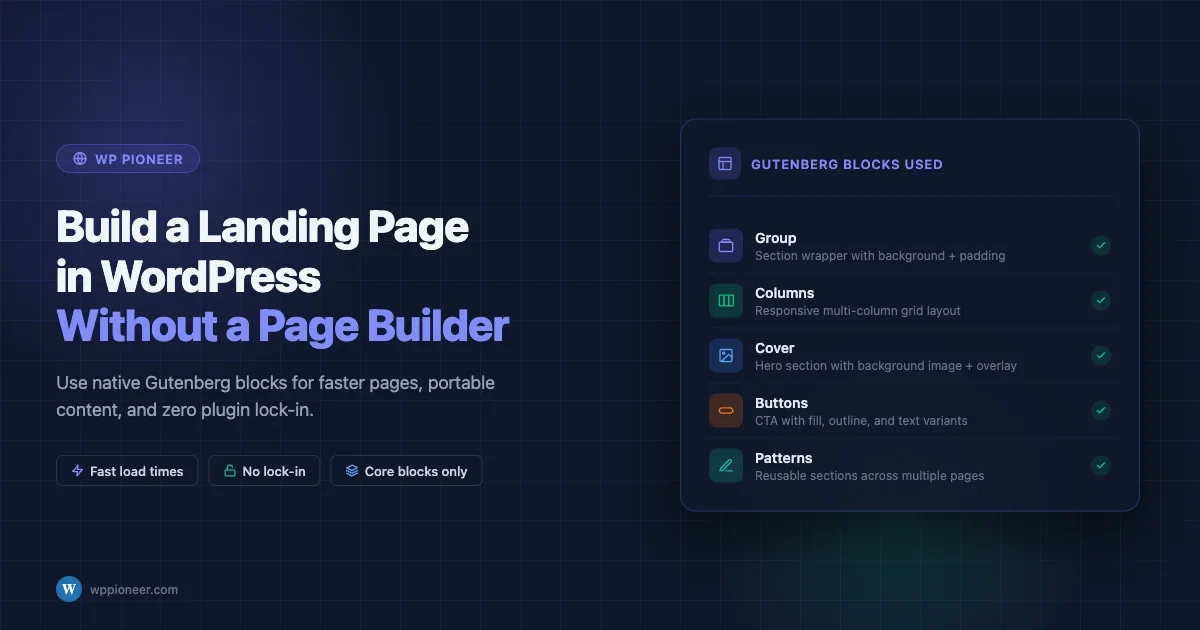
How to Build a WordPress Landing Page Without a Page Builder Plugin
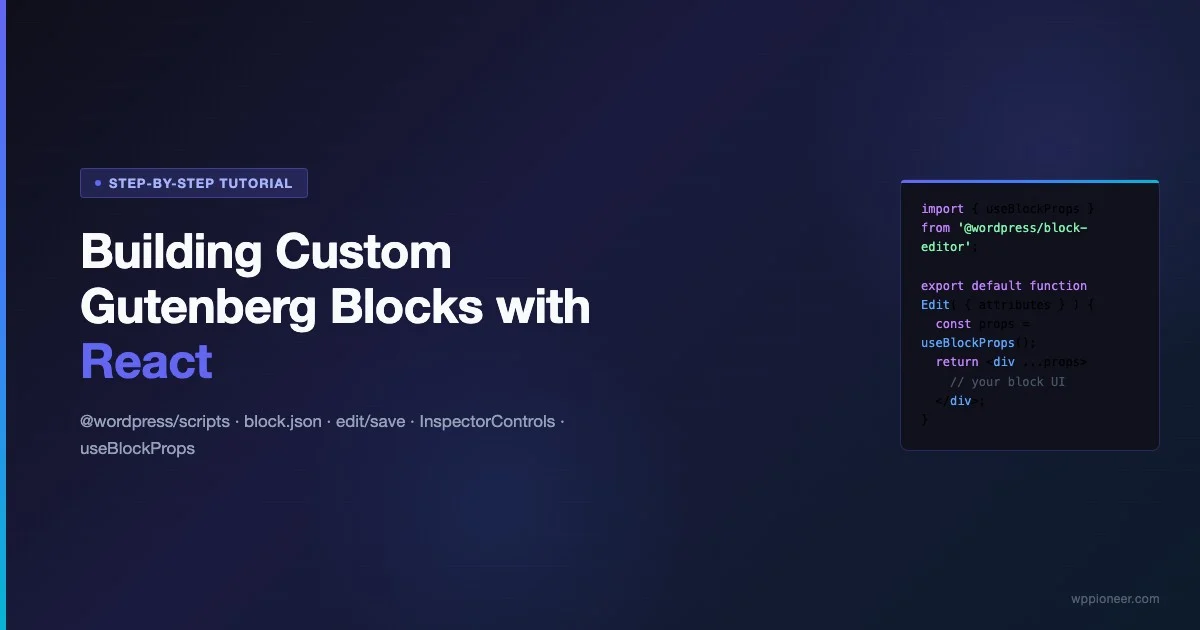
Building Custom Gutenberg Blocks with React: Step-by-Step Tutorial
Learn to build custom Gutenberg blocks with React from scratch — covering @wordpress/scripts, block.json, edit and save components, InspectorControls, useBlockProps, attributes, deprecations, variations, and block transforms. A complete step-by-step tutorial for WordPress developers.
How to Build a Custom Gutenberg Block from Scratch (Step-by-Step)
Learn how to build a custom Gutenberg block from scratch using @wordpress/create-block. This step-by-step tutorial covers block.json, edit.js, save.js, attributes, InspectorControls, RichText, styles, and the build process.
Gutenberg Blocks with AI: Best AI-Powered Block Builders Compared
Compare Kadence AI Blocks, Spectra AI, GenerateBlocks AI, and Elementor AI for Gutenberg. Find which AI block builder saves the most time and delivers the best output for your WordPress workflow.

Gutenberg Blocks with AI: Best AI-Powered Block Builders Compared
AI-powered block builders are changing how WordPress sites get built in 2026. This comparison covers Kadence AI Blocks, Spectra AI, Elementor AI, and GenerateBlocks to help you find the right tool for your workflow.
How to Create a Blog Layout with the WordPress Site Editor
Build a custom blog layout using the WordPress Site Editor: post grid, sidebar, pagination, featured posts section, and Query Loop configuration — all without code.
Every Block in WordPress 6.9 Explained with Examples
A complete guide to every core block in WordPress 6.9 - Text, Media, Design, Widget, Theme, and Embed blocks explained with practical use cases. The definitive block reference for WordPress users.
How to Build a Navigation Menu with the WordPress Site Editor
Learn how to create navigation menus using the WordPress Site Editor and Full Site Editing. Covers adding pages, dropdown menus, mobile responsive hamburger navigation, and styling the Navigation block.

Why Your WordPress Site Is Slow And the Fixes That Actually Work
The New Accordion Block in WordPress 6.9 (No Plugin Needed)
WordPress 6.9 ships with a native accordion block that handles expandable content without any plugin. Learn how to create FAQ sections, toggle content, and style collapsible areas using the built-in Details block.