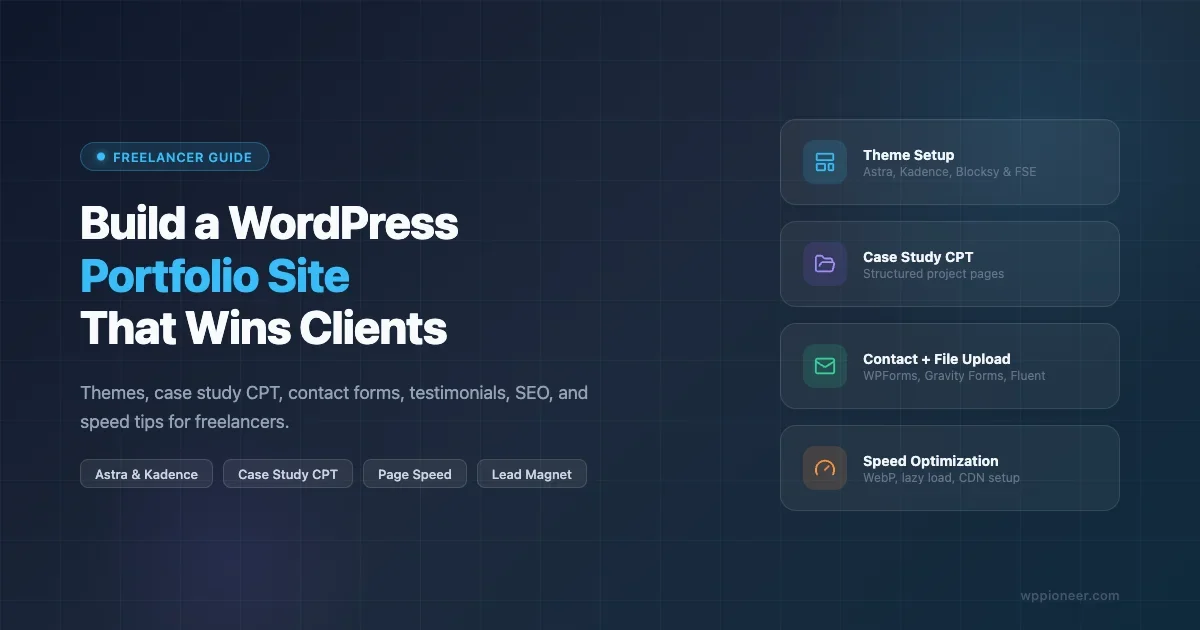
Ultimate Guide to a Stunning WordPress Portfolio Site
Build a WordPress portfolio that converts: theme picks, case study CPT, file-upload contact form, testimonials, SEO, and image speed tips for freelancers.
Build a WordPress portfolio that converts: theme picks, case study CPT, file-upload contact form, testimonials, SEO, and image speed tips for freelancers.
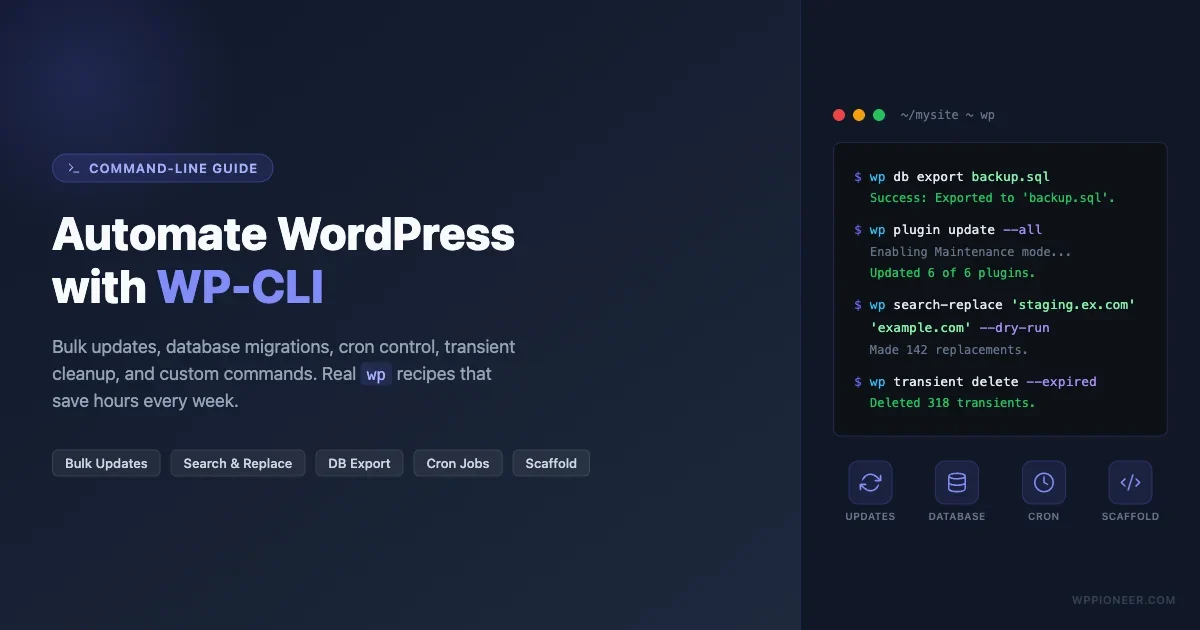
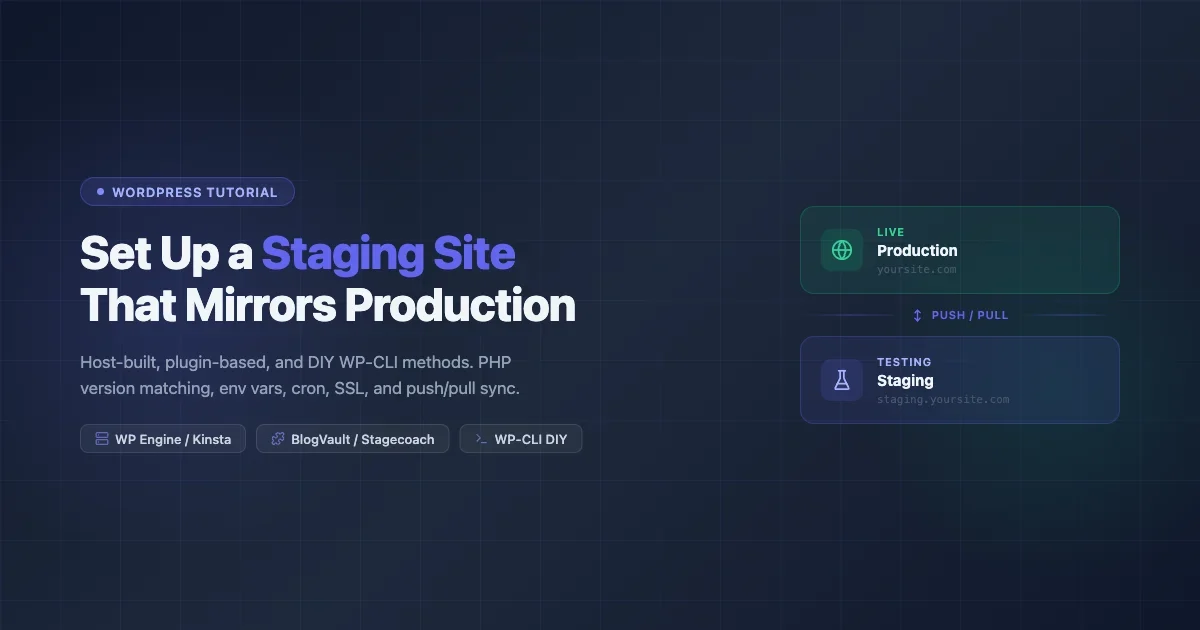
Set up a WordPress staging site using your host, a plugin, or WP-CLI. Covers PHP version matching, env vars, cron, SSL, and push/pull sync strategies to keep staging in sync with production.
Make your WordPress site WCAG 2.2 AA compliant. Covers semantic landmarks, heading order, alt text, focus states, color contrast, skip links, form labels, ARIA, and keyboard navigation. Includes axe DevTools, Lighthouse, WAVE, NVDA, and VoiceOver testing guides plus WordPress-specific plugin and theme recommendations.
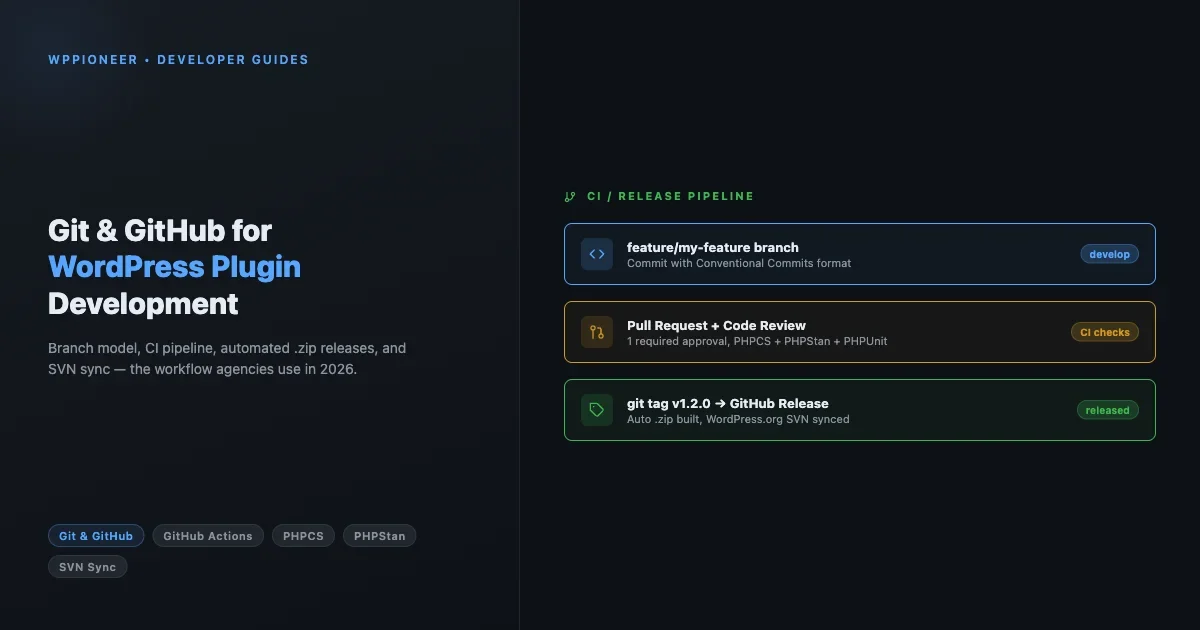
Step-by-step guide to WordPress multisite setup: wp-config.php constants, .htaccess and Nginx rewrite rules, domain mapping, WP-CLI network commands, and backup strategy for running multiple sites from one install.
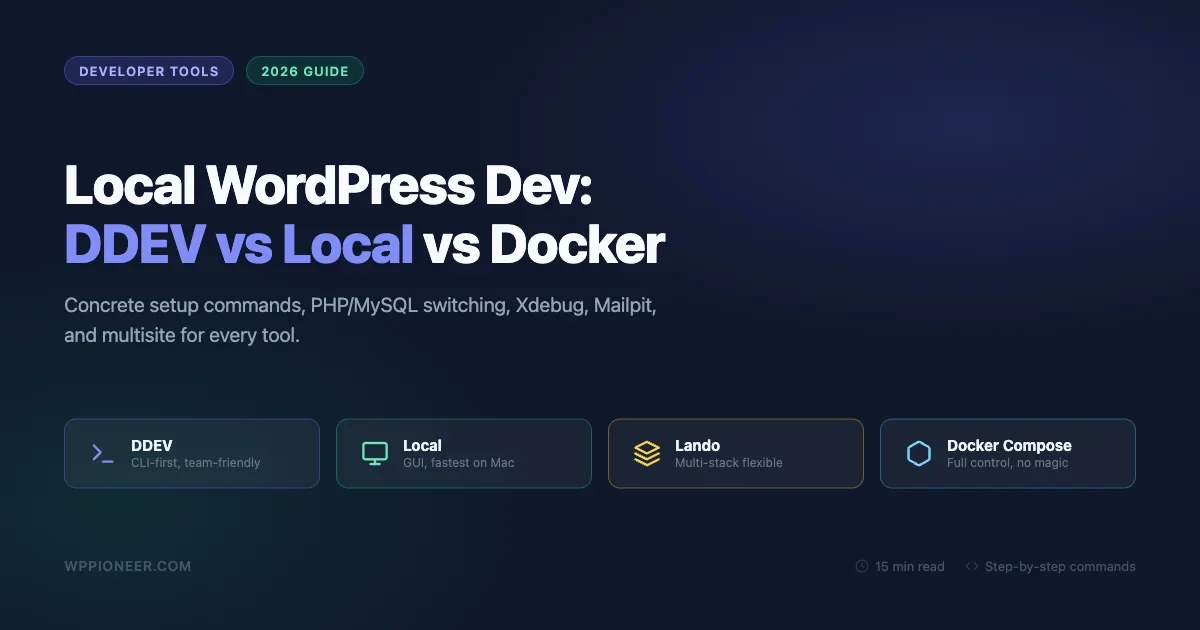
Compare DDEV, Local by Flywheel, Lando, and raw Docker Compose for setting up a local WordPress development environment in 2026. Concrete setup commands, PHP and MySQL version switching, Xdebug, Mailpit, multisite, and custom domains for each tool.
Your WordPress site is down -- a hack, bad update, or accidental deletion. If you have a backup, you can get back online in 15 minutes. This guide covers 5 restore scenarios: plugin restore with UpdraftPlus or Duplicator, manual FTP + phpMyAdmin restore when locked out, host one-click restore via cPanel or managed hosts, database-only restore for DB corruption, and fresh install with content merge. Includes troubleshooting for URL issues, broken permalinks, serialized data corruption, and a post-restore verification checklist.
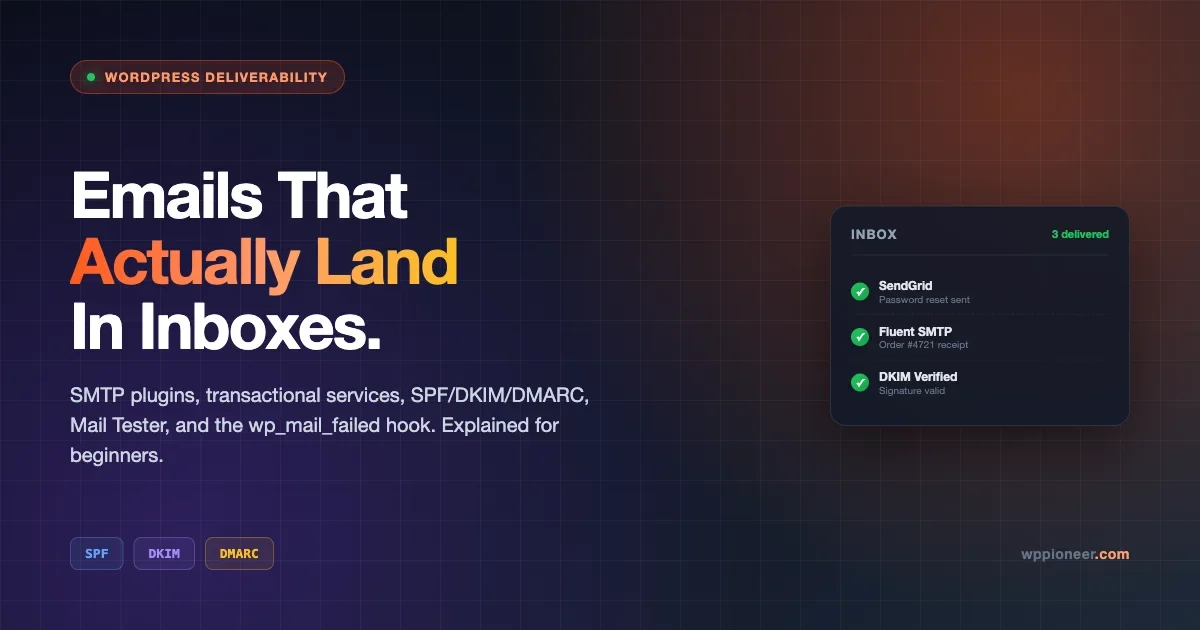
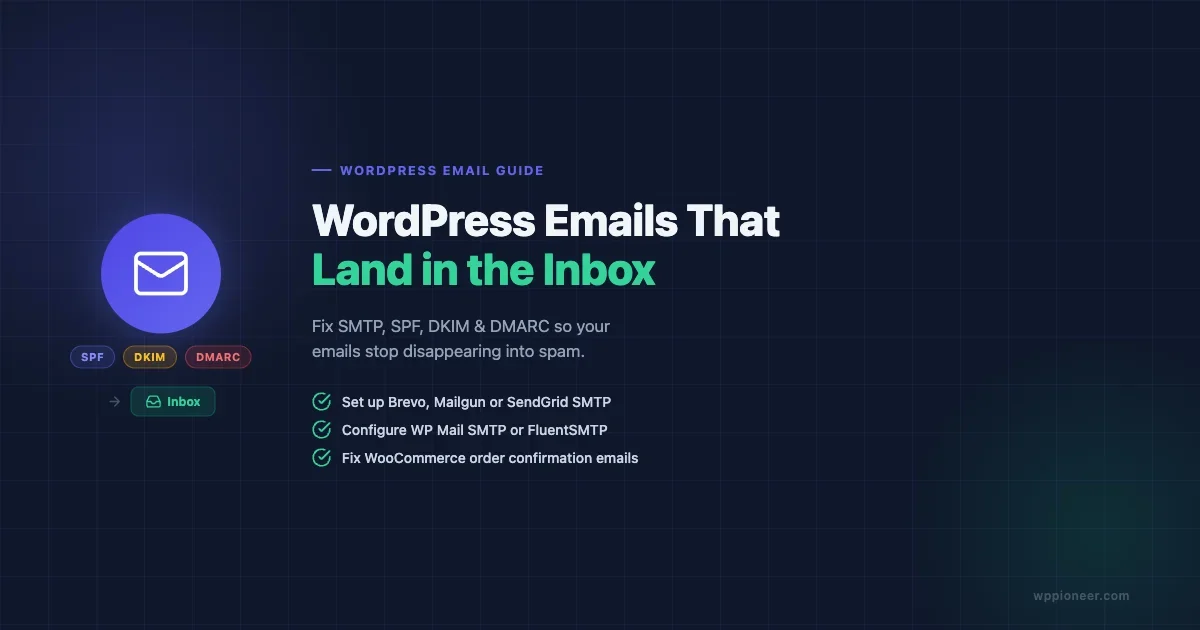
Stop wondering why WordPress emails vanish. A beginner-friendly walkthrough of SMTP plugins, transactional services, SPF/DKIM/DMARC, Mail Tester, and the wp_mail_failed hook so your notifications actually reach the inbox.
Build a WordPress membership site without writing code. Compare MemberPress, Paid Memberships Pro, and Restrict Content Pro — with setup steps for content restriction, payment integration, and drip content.
Enable WordPress Multisite, configure subdomain or subdirectory networks, manage plugins and themes, and set up domain mapping.
A complete guide to every WooCommerce Settings option - from General and Products through Tax, Shipping, Payments, Accounts, Emails, and Advanced. Learn what each setting does, when to change the default, and the common mistakes beginners make.
AI plugins can transform your WordPress site - but do you know where your content goes when you click 'Generate'? This beginner's guide explains API keys, who pays for AI processing, how to read a plugin's privacy policy, 5 questions to ask before installing, and how to set spending limits on OpenAI and Anthropic.

Learn how to set up WordPress SEO the right way in 2026. This beginner guide covers permalinks, Rank Math, Google Search Console, sitemaps, and writing content that ranks on Google.