How to Fix Slow WordPress Admin Dashboard (10 Proven Fixes)
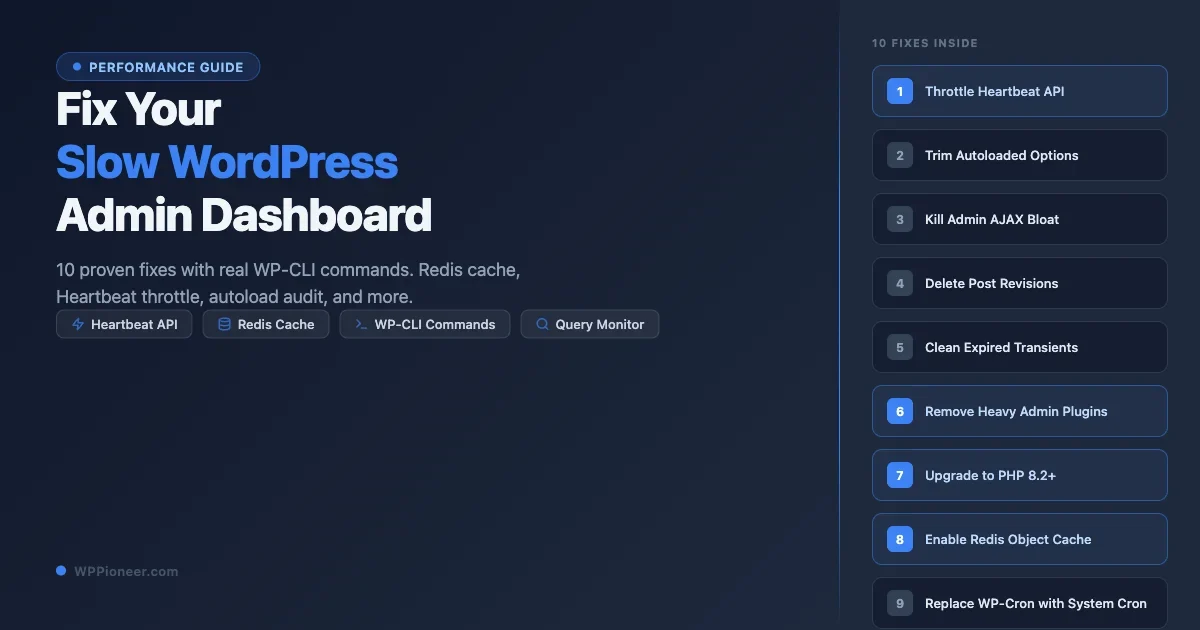
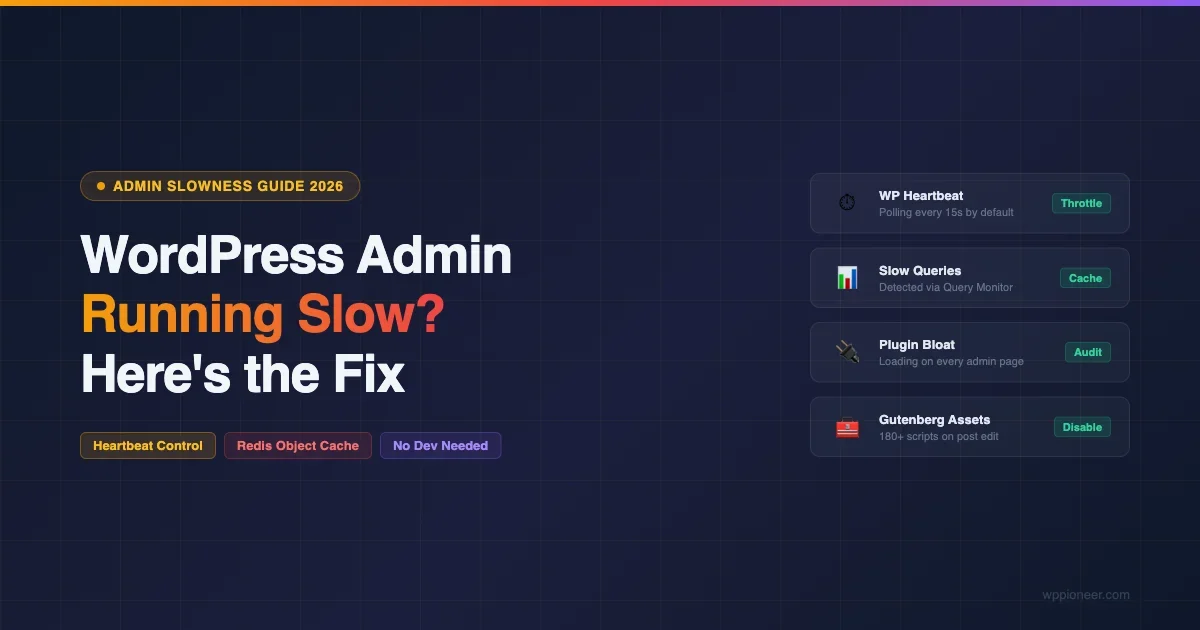
Your WordPress admin dashboard should open in under two seconds. If it takes five, ten, or fifteen seconds to load a single page, you … Read more
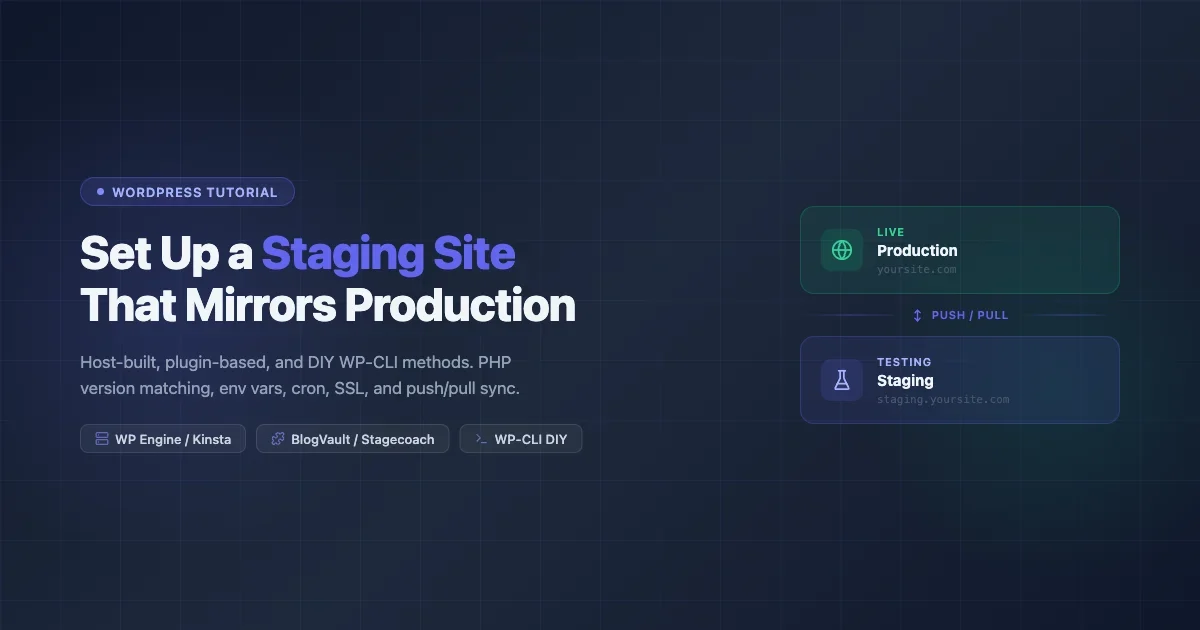
Set up a WordPress staging site using your host, a plugin, or WP-CLI. Covers PHP version matching, env vars, cron, SSL, and push/pull sync strategies to keep staging in sync with production.
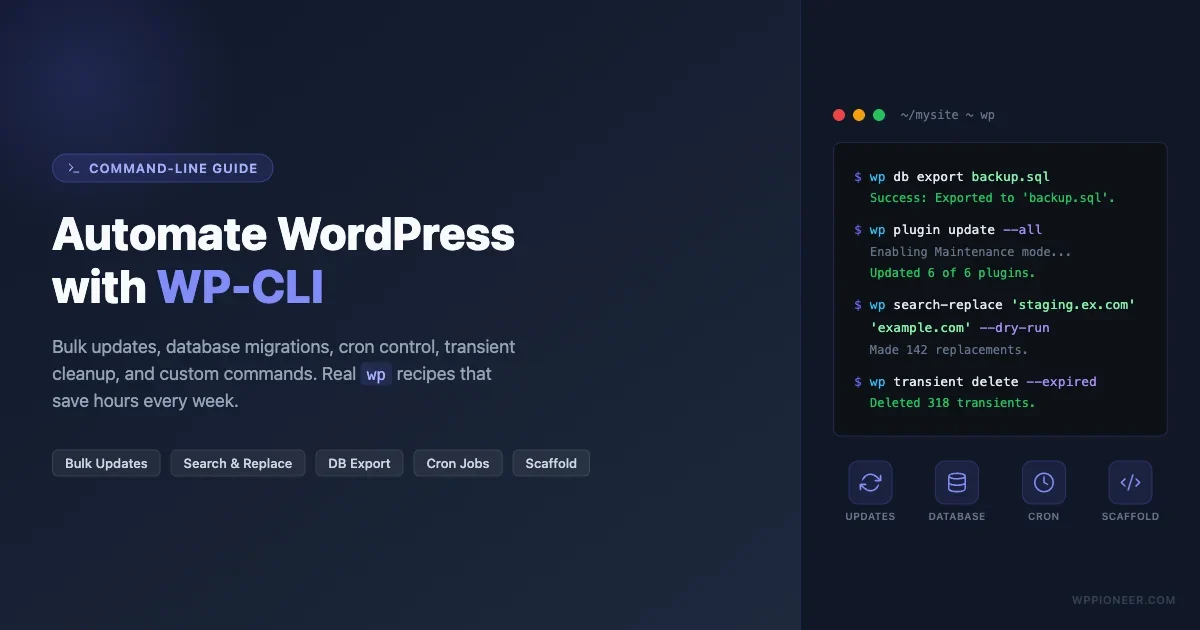
If you manage one or more WordPress sites, you already know the drill: update plugins, export the database, swap URLs after a migration, clean … Read more
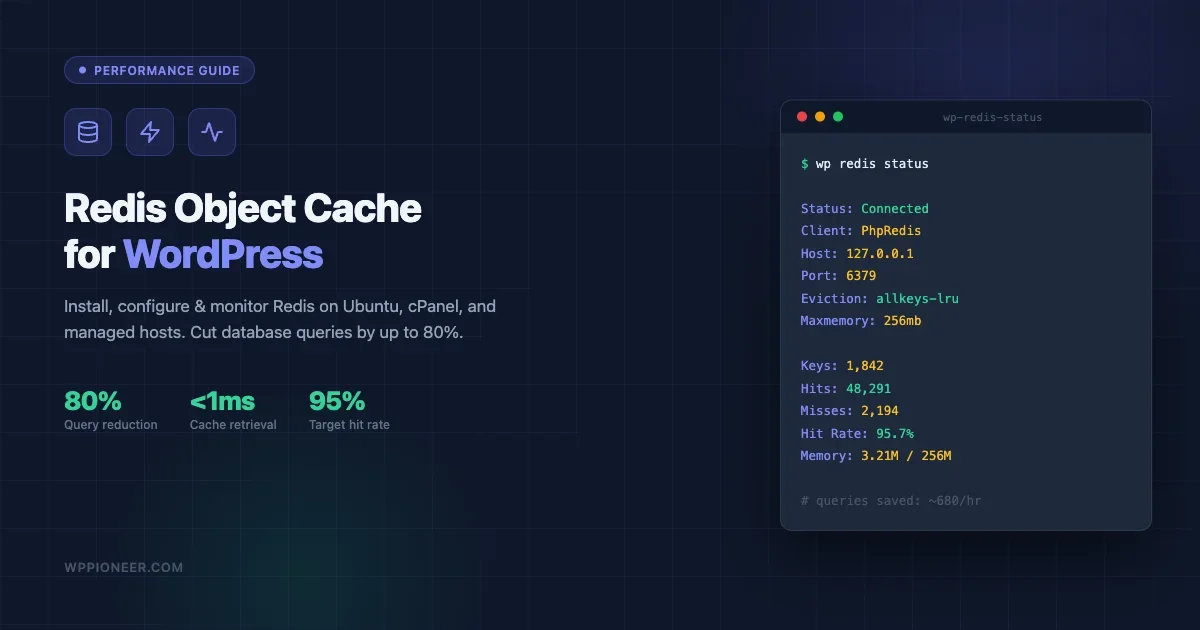
Learn how to install Redis object cache on WordPress, enable the drop-in, set allkeys-lru eviction policy, and monitor hit rate to cut database queries by 80%. Works on Ubuntu, cPanel, Kinsta, WP Engine, and Cloudways.
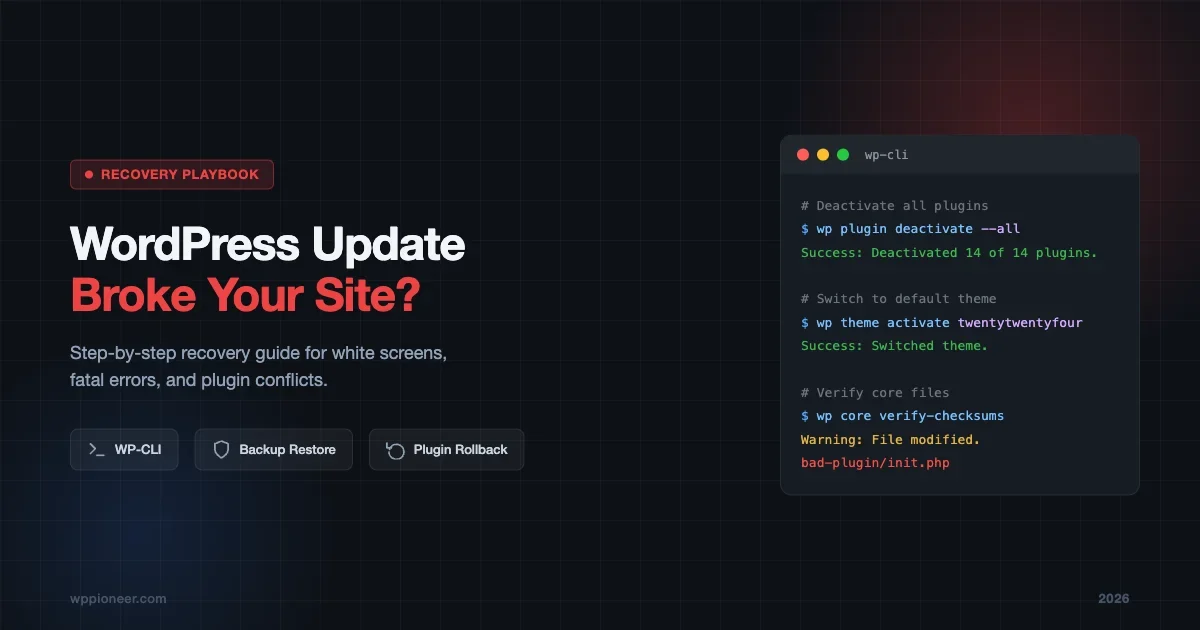
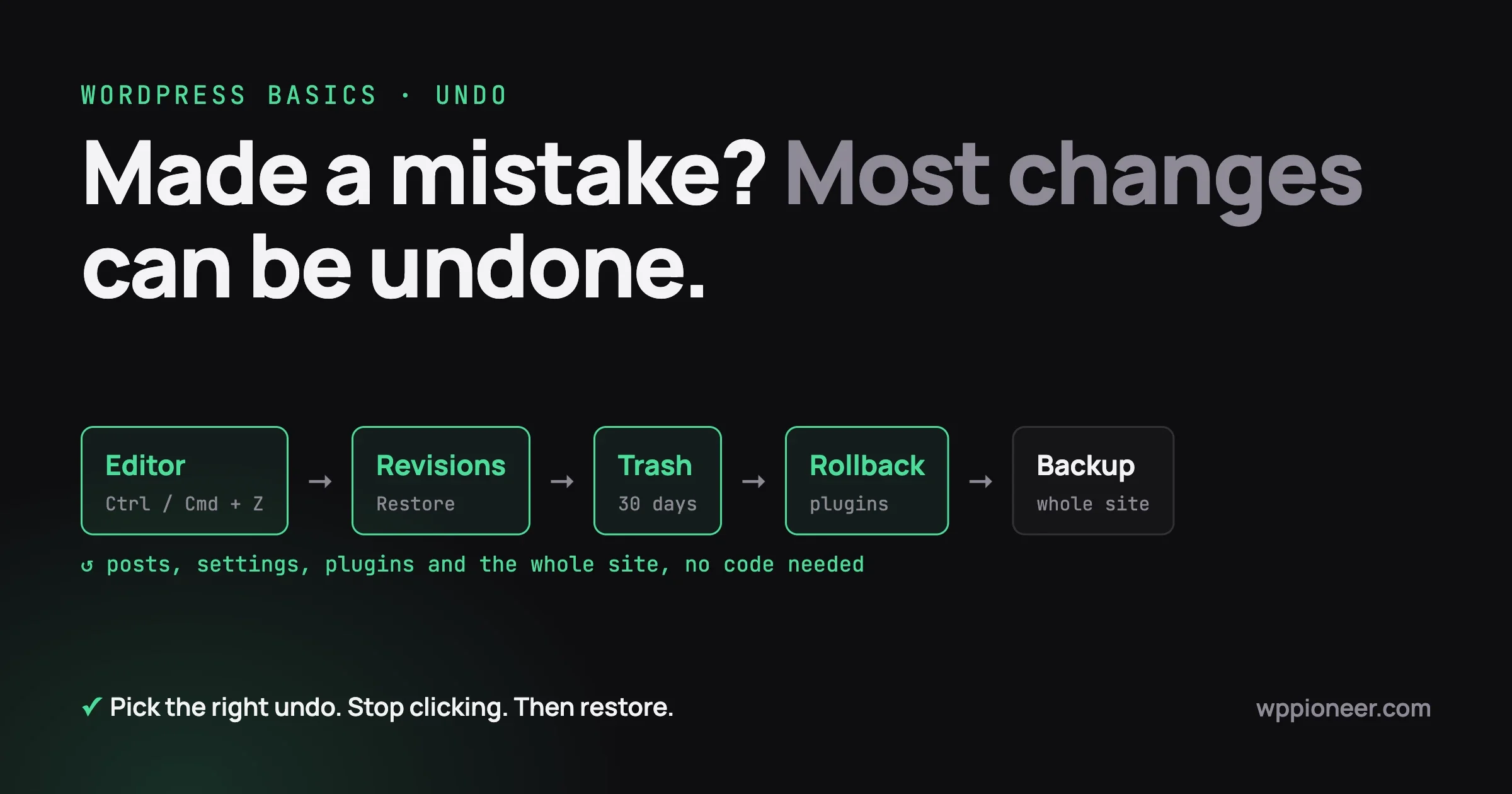
You clicked “Update All” on a Tuesday morning. Within seconds, your site goes blank. Visitors see a white screen. Your heart drops. This happens … Read more
If you have ever logged into your WordPress dashboard and found hundreds of spam comments waiting in moderation, you already know the frustration. Links … Read more
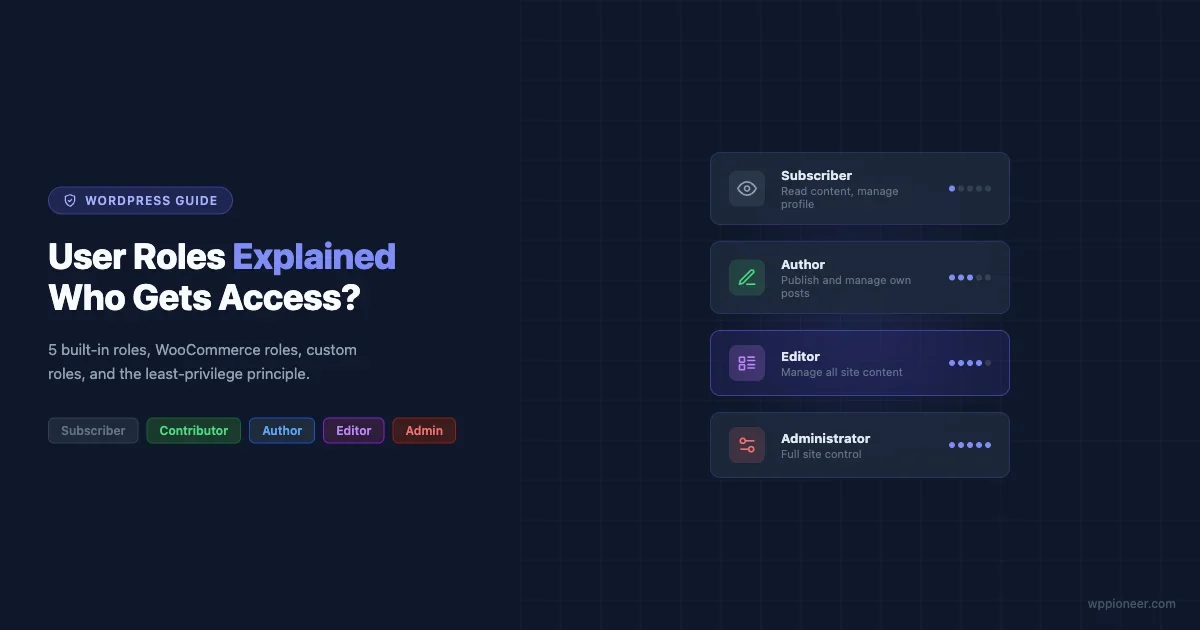
If you’ve ever handed someone access to your WordPress site and then worried about what they might accidentally break, you’re not alone. User roles … Read more
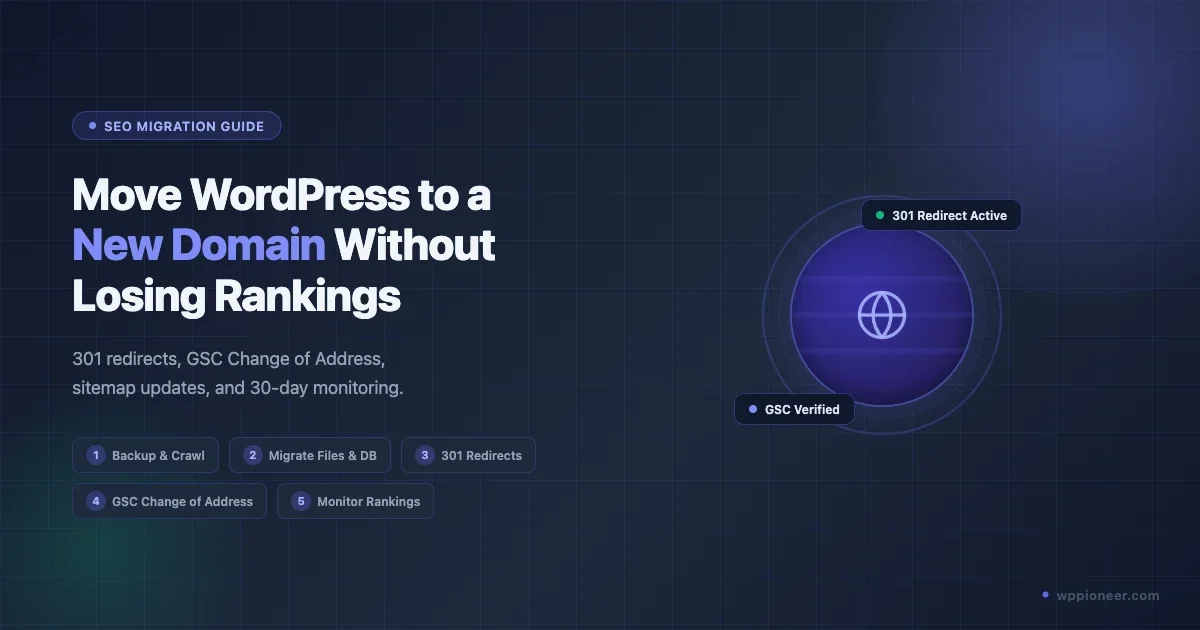
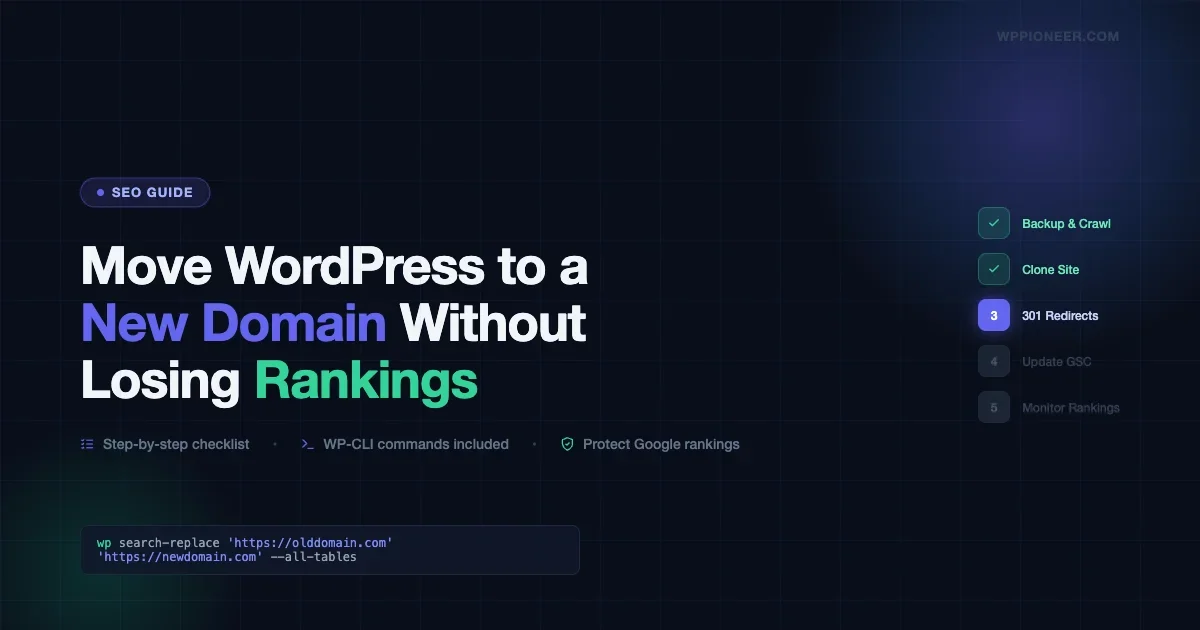
A practical step-by-step guide to moving your WordPress site to a new domain while protecting your Google rankings. Covers backup, cloning, 301 redirects, Search Console updates, and post-migration monitoring.
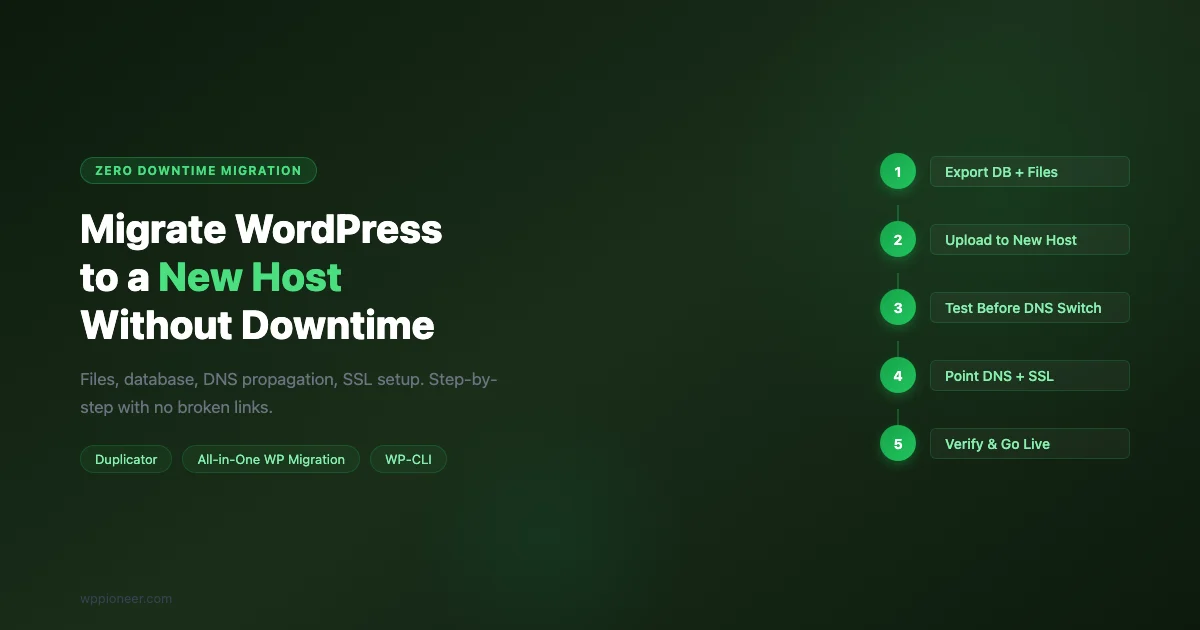
Step-by-step guide to migrating WordPress to a new hosting provider with zero downtime. Manual migration, Duplicator plugin, DNS propagation, SSL setup, and post-migration checklist.
Diagnose and fix a slow WordPress admin panel. Learn how to control the Heartbeat API, add Redis object cache, find plugin offenders, fix Gutenberg slowness, and optimize server resources.
Set up automated WordPress backups with off-site storage. Covers UpdraftPlus, Google Drive, Amazon S3, and restore testing.
Learn how to secure your WordPress site in 2026. This beginner guide covers updates, strong passwords, 2FA, security plugins, automated backups, and login protection — no technical skills required.
Learn how to make your WordPress site load faster without writing any code. Step-by-step guide covering caching plugins, image optimization, CDN setup, database cleanup, and more. Includes a free checklist and real before-and-after examples.
WordPress is Easy… Until It Isn’t WordPress is the world’s most popular content management system, and for good reason. It’s powerful, flexible, free, and … Read more