Optimize WordPress performance
How to Compress WordPress Images So Pages Load in Under 2 Seconds
How to Move Your Squarespace Site to WordPress Without Losing Pages, Images, or SEO
A complete step-by-step guide to migrating your Squarespace site to WordPress without losing pages, images, or SEO rankings. Covers XML export, image import, page rebuilding, redirect setup, domain transfer, and WooCommerce for e-commerce stores.
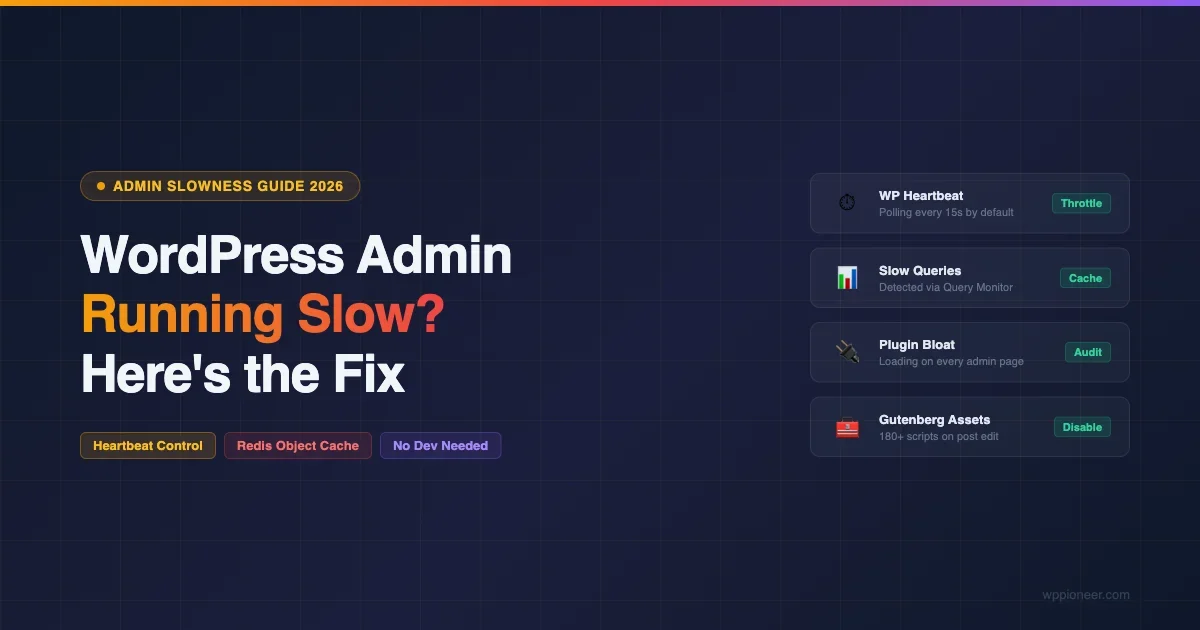
Why Is WordPress Admin So Slow (And How to Make It Fast Again in 2026)
Diagnose and fix a slow WordPress admin panel. Learn how to control the Heartbeat API, add Redis object cache, find plugin offenders, fix Gutenberg slowness, and optimize server resources.
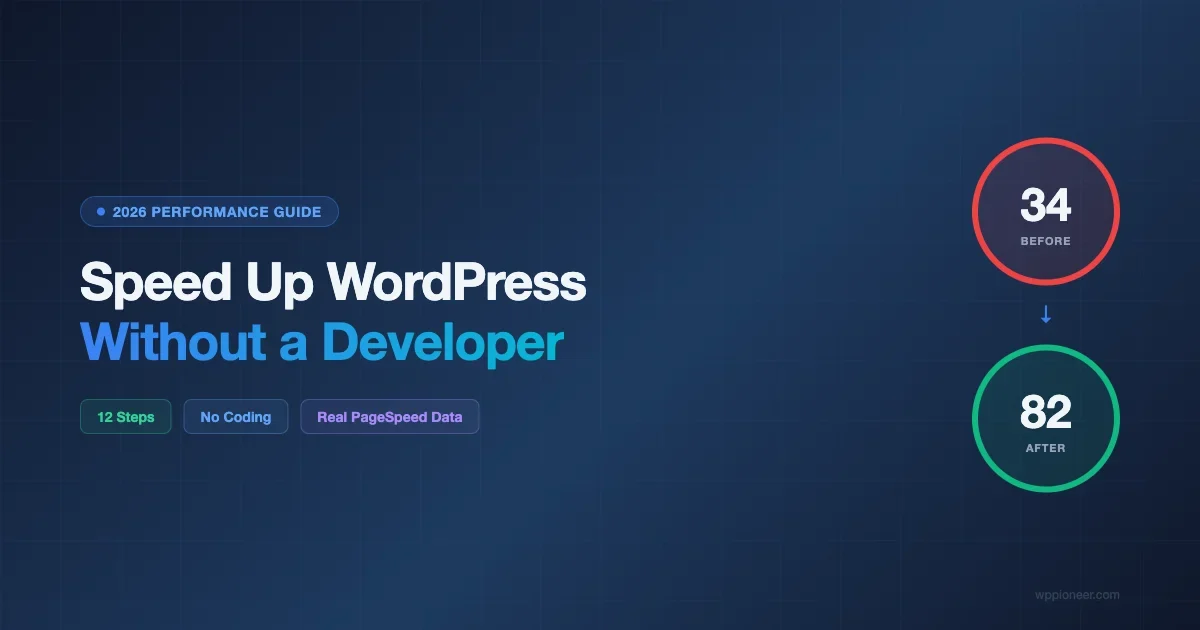
How to Speed Up Your WordPress Site Without Hiring a Developer (2026 Guide)
Learn 12 proven steps to speed up your WordPress site on your own. From image optimization to CDN setup, this guide shows real before/after PageSpeed scores with no developer needed.
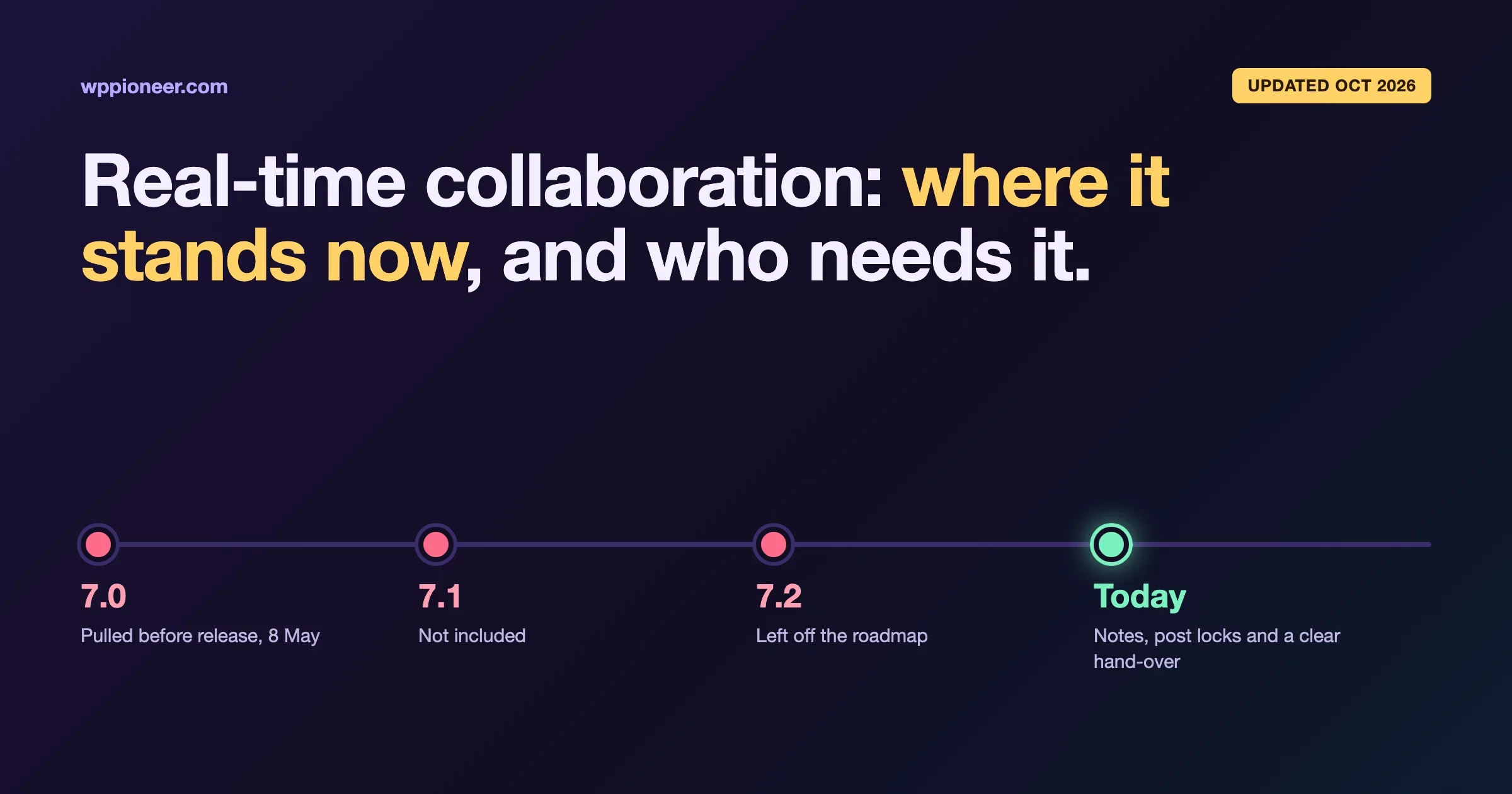
WordPress Real-Time Collaboration: Who Actually Needs It, and Where It Stands Now
Real-time collaboration was pulled from WordPress 7.0 and is not in 7.2. What happened in plain language, who actually needs live editing, and what teams can use today: Notes, post locks and a simple hand-over workflow.
WordPress Transients API: Cache Database Queries for Better Performance
<p>A developer deep dive on the WordPress Transients API, set_transient, get_transient, expiration semantics, how transients fall back from object cache to wp_options, site transients, autoload bloat, and when to skip transients for the Object Cache API.</p>

WooCommerce Coupons, Discounts and Sales: Complete Setup Guide
<p>Everything WooCommerce store owners need to know about coupons, discounts, and sales, built-in coupon types, usage restrictions, BOGO and advanced discounts, scheduled sales, URL coupons, abandoned cart recovery, and tracking coupon ROI.</p>
Best WordPress LMS Plugins: LearnDash vs LifterLMS vs Tutor LMS
<p>Honest 2026 comparison of LearnDash, LifterLMS, and Tutor LMS, course builder UX, quiz engines, certificates, drip content, gamification, pricing, WooCommerce and BuddyPress integrations, and which LMS fits which course creator.</p>
Stop WordPress Database Bloat: Proven wp_options Cleanup Guide
Your wp_options table is loading megabytes of stale plugin data on every page request. Learn how to audit autoload bloat, clean expired transients, remove orphaned metadata, limit post revisions, and run a full database optimization using SQL, PHP, and WP-CLI commands — with a repeatable maintenance schedule to keep it clean.
How to Optimize WordPress Images for Speed Without Losing Quality
Optimize WordPress images for faster load times without losing quality. Covers WebP conversion, compression plugins, lazy loading, srcset, CDN setup, and next-gen formats.

How to Keep Your WordPress Site Safe (2026 Beginner Guide)
Learn how to secure your WordPress site in 2026. This beginner guide covers updates, strong passwords, 2FA, security plugins, automated backups, and login protection — no technical skills required.
15 Must-Have WordPress Plugins for Every New Website in 2026
The 15 essential WordPress plugins every new site needs in 2026 covering security, SEO, performance, backups, forms, anti-spam, image optimization, analytics, and more. Plus the popular plugins you should skip.
