How to Build a WordPress Landing Page Without a Page Builder Plugin
Most WordPress tutorials send you straight to a page builder plugin the moment you want to design a landing page. Install Elementor, they say. … Read more
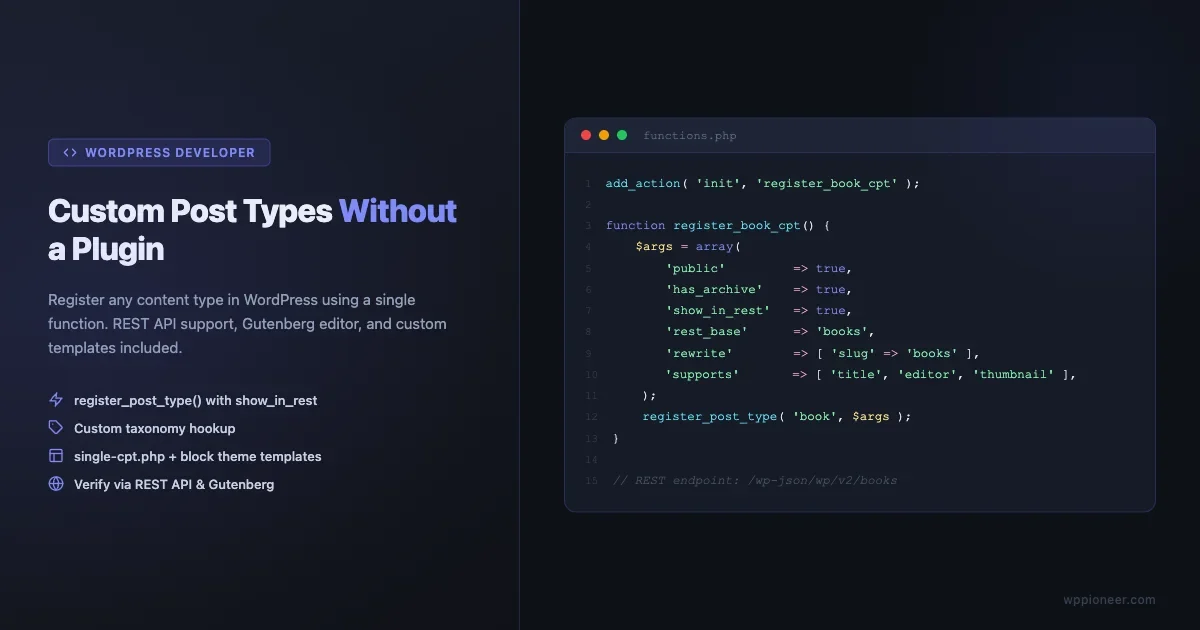
Learn to register a custom post type in WordPress using register_post_type with REST API support, custom taxonomy, theme templates, and Gutenberg editor. No plugin needed.
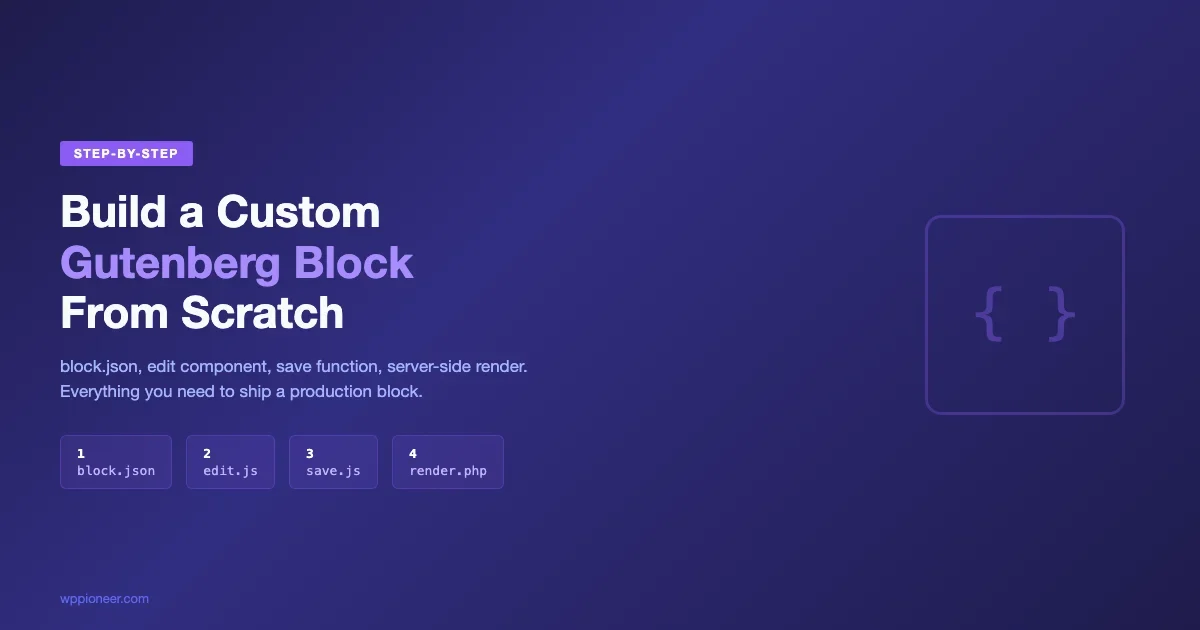
Building a custom Gutenberg block from scratch sounds intimidating at first. You’re suddenly dealing with React, webpack, PHP registration, and a JavaScript build pipeline … Read more
Page builders are everywhere in WordPress. Elementor has over 10 million active installs. WPBakery ships bundled with thousands of premium themes. Divi has built … Read more
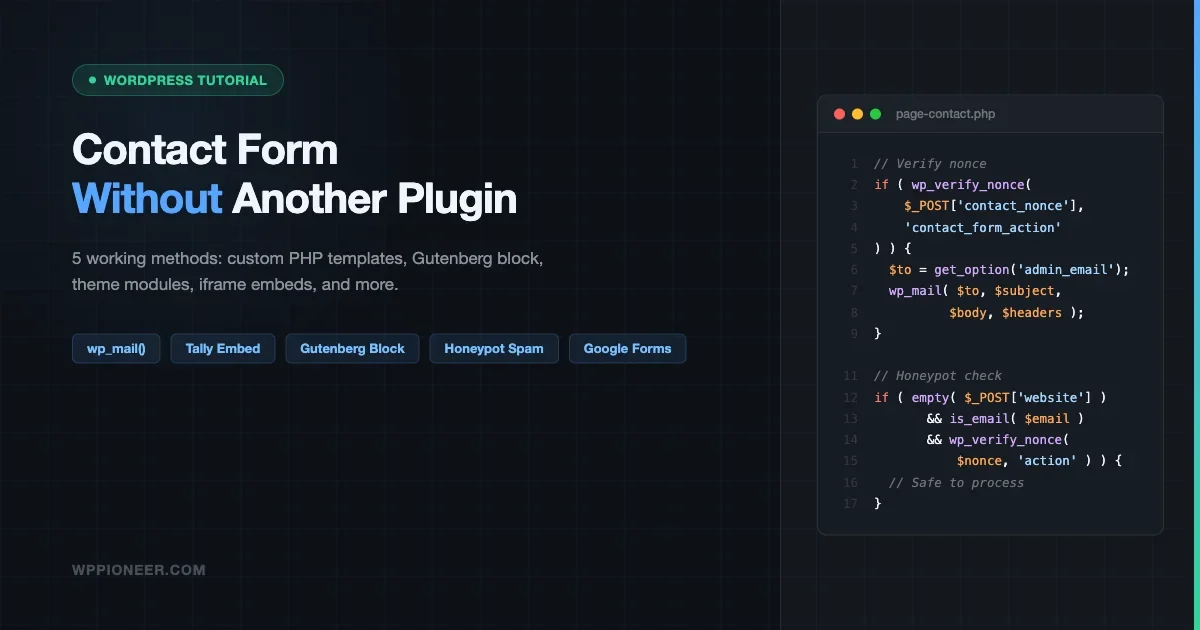
You just launched your WordPress site and you need a contact form. The obvious advice is to install Contact Form 7 or WPForms. But … Read more
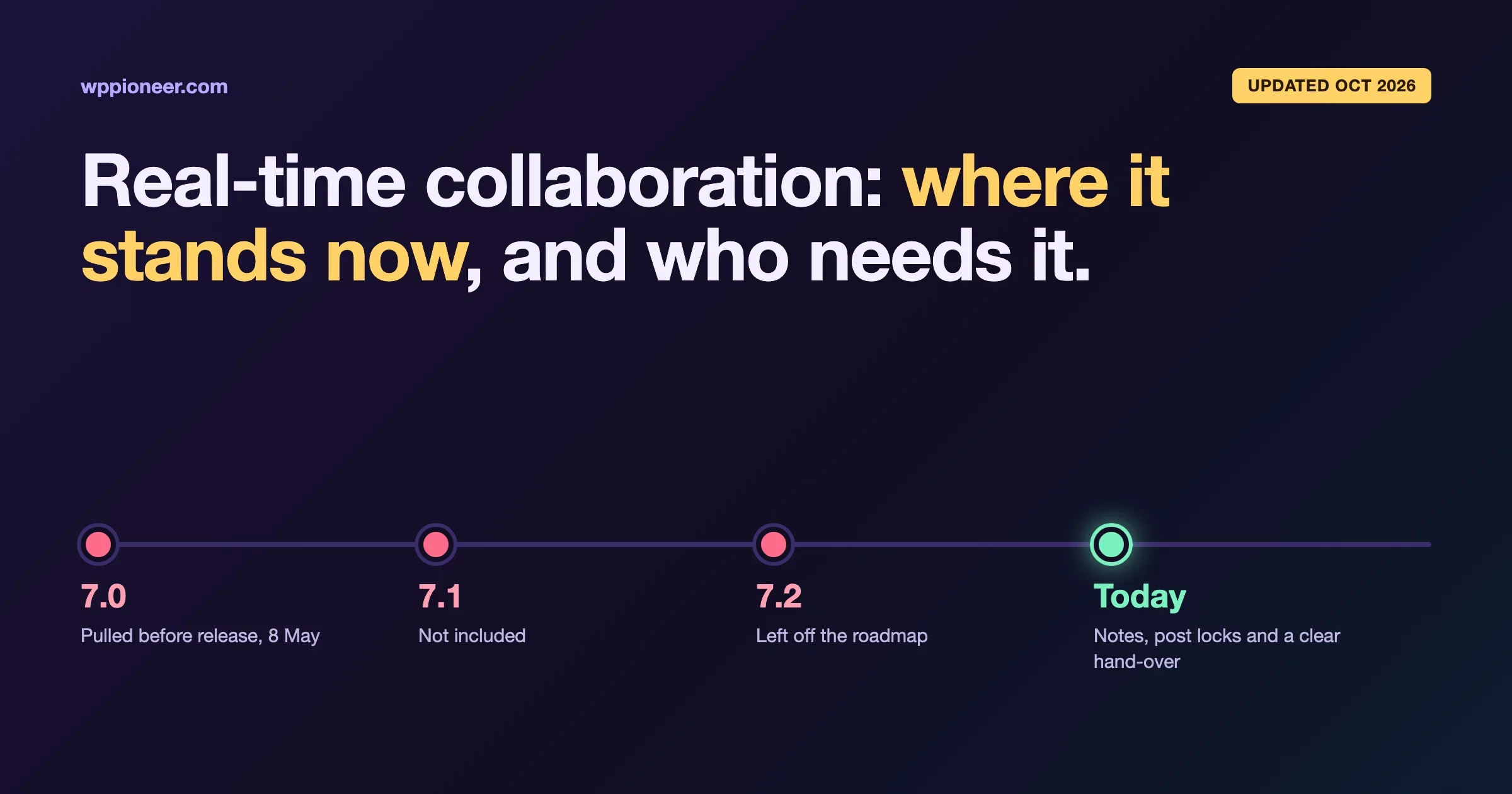
WordPress 7.0 ships real-time collaborative editing in the block editor. This is the architecture behind it, who actually benefits, and why most solo bloggers and small teams should not expect life to change.
Learn how to build a custom Gutenberg block from scratch using @wordpress/create-block. This step-by-step tutorial covers block.json, edit.js, save.js, attributes, InspectorControls, RichText, styles, and the build process.
WordPress 7.0 is the biggest release in years. The core team has been shipping announcements almost daily through March 2026, the Connectors API, Pattern … Read more
Compare Kadence AI Blocks, Spectra AI, GenerateBlocks AI, and Elementor AI for Gutenberg. Find which AI block builder saves the most time and delivers the best output for your WordPress workflow.
Everything you need to launch your first WordPress site — from choosing hosting to publishing your first post. A complete step-by-step roadmap for absolute beginners.
Learn how to use WordPress block patterns to create beautiful pages in minutes. Browse, insert, customize, and create your own reusable patterns.
Learn how to customize your WordPress header, footer, and page templates using the Site Editor. Complete beginner walkthrough with step-by-step instructions.
Block patterns let you build professional WordPress pages in minutes. Learn how to find, insert, customize, and create your own patterns — no code or page builder needed.
Learn how to change fonts, colors, spacing, and layout on your WordPress site using Global Styles - no code required. Step-by-step guide for complete beginners.
A complete beginner guide to Twenty Twenty-Five: style variations, Global Styles, template hierarchy, built-in patterns, and how to customize your WordPress site.