Tag: Beginner WordPress Tips

Beginner’s GuidePerformance OptimizationSite Maintenance Basics

Views: 0

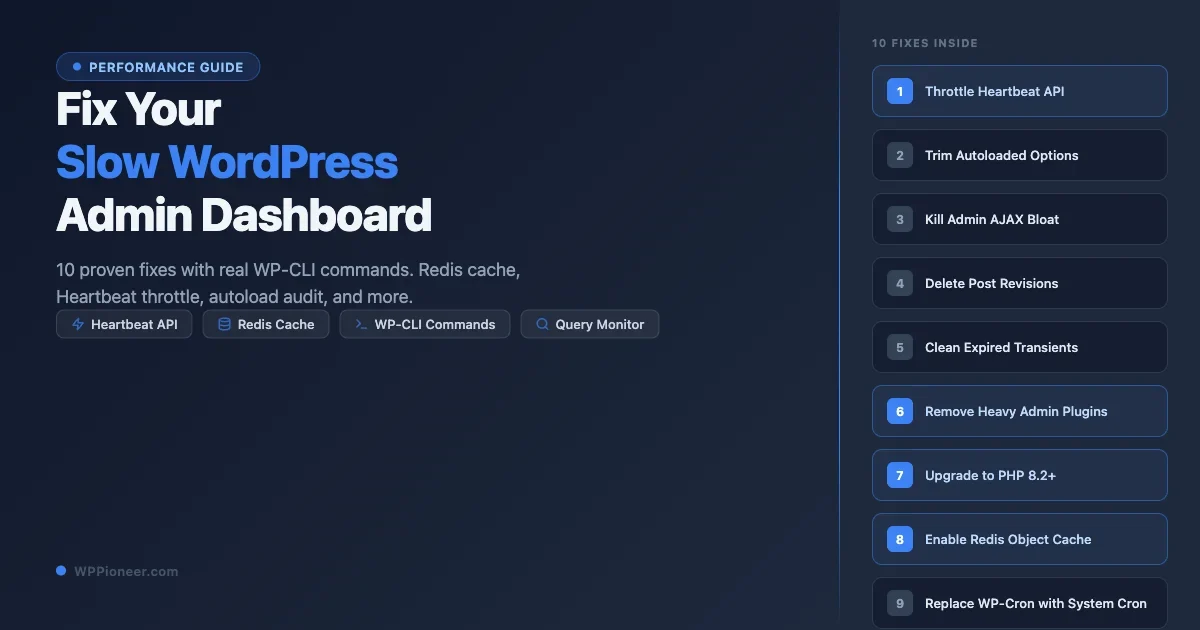
Why Is WordPress Admin So Slow (And How to Make It Fast Again in 2026)

Diagnose and fix a slow WordPress admin panel. Learn how to control the Heartbeat API, add Redis object cache, find plugin offenders, fix Gutenberg slowness, and optimize server resources.

Read More

Beginner’s GuidePerformance OptimizationPerformance Plugins

Views: 2

How to Speed Up Your WordPress Site Without Hiring a Developer (2026 Guide)

Learn 12 proven steps to speed up your WordPress site on your own. From image optimization to CDN setup, this guide shows real before/after PageSpeed scores with no developer needed.

Read More

Beginner’s GuideGetting Started with WordPress

Views: 1

How to Restore Your WordPress Site From a Backup in 15 Minutes (Even If the Site Is Down)

Your WordPress site is down — a hack, bad update, or accidental deletion. If you have a backup, you can get back online in 15 minutes. This guide covers 5 restore scenarios: plugin restore with UpdraftPlus or Duplicator, manual FTP + phpMyAdmin restore when locked out, host one-click restore via cPanel or managed hosts, database-only restore for DB corruption, and fresh install with content merge. Includes troubleshooting for URL issues, broken permalinks, serialized data corruption, and a post-restore verification checklist.

Read More

Uncategorized

Views: 0

How to Back Up Your WordPress Site the Right Way in 2026 (And Actually Restore It Later)

Lost a WordPress site once. No backup. Spent the whole weekend trying to recover it. Here is everything you need to know about how to backup your WordPress site the right way in 2026, covering three methods, off-site storage, restore walkthroughs, and the one step most people skip.

Read More

AI in WordPress

Views: 1

WordPress 7.0 Real-Time Collaboration: Who Actually Needs It?

WordPress 7.0 ships real-time collaborative editing in the block editor. This is the architecture behind it, who actually benefits, and why most solo bloggers and small teams should not expect life to change.

Read More

Market Trends

Views: 0

EmDash vs WordPress: Is the Astro-Based Successor Actually a Threat?

EmDash is being called the spiritual successor to WordPress, a TypeScript CMS built on Astro. Here is what it actually does, who it is for, where it beats WordPress, and why it is not the threat the headlines suggest.

Read More

Performance Optimization

Views: 1

WordPress Transients API: Cache Database Queries for Better Performance

A developer deep dive on the WordPress Transients API, set_transient, get_transient, expiration semantics, how transients fall back from object cache to wp_options, site transients, autoload bloat, and when to skip transients for the Object Cache API.

Read More

APIs & Integrations

Views: 2

Headless WordPress with Next.js: Why and How to Go Decoupled

When decoupling WordPress from its frontend makes sense, WPGraphQL vs REST API, authentication, preview mode, ISR, Vercel deployment, SEO considerations, and the plugin-compatibility trade-offs nobody tells you about upfront.

Read More

Content Strategy

Views: 1

How to Create a WordPress Content Calendar and Publishing Workflow

A practical editorial calendar system for WordPress, PublishPress vs Notion vs Google Sheets, custom post statuses, assigning authors, reviewer gates, scheduled publishing, and social auto-posting integration.

Read More

How-To Guides

Views: 0

WordPress Accessibility: How to Make Your Site WCAG Compliant

A practical path to WCAG 2.2 AA compliance on WordPress, theme selection, semantic HTML, color contrast, keyboard navigation, ARIA done right, accessible forms, and an audit workflow using axe DevTools and WAVE.

Read More
Close