How to Set Up WordPress Emails That Actually Land in the Inbox (Not Spam)
You just reset a customer password on your WordPress site. They never got the email. You sent an order confirmation through WooCommerce. It disappeared. … Read more
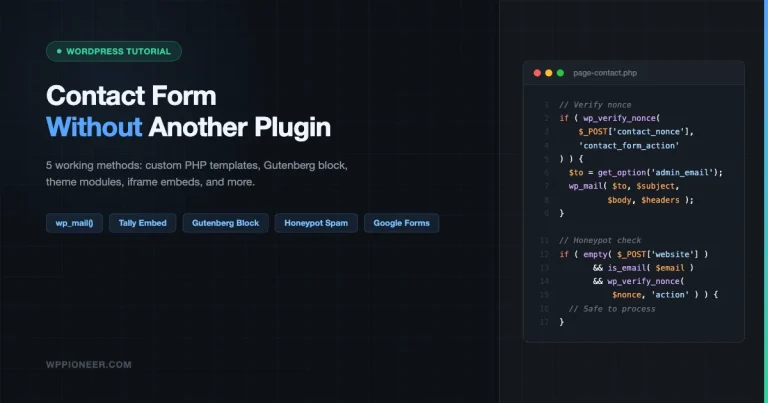
You just launched your WordPress site and you need a contact form. The obvious advice is to install Contact Form 7 or WPForms. But … Read more
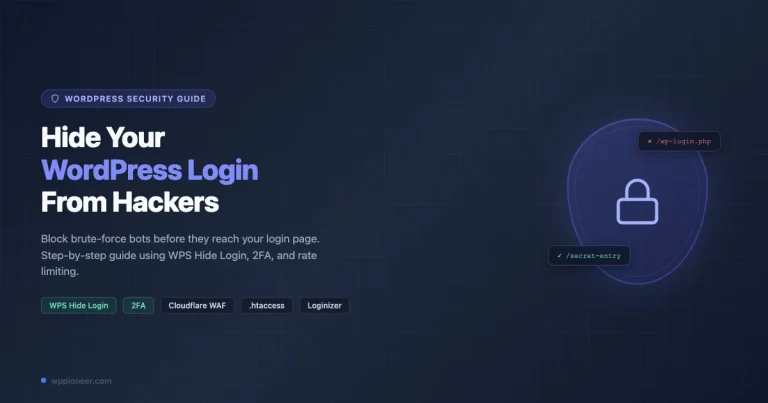
Every WordPress site on the planet has the same two login addresses out of the box: /wp-login.php and /wp-admin. Hackers know this. Bots know … Read more
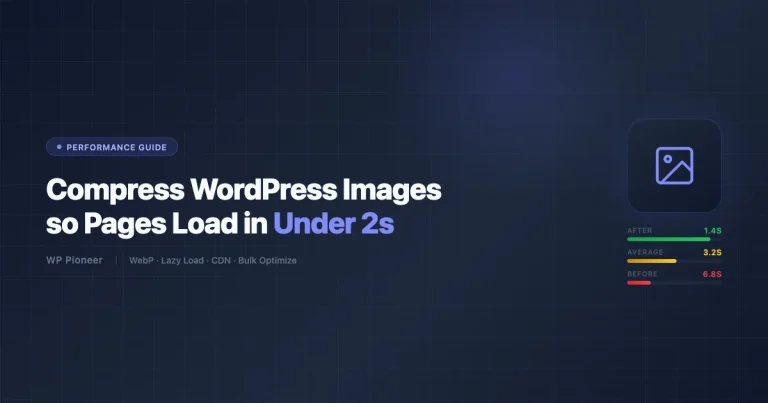
Images are beautiful. They make your site look professional, keep visitors engaged, and help explain complex ideas in seconds. But images are also the … Read more
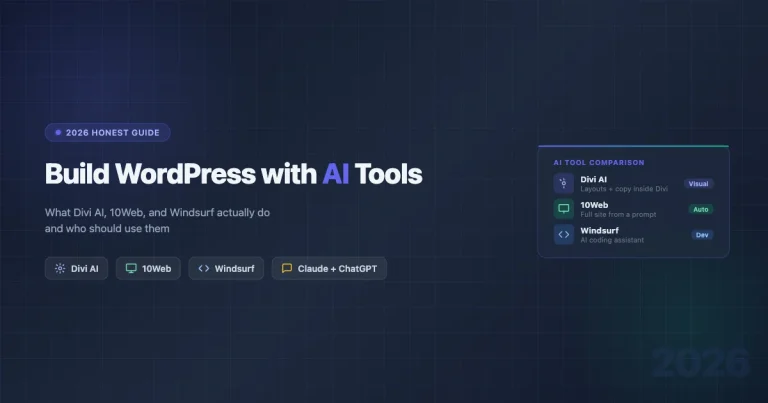
Everyone says AI will build your website for you. You have seen the ads: type a prompt, get a finished site in minutes, no … Read more
A WordPress redirect hack silently sends your visitors to casino, pharma, or spam sites without you knowing. This guide shows you exactly where redirect malware hides in WordPress — .htaccess, theme functions.php, wp_options, and fake image files — and how to find and remove every instance.
Your WordPress site has been hacked. This step-by-step guide shows you how to identify the hack, isolate and clean the site, remove malicious users and backdoors, restore from a clean backup if needed, and harden WordPress against the next attack — all without losing your content.
Moving a WooCommerce store to a new WordPress site without losing customer data, order history, or product inventory. This step-by-step guide covers database export, product migration, customer transfer, payment gateway reconnection, and post-move verification so you go live with zero data loss.
A complete step-by-step guide to migrating your Squarespace site to WordPress without losing pages, images, or SEO rankings. Covers XML export, image import, page rebuilding, redirect setup, domain transfer, and WooCommerce for e-commerce stores.
Your WordPress login page is showing a blank white screen. This guide covers 7 specific fixes to get back into wp-admin without deleting anything, including disabling plugins via FTP, resetting .htaccess, clearing browser cache, and checking for a hidden custom login URL.
Your WordPress site went blank. No error, just white. This guide covers every cause of the WordPress White Screen of Death and gives you exact steps to fix it in under 10 minutes without deleting your content or reinstalling WordPress.
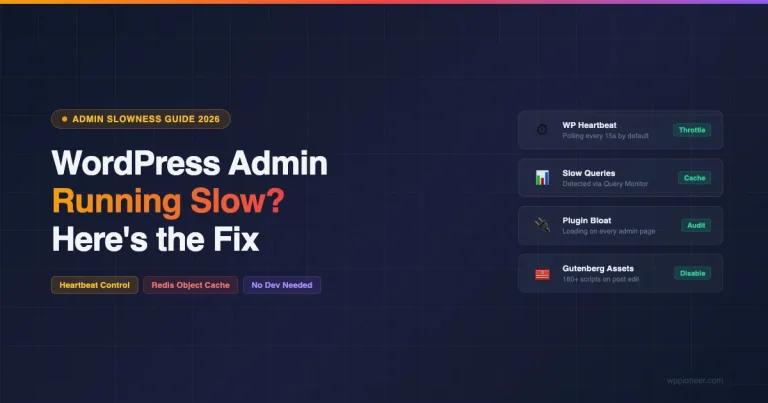
Diagnose and fix a slow WordPress admin panel. Learn how to control the Heartbeat API, add Redis object cache, find plugin offenders, fix Gutenberg slowness, and optimize server resources.
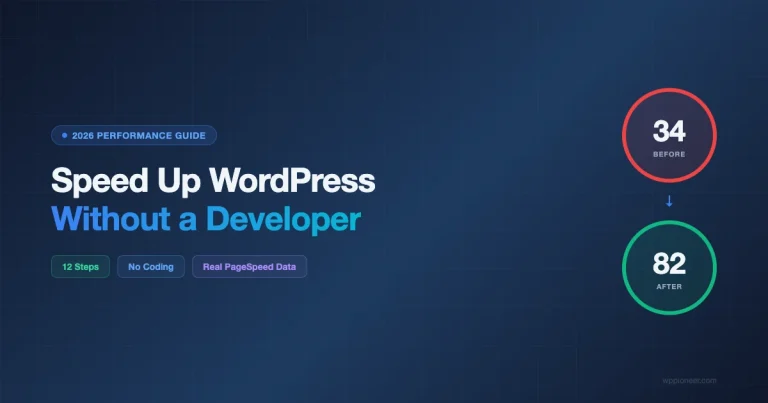
Learn 12 proven steps to speed up your WordPress site on your own. From image optimization to CDN setup, this guide shows real before/after PageSpeed scores with no developer needed.
Your WordPress site is down -- a hack, bad update, or accidental deletion. If you have a backup, you can get back online in 15 minutes. This guide covers 5 restore scenarios: plugin restore with UpdraftPlus or Duplicator, manual FTP + phpMyAdmin restore when locked out, host one-click restore via cPanel or managed hosts, database-only restore for DB corruption, and fresh install with content merge. Includes troubleshooting for URL issues, broken permalinks, serialized data corruption, and a post-restore verification checklist.
Lost a WordPress site once. No backup. Spent the whole weekend trying to recover it. Here is everything you need to know about how to backup your WordPress site the right way in 2026, covering three methods, off-site storage, restore walkthroughs, and the one step most people skip.