How to Create Beautiful Pages Using Block Patterns in WordPress
Learn how to use WordPress block patterns to create beautiful pages in minutes. Browse, insert, customize, and create your own reusable patterns.
Learn how to customize your WordPress header, footer, and page templates using the Site Editor. Complete beginner walkthrough with step-by-step instructions.
Every WordPress site owner encounters errors. This guide covers the 10 most common WordPress errors including the White Screen of Death, database connection errors, 500 Internal Server Error, and more. Each error includes causes, step-by-step fixes, and when to contact your host.
A slow WordPress site is not just annoying, it actively costs you visitors, revenue, and search rankings. Every additional second of load time increases … Read more
Most WordPress site owners install a security plugin, activate it, and never think about it again. They trust that the green checkmark in the … Read more
Block patterns let you build professional WordPress pages in minutes. Learn how to find, insert, customize, and create your own patterns — no code or page builder needed.
Every common WordPress error has a simple fix. This guide covers the 10 most frequent errors with step-by-step solutions, from the White Screen of Death to syntax errors.
Starting a new WordPress site? These 10 essential plugins cover security, SEO, caching, backups, contact forms, image optimization, anti-spam, analytics, SSL, and performance monitoring. Install them on day one to launch protected and ready.
Learn how to check if your WordPress site is secure with this beginner-friendly guide. Understand common risks, use the free WP Vanguard scanner to get your security grade, and follow simple steps to fix issues.
Learn how to change fonts, colors, spacing, and layout on your WordPress site using Global Styles - no code required. Step-by-step guide for complete beginners.
A complete beginner-friendly guide to every menu item in the WordPress admin dashboard. Learn what each section does, from Posts and Pages to Appearance, Plugins, Users, Tools, and Settings, plus 5 quick wins to configure right after installing WordPress.
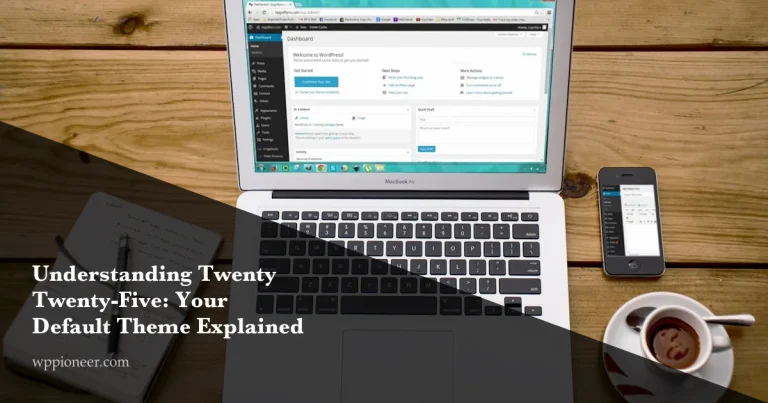
A complete beginner guide to Twenty Twenty-Five: style variations, Global Styles, template hierarchy, built-in patterns, and how to customize your WordPress site.
Learn which essential WordPress pages every website needs — Home, About, Contact, Privacy Policy, Terms, and a custom 404 — and get step-by-step instructions to create each one correctly.
Learn how to build your first WordPress 6.9 website in just 30 minutes. This step-by-step beginner guide covers hosting, themes, Site Editor, creating pages, and publishing your first blog post.
Learn how to add a free contact form to your WordPress site using WPForms Lite or Contact Form 7. Step-by-step setup, spam protection with reCAPTCHA, and email delivery fixes included.