How to Set Up Automated WordPress Backups That Actually Work
Set up automated WordPress backups with off-site storage. Covers UpdraftPlus, Google Drive, Amazon S3, and restore testing.
Compare Elementor, Bricks Builder, and Breakdance on performance, pricing, and ease of use to find the right page builder for 2026.
A complete guide to every WooCommerce Settings option - from General and Products through Tax, Shipping, Payments, Accounts, Emails, and Advanced. Learn what each setting does, when to change the default, and the common mistakes beginners make.
AI plugins can transform your WordPress site - but do you know where your content goes when you click 'Generate'? This beginner's guide explains API keys, who pays for AI processing, how to read a plugin's privacy policy, 5 questions to ask before installing, and how to set spending limits on OpenAI and Anthropic.
Learn how to secure your WordPress site in 2026. This beginner guide covers updates, strong passwords, 2FA, security plugins, automated backups, and login protection — no technical skills required.
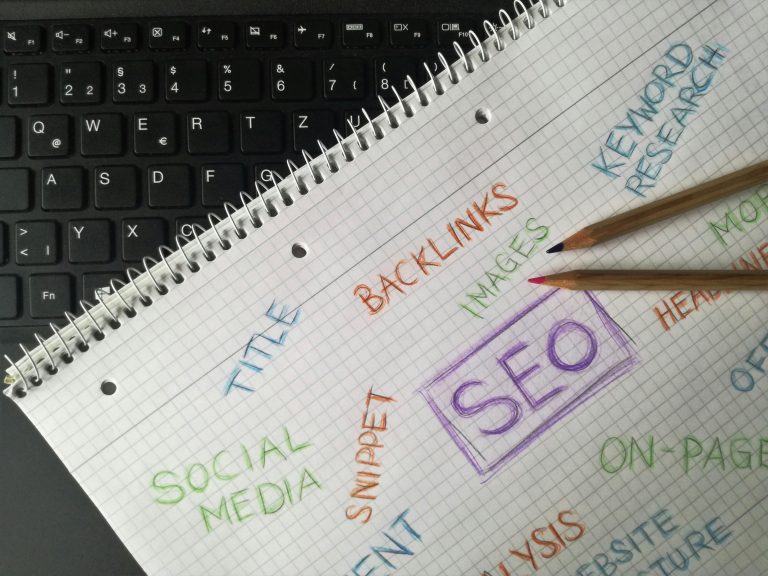
Learn how to set up WordPress SEO the right way in 2026. This beginner guide covers permalinks, Rank Math, Google Search Console, sitemaps, and writing content that ranks on Google.
Build a custom blog layout using the WordPress Site Editor: post grid, sidebar, pagination, featured posts section, and Query Loop configuration — all without code.
A complete guide to every core block in WordPress 6.9 - Text, Media, Design, Widget, Theme, and Embed blocks explained with practical use cases. The definitive block reference for WordPress users.
Learn how to build a WordPress online store with WooCommerce - no coding required. Covers setup, products, payments, shipping, and taxes with step-by-step instructions for beginners.
Every WordPress site owner encounters errors. This guide covers the 10 most common WordPress errors including the White Screen of Death, database connection errors, 500 Internal Server Error, and more. Each error includes causes, step-by-step fixes, and when to contact your host.
Learn how to optimize your WordPress site for search engines using only built-in features. This practical guide covers permalinks, headings, image alt text, internal linking, XML sitemaps, and Google Search Console setup — no plugins required.
A slow WordPress site can have many causes - hosting, too many plugins, unoptimized images, or missing caching. This troubleshooting guide walks through diagnosing the actual cause and fixing it systematically.
Block patterns let you build professional WordPress pages in minutes. Learn how to find, insert, customize, and create your own patterns — no code or page builder needed.
Every common WordPress error has a simple fix. This guide covers the 10 most frequent errors with step-by-step solutions, from the White Screen of Death to syntax errors.
Starting a new WordPress site? These 10 essential plugins cover security, SEO, caching, backups, contact forms, image optimization, anti-spam, analytics, SSL, and performance monitoring. Install them on day one to launch protected and ready.