Beginner’s Guide

How-To GuidesMarketing & SEOSite Maintenance Basics

Views: 0

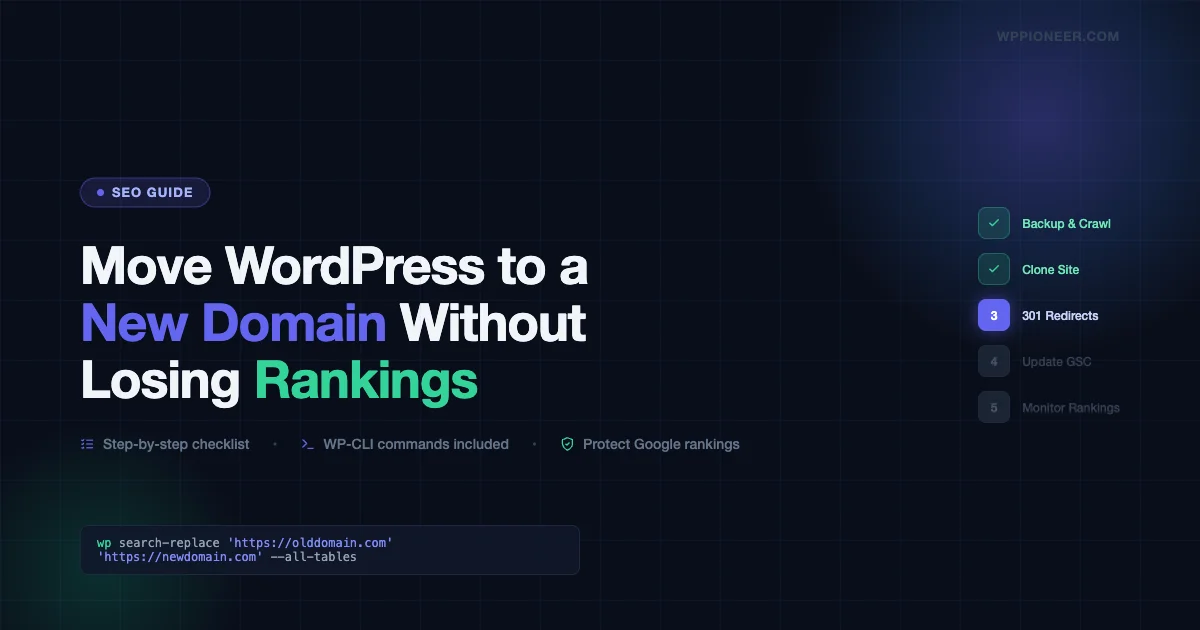
How to Move a WordPress Site to a New Domain Without Losing Google Rankings

A practical step-by-step guide to moving your WordPress site to a new domain while protecting your Google rankings. Covers backup, cloning, 301 redirects, Search Console updates, and post-migration monitoring.

Read More

Beginner’s GuideChecklists

Views: 3

How to Fix a WordPress Redirect Hack That Sends Visitors to Spam Sites (2026 Guide)

A WordPress redirect hack silently sends your visitors to casino, pharma, or spam sites without you knowing. This guide shows you exactly where redirect malware hides in WordPress — .htaccess, theme functions.php, wp_options, and fake image files — and how to find and remove every instance.

Read More

Beginner’s GuideChecklists

Views: 5

How to Fix a WordPress Site That’s Been Hacked (Without Losing Your Content)

Your WordPress site has been hacked. This step-by-step guide shows you how to identify the hack, isolate and clean the site, remove malicious users and backdoors, restore from a clean backup if needed, and harden WordPress against the next attack — all without losing your content.

Read More

Beginner’s GuideConversion Optimization

Views: 3

How to Move a WooCommerce Store to a New WordPress Site Without Losing Customer Data or Orders

Moving a WooCommerce store to a new WordPress site without losing customer data, order history, or product inventory. This step-by-step guide covers database export, product migration, customer transfer, payment gateway reconnection, and post-move verification so you go live with zero data loss.

Read More

Beginner’s GuideHosting & Installation

Views: 4

How to Move Your Squarespace Site to WordPress Without Losing Pages, Images, or SEO

A complete step-by-step guide to migrating your Squarespace site to WordPress without losing pages, images, or SEO rankings. Covers XML export, image import, page rebuilding, redirect setup, domain transfer, and WooCommerce for e-commerce stores.

Read More

Beginner’s GuideTroubleshooting Common Issues

Views: 3

Why Your WordPress Login Page Shows a Blank Screen (And How to Get Back In)

Your WordPress login page is showing a blank white screen. This guide covers 7 specific fixes to get back into wp-admin without deleting anything, including disabling plugins via FTP, resetting .htaccess, clearing browser cache, and checking for a hidden custom login URL.

Read More

Beginner’s GuideTroubleshooting Common Issues

Views: 3

How to Fix the WordPress White Screen of Death in 10 Minutes (Without Deleting Anything)

Your WordPress site went blank. No error, just white. This guide covers every cause of the WordPress White Screen of Death and gives you exact steps to fix it in under 10 minutes without deleting your content or reinstalling WordPress.

Read More

Beginner’s GuidePerformance OptimizationSite Maintenance Basics

Views: 1

Why Is WordPress Admin So Slow (And How to Make It Fast Again in 2026)

Diagnose and fix a slow WordPress admin panel. Learn how to control the Heartbeat API, add Redis object cache, find plugin offenders, fix Gutenberg slowness, and optimize server resources.

Read More

Beginner’s GuidePerformance OptimizationPerformance Plugins

Views: 3

How to Speed Up Your WordPress Site Without Hiring a Developer (2026 Guide)

Learn 12 proven steps to speed up your WordPress site on your own. From image optimization to CDN setup, this guide shows real before/after PageSpeed scores with no developer needed.

Read More

Beginner’s GuideGetting Started with WordPress

Views: 2

How to Restore Your WordPress Site From a Backup in 15 Minutes (Even If the Site Is Down)

Your WordPress site is down — a hack, bad update, or accidental deletion. If you have a backup, you can get back online in 15 minutes. This guide covers 5 restore scenarios: plugin restore with UpdraftPlus or Duplicator, manual FTP + phpMyAdmin restore when locked out, host one-click restore via cPanel or managed hosts, database-only restore for DB corruption, and fresh install with content merge. Includes troubleshooting for URL issues, broken permalinks, serialized data corruption, and a post-restore verification checklist.

Read More
Close