Tag: WordPress beginner guide

Beginner’s GuideSite Maintenance Basics

Views: 5

How to Keep Your WordPress Site Safe (2026 Beginner Guide)

Learn how to secure your WordPress site in 2026. This beginner guide covers updates, strong passwords, 2FA, security plugins, automated backups, and login protection — no technical skills required.

Read More

Getting Started with WordPressMarketing & SEO

Views: 6

WordPress SEO Basics for Beginners: A 2026 Setup Guide

Learn how to set up WordPress SEO the right way in 2026. This beginner guide covers permalinks, Rank Math, Google Search Console, sitemaps, and writing content that ranks on Google.

Read More

Uncategorized

Views: 5

Your First WordPress Site: The Complete Beginner’s Roadmap

Everything you need to launch your first WordPress site — from choosing hosting to publishing your first post. A complete step-by-step roadmap for absolute beginners.

Read More

Beginner’s GuideGetting Started with WordPress

Views: 6

10 Most Common WordPress Errors and How to Fix Them (With Screenshots)

Every common WordPress error has a simple fix. This guide covers the 10 most frequent errors with step-by-step solutions, from the White Screen of Death to syntax errors.

Read More

Beginner’s GuideSecurity & Best Practices

Views: 15

How to Check If Your WordPress Site Is Secure (Beginner Guide)

Learn how to check if your WordPress site is secure with this beginner-friendly guide. Understand common risks, use the free WP Vanguard scanner to get your security grade, and follow simple steps to fix issues.

Read More

Beginner’s Guide

Views: 4

WordPress Global Styles: The Complete Beginner’s Guide

Learn how to change fonts, colors, spacing, and layout on your WordPress site using Global Styles – no code required. Step-by-step guide for complete beginners.

Read More

WordPress Dashboard 101

Views: 4

WordPress Dashboard Explained: The Complete Beginner Guide to Every Menu Item

A complete beginner-friendly guide to every menu item in the WordPress admin dashboard. Learn what each section does, from Posts and Pages to Appearance, Plugins, Users, Tools, and Settings, plus 5 quick wins to configure right after installing WordPress.

Read More

Beginner’s GuideGetting Started with WordPress

Views: 37

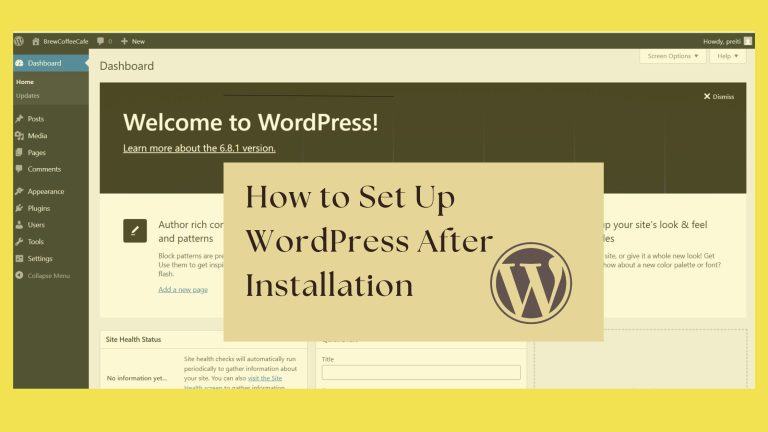
How to Set Up WordPress After Installation

A Beginner’s Step-by-Step Guide to Building Your First Website So, you’ve just installed WordPress and now you’re staring...

Read More
Close